mirror of
https://github.com/ArthurSonzogni/FTXUI.git
synced 2025-12-16 01:48:56 +08:00
Compare commits
125 Commits
v5.1.0
...
2f0afe7b14
| Author | SHA1 | Date | |
|---|---|---|---|

|
2f0afe7b14 | ||
|
|
cde284e747 | ||
|
|
deae56888a | ||
|
|
50467783a6 | ||
|
|
d178bc1a95 | ||
|
|
22576bae6b | ||
|
|
08b8a3b28f | ||
|
|
5cfed50702 | ||
|
|
b307a175ed | ||
|
|
4604adb502 | ||
|
|
add5f40d31 | ||
|
|
805db9bdea | ||
|
|
784f53fd7e | ||
|
|
799d8a267e | ||
|
|
f4513702b0 | ||
|
|
ba6716c6e1 | ||
|
|
694fa6bf5c | ||
|
|
625915b52c | ||
|
|
2d4c114008 | ||
|
|
aa80d8bac9 | ||
|
|
bcdcf70348 | ||
|
|
4231c4903b | ||
|
|
10d73d365f | ||
|
|
07fd3e685a | ||
|
|
09eb2f7fb0 | ||
|
|
1144e13125 | ||
|
|
4ba7dd2c5e | ||
|
|
ee24bec3ba | ||
|
|
327f43b175 | ||
|
|
5bf8ee819b | ||
|
|
d5b741b2be | ||
|
|
b69e0f8b91 | ||
|
|
67163c2571 | ||
|
|
2c9a828402 | ||
|
|
bc682d25a6 | ||
|
|
96e8b8d92e | ||
|
|
f2fb434e31 | ||
|
|
b0e087ecef | ||
|
|
8519e9b0f3 | ||
|
|
36c669c194 | ||
|
|
d75108e960 | ||
|
|
15587dad01 | ||
|
|
c58a234f05 | ||
|
|
c89569f5a7 | ||
|
|
f6a690a942 | ||
|
|
6fafa2dfed | ||
|
|
751c8fab26 | ||
|
|
daa421fa6a | ||
|
|
e213cfda37 | ||
|
|
58ff448e76 | ||
|
|
dfa461b46b | ||
|
|
0683285f01 | ||
|
|
7f74917887 | ||
|
|
ad0392ec39 | ||
|
|
70bc44d28b | ||
|
|
55af678fb9 | ||
|
|
edaa7a24e7 | ||
|
|
8922e6d55e | ||
|
|
99df1ac8ba | ||
|
|
1d40687a40 | ||
|
|
dfb9558eaf | ||
|
|
c5357acbaa | ||
|
|
fbd56cdf43 | ||
|
|
66d1c1f61f | ||
|
|
f5d8c7deb5 | ||
|
|
535290bb3b | ||
|
|
fcd050c017 | ||
|
|
d7de24cd9e | ||
|
|
547d9278d8 | ||
|
|
5a9ef876a1 | ||
|
|
307e4eb4b3 | ||
|
|
b28d57086a | ||
|
|
ff305147ca | ||
|
|
d6a2049483 | ||
|
|
b5e11ba1f6 | ||
|
|
a715a767b5 | ||
|
|
7b1f4d435b | ||
|
|
ecacb22d37 | ||
|
|
af49b57e60 | ||
|
|
4913379625 | ||
|
|
d40cafde5c | ||
|
|
65296b9aa3 | ||
|
|
a58e6e6bcf | ||
|
|
8a2a9b0799 | ||
|
|
6a755f3760 | ||
|
|
d386df6f94 | ||
|
|
d38b14ffb6 | ||
|
|
7e3e1d4bca | ||
|
|
affa787244 | ||
|
|
014bdb4a05 | ||
|
|
293ff179f6 | ||
|
|
1f6e1101e8 | ||
|
|
0dfd59bd09 | ||
|
|
e03a0797be | ||
|
|
3c9fa60d28 | ||
|
|
2216f3a5da | ||
|
|
f609c12846 | ||
|
|
ce5ac6b12f | ||
|
|
f495ce029c | ||
|
|
810657dab8 | ||
|
|
65bbb4f0eb | ||
|
|
5112d9139d | ||
|
|
91a162a30e | ||
|
|
4d5cc41c65 | ||
|
|
cc3bcbf069 | ||
|
|
d0634e1ca0 | ||
|
|
a7b6785420 | ||
|
|
348c3853d4 | ||
|
|
bfadcb7165 | ||
|
|
6c2b43a2aa | ||
|
|
b970cb6ea8 | ||
|
|
c31aecf2ed | ||
|
|
e8589dd533 | ||
|
|
0631c3ab3f | ||
|
|
d548a18658 | ||
|
|
f499d34f7e | ||
|
|
d4c9c5e226 | ||
|
|
62c0b43caf | ||
|
|
c24a274292 | ||
|
|
20d4be286b | ||
|
|
550a59f0a5 | ||
|
|
5db2be0f4d | ||
|
|
8d1665022a | ||
|
|
e5978a8e76 | ||
|
|
0f1588e3d1 |
7
.bazelrc
Normal file
7
.bazelrc
Normal file
@@ -0,0 +1,7 @@
|
||||
build --features=layering_check
|
||||
build --enable_bzlmod
|
||||
|
||||
build --enable_platform_specific_config
|
||||
build:linux --cxxopt=-std=c++20
|
||||
build:macos --cxxopt=-std=c++20
|
||||
build:windows --cxxopt=-std:c++20
|
||||
9
.bcr/README.md
Normal file
9
.bcr/README.md
Normal file
@@ -0,0 +1,9 @@
|
||||
# Bazel Central Registry
|
||||
|
||||
When the ruleset is released, we want it to be published to the
|
||||
Bazel Central Registry automatically:
|
||||
<https://registry.bazel.build>
|
||||
|
||||
This folder contains configuration files to automate the publish step.
|
||||
See <https://github.com/bazel-contrib/publish-to-bcr/blob/main/templates/README.md>
|
||||
for authoritative documentation about these files.
|
||||
16
.bcr/metadata.template.json
Normal file
16
.bcr/metadata.template.json
Normal file
@@ -0,0 +1,16 @@
|
||||
{
|
||||
"homepage": "https://github.com/ArthurSonzogni/FTXUI",
|
||||
"maintainers": [
|
||||
{
|
||||
"name": "Arthur Sonzogni",
|
||||
"email": "sonzogniarthur@gmail.com",
|
||||
"github": "ArthurSonzogni",
|
||||
"github_user_id": 4759106
|
||||
}
|
||||
],
|
||||
"repository": [
|
||||
"github:ArthurSonzogni/FTXUI"
|
||||
],
|
||||
"versions": [],
|
||||
"yanked_versions": {}
|
||||
}
|
||||
36
.bcr/presubmit.yml
Normal file
36
.bcr/presubmit.yml
Normal file
@@ -0,0 +1,36 @@
|
||||
matrix:
|
||||
bazel:
|
||||
- 7.x
|
||||
- 8.x
|
||||
- rolling
|
||||
unix_platform:
|
||||
- debian11
|
||||
- ubuntu2204
|
||||
- macos
|
||||
- macos_arm64
|
||||
win_platform:
|
||||
- windows
|
||||
|
||||
tasks:
|
||||
|
||||
unix_test:
|
||||
name: Verify build targets on Unix
|
||||
platform: ${{ unix_platform }}
|
||||
bazel: ${{ bazel }}
|
||||
build_flags:
|
||||
- --cxxopt=-std=c++20
|
||||
build_targets:
|
||||
- '@ftxui//:dom'
|
||||
- '@ftxui//:component'
|
||||
- '@ftxui//:screen'
|
||||
|
||||
windows_test:
|
||||
name: Verify build targets
|
||||
platform: ${{ win_platform }}
|
||||
bazel: ${{ bazel }}
|
||||
build_flags:
|
||||
- --cxxopt=/std:c++20
|
||||
build_targets:
|
||||
- '@ftxui//:dom'
|
||||
- '@ftxui//:component'
|
||||
- '@ftxui//:screen'
|
||||
5
.bcr/source.template.json
Normal file
5
.bcr/source.template.json
Normal file
@@ -0,0 +1,5 @@
|
||||
{
|
||||
"integrity": "",
|
||||
"strip_prefix": "",
|
||||
"url": "https://github.com/ArthurSonzogni/FTXUI/releases/download/{TAG}/source.tar.gz"
|
||||
}
|
||||
178
.github/workflows/build.yaml
vendored
178
.github/workflows/build.yaml
vendored
@@ -1,17 +1,63 @@
|
||||
name: Build
|
||||
|
||||
on:
|
||||
create:
|
||||
# On new commits to main:
|
||||
push:
|
||||
branches:
|
||||
- main
|
||||
|
||||
# On pull requests:
|
||||
pull_request:
|
||||
branches:
|
||||
- main
|
||||
|
||||
jobs:
|
||||
test:
|
||||
name: "Tests"
|
||||
|
||||
test_bazel:
|
||||
name: "Bazel, ${{ matrix.cxx }}, ${{ matrix.os }}"
|
||||
strategy:
|
||||
fail-fast: false
|
||||
matrix:
|
||||
include:
|
||||
- os: ubuntu-latest
|
||||
cxx: g++
|
||||
cc: gcc
|
||||
|
||||
- os: ubuntu-latest
|
||||
cxx: clang++
|
||||
cc: clang
|
||||
|
||||
- os: macos-latest
|
||||
cxx: g++
|
||||
cc: gcc
|
||||
|
||||
- os: macos-latest
|
||||
cxx: clang++
|
||||
cc: clang
|
||||
|
||||
- os: windows-latest
|
||||
cxx: cl
|
||||
cc: cl
|
||||
|
||||
runs-on: ${{ matrix.os }}
|
||||
steps:
|
||||
- name: "Checkout repository"
|
||||
uses: actions/checkout@v3
|
||||
|
||||
- name: "Build with Bazel"
|
||||
env:
|
||||
CC: ${{ matrix.cc }}
|
||||
CXX: ${{ matrix.cxx }}
|
||||
run: bazel build ...
|
||||
|
||||
- name: "Tests with Bazel"
|
||||
env:
|
||||
CC: ${{ matrix.cc }}
|
||||
CXX: ${{ matrix.cxx }}
|
||||
run: bazel test --test_output=all ...
|
||||
|
||||
test_cmake:
|
||||
name: "CMake, ${{ matrix.compiler }}, ${{ matrix.os }}"
|
||||
strategy:
|
||||
fail-fast: false
|
||||
matrix:
|
||||
@@ -19,18 +65,16 @@ jobs:
|
||||
- name: Linux GCC
|
||||
os: ubuntu-latest
|
||||
compiler: gcc
|
||||
gcov_executable: gcov
|
||||
|
||||
- name: Linux Clang
|
||||
os: ubuntu-latest
|
||||
compiler: llvm
|
||||
gcov_executable: "llvm-cov gcov"
|
||||
|
||||
# https://github.com/aminya/setup-cpp/issues/246
|
||||
#- name: MacOS clang
|
||||
#os: macos-latest
|
||||
#compiler: llvm
|
||||
#gcov_executable: "llvm-cov gcov"
|
||||
- name: MacOS clang
|
||||
os: macos-latest
|
||||
compiler: llvm
|
||||
gcov_executable: "llvm-cov gcov"
|
||||
|
||||
- name: Windows MSVC
|
||||
os: windows-latest
|
||||
@@ -85,7 +129,7 @@ jobs:
|
||||
ctest -C Debug --rerun-failed --output-on-failure;
|
||||
|
||||
- name: Unix - coverage
|
||||
if: runner.os != 'Windows'
|
||||
if: matrix.gcov_executable != ''
|
||||
working-directory: ./build
|
||||
run: >
|
||||
gcovr
|
||||
@@ -121,117 +165,3 @@ jobs:
|
||||
flags: ${{ runner.os }}
|
||||
name: ${{ runner.os }}-coverage
|
||||
files: ./build/coverage.xml
|
||||
|
||||
# Create a release on new v* tags
|
||||
release:
|
||||
needs: test
|
||||
if: ${{ github.event_name == 'create' && startsWith(github.ref, 'refs/tags/v') }}
|
||||
name: "Create release"
|
||||
runs-on: ubuntu-latest
|
||||
outputs:
|
||||
upload_url: ${{ steps.create_release.outputs.upload_url }}
|
||||
steps:
|
||||
- name: "Create release"
|
||||
uses: softprops/action-gh-release@v1
|
||||
id: create_release
|
||||
with:
|
||||
draft: true
|
||||
env:
|
||||
GITHUB_TOKEN: ${{ secrets.GITHUB_TOKEN }}
|
||||
|
||||
# Build artifact for the release
|
||||
package:
|
||||
name: "Build packages"
|
||||
needs: release
|
||||
strategy:
|
||||
matrix:
|
||||
include:
|
||||
- os: ubuntu-latest
|
||||
asset_path: build/ftxui*Linux*
|
||||
- os: macos-latest
|
||||
asset_path: build/ftxui*Darwin*
|
||||
- os: windows-latest
|
||||
asset_path: build/ftxui*Win64*
|
||||
runs-on: ${{ matrix.os }}
|
||||
steps:
|
||||
- name: Get number of CPU cores
|
||||
uses: SimenB/github-actions-cpu-cores@v1
|
||||
id: cpu-cores
|
||||
|
||||
- name: "Checkout repository"
|
||||
uses: actions/checkout@v3
|
||||
|
||||
- name: "Install cmake"
|
||||
uses: lukka/get-cmake@latest
|
||||
|
||||
- name: "Build packages"
|
||||
run: >
|
||||
mkdir build;
|
||||
cd build;
|
||||
cmake ..
|
||||
-DCMAKE_BUILD_TYPE=Release
|
||||
-DCMAKE_BUILD_PARALLEL_LEVEL=${{ steps.cpu-cores.outputs.count }}
|
||||
-DFTXUI_BUILD_DOCS=OFF
|
||||
-DFTXUI_BUILD_EXAMPLES=OFF
|
||||
-DFTXUI_BUILD_TESTS=OFF
|
||||
-DFTXUI_BUILD_TESTS_FUZZER=OFF
|
||||
-DFTXUI_ENABLE_INSTALL=ON
|
||||
-DFTXUI_DEV_WARNINGS=ON ;
|
||||
cmake --build . --target package;
|
||||
|
||||
- uses: shogo82148/actions-upload-release-asset@v1
|
||||
with:
|
||||
upload_url: ${{ needs.release.outputs.upload_url }}
|
||||
asset_path: ${{ matrix.asset_path }}
|
||||
overwrite: true
|
||||
|
||||
documentation:
|
||||
if: github.ref == 'refs/heads/main'
|
||||
runs-on: ubuntu-latest
|
||||
steps:
|
||||
- name: "Checkout repository"
|
||||
uses: actions/checkout@v3
|
||||
|
||||
- name: "Install cmake"
|
||||
uses: lukka/get-cmake@latest
|
||||
|
||||
- name: "Install emsdk"
|
||||
uses: mymindstorm/setup-emsdk@v7
|
||||
|
||||
- name: "Install Doxygen/Graphviz"
|
||||
run: >
|
||||
sudo apt-get update;
|
||||
sudo apt-get install doxygen graphviz;
|
||||
|
||||
- name: "Build documentation"
|
||||
run: >
|
||||
mkdir build;
|
||||
cd build;
|
||||
emcmake cmake ..
|
||||
-DCMAKE_BUILD_TYPE=Release
|
||||
-DFTXUI_BUILD_DOCS=ON
|
||||
-DFTXUI_BUILD_EXAMPLES=ON
|
||||
-DFTXUI_BUILD_TESTS=OFF
|
||||
-DFTXUI_BUILD_TESTS_FUZZER=OFF
|
||||
-DFTXUI_ENABLE_INSTALL=OFF
|
||||
-DFTXUI_DEV_WARNINGS=ON ;
|
||||
cmake --build . --target doc;
|
||||
cmake --build . ;
|
||||
rsync -amv
|
||||
--include='*/'
|
||||
--include='*.html'
|
||||
--include='*.js'
|
||||
--include='*.wasm'
|
||||
--exclude='*'
|
||||
examples
|
||||
doc/doxygen/html;
|
||||
|
||||
- name: "Deploy"
|
||||
uses: peaceiris/actions-gh-pages@v3
|
||||
with:
|
||||
github_token: ${{ secrets.GITHUB_TOKEN }}
|
||||
publish_dir: build/doc/doxygen/html/
|
||||
enable_jekyll: false
|
||||
allow_empty_commit: false
|
||||
force_orphan: true
|
||||
publish_branch: gh-pages
|
||||
|
||||
76
.github/workflows/codeql.yml
vendored
76
.github/workflows/codeql.yml
vendored
@@ -1,76 +0,0 @@
|
||||
# For most projects, this workflow file will not need changing; you simply need
|
||||
# to commit it to your repository.
|
||||
#
|
||||
# You may wish to alter this file to override the set of languages analyzed,
|
||||
# or to provide custom queries or build logic.
|
||||
#
|
||||
# ******** NOTE ********
|
||||
# We have attempted to detect the languages in your repository. Please check
|
||||
# the `language` matrix defined below to confirm you have the correct set of
|
||||
# supported CodeQL languages.
|
||||
#
|
||||
name: "CodeQL"
|
||||
|
||||
on:
|
||||
push:
|
||||
branches: [ "main" ]
|
||||
pull_request:
|
||||
# The branches below must be a subset of the branches above
|
||||
branches: [ "main" ]
|
||||
schedule:
|
||||
- cron: '45 22 * * 5'
|
||||
|
||||
jobs:
|
||||
analyze:
|
||||
name: Analyze
|
||||
runs-on: ${{ (matrix.language == 'swift' && 'macos-latest') || 'ubuntu-latest' }}
|
||||
permissions:
|
||||
actions: read
|
||||
contents: read
|
||||
security-events: write
|
||||
|
||||
strategy:
|
||||
fail-fast: false
|
||||
matrix:
|
||||
language: [ 'cpp' ]
|
||||
# CodeQL supports [ 'cpp', 'csharp', 'go', 'java', 'javascript', 'python', 'ruby' ]
|
||||
# Use only 'java' to analyze code written in Java, Kotlin or both
|
||||
# Use only 'javascript' to analyze code written in JavaScript, TypeScript or both
|
||||
# Learn more about CodeQL language support at https://aka.ms/codeql-docs/language-support
|
||||
|
||||
steps:
|
||||
- name: Checkout repository
|
||||
uses: actions/checkout@v3
|
||||
|
||||
# Initializes the CodeQL tools for scanning.
|
||||
- name: Initialize CodeQL
|
||||
uses: github/codeql-action/init@v2
|
||||
with:
|
||||
languages: ${{ matrix.language }}
|
||||
# If you wish to specify custom queries, you can do so here or in a config file.
|
||||
# By default, queries listed here will override any specified in a config file.
|
||||
# Prefix the list here with "+" to use these queries and those in the config file.
|
||||
|
||||
# For more details on CodeQL's query packs, refer to: https://docs.github.com/en/code-security/code-scanning/automatically-scanning-your-code-for-vulnerabilities-and-errors/configuring-code-scanning#using-queries-in-ql-packs
|
||||
# queries: security-extended,security-and-quality
|
||||
|
||||
|
||||
# Autobuild attempts to build any compiled languages (C/C++, C#, Go, or Java).
|
||||
# If this step fails, then you should remove it and run the build manually (see below)
|
||||
- name: Autobuild
|
||||
uses: github/codeql-action/autobuild@v2
|
||||
|
||||
# ℹ️ Command-line programs to run using the OS shell.
|
||||
# 📚 See https://docs.github.com/en/actions/using-workflows/workflow-syntax-for-github-actions#jobsjob_idstepsrun
|
||||
|
||||
# If the Autobuild fails above, remove it and uncomment the following three lines.
|
||||
# modify them (or add more) to build your code if your project, please refer to the EXAMPLE below for guidance.
|
||||
|
||||
# - run: |
|
||||
# echo "Run, Build Application using script"
|
||||
# ./location_of_script_within_repo/buildscript.sh
|
||||
|
||||
- name: Perform CodeQL Analysis
|
||||
uses: github/codeql-action/analyze@v2
|
||||
with:
|
||||
category: "/language:${{matrix.language}}"
|
||||
65
.github/workflows/documentation.yaml
vendored
Normal file
65
.github/workflows/documentation.yaml
vendored
Normal file
@@ -0,0 +1,65 @@
|
||||
name: Documentation
|
||||
|
||||
on:
|
||||
# On new commits to main:
|
||||
push:
|
||||
branches:
|
||||
- main
|
||||
|
||||
jobs:
|
||||
documentation:
|
||||
runs-on: ubuntu-latest
|
||||
steps:
|
||||
- name: "Checkout repository"
|
||||
uses: actions/checkout@v3
|
||||
|
||||
- name: "Install cmake"
|
||||
uses: lukka/get-cmake@latest
|
||||
|
||||
- name: "Install emsdk"
|
||||
uses: mymindstorm/setup-emsdk@v7
|
||||
|
||||
- name: "Install Doxygen"
|
||||
uses: ssciwr/doxygen-install@v1
|
||||
with:
|
||||
version: '1.12.0'
|
||||
|
||||
- name: "Install Graphviz"
|
||||
run: >
|
||||
sudo apt-get update;
|
||||
sudo apt-get install graphviz;
|
||||
|
||||
- name: "Build documentation"
|
||||
run: >
|
||||
mkdir build;
|
||||
cd build;
|
||||
emcmake cmake ..
|
||||
-DCMAKE_BUILD_TYPE=Release
|
||||
-DFTXUI_BUILD_DOCS=ON
|
||||
-DFTXUI_BUILD_EXAMPLES=ON
|
||||
-DFTXUI_BUILD_TESTS=OFF
|
||||
-DFTXUI_BUILD_TESTS_FUZZER=OFF
|
||||
-DFTXUI_ENABLE_INSTALL=OFF
|
||||
-DFTXUI_DEV_WARNINGS=OFF;
|
||||
cmake --build . --target doc;
|
||||
cmake --build . ;
|
||||
rsync -amv
|
||||
--include='*/'
|
||||
--include='*.html'
|
||||
--include='*.css'
|
||||
--include='*.mjs'
|
||||
--include='*.js'
|
||||
--include='*.wasm'
|
||||
--exclude='*'
|
||||
examples
|
||||
doc/doxygen/html;
|
||||
|
||||
- name: "Deploy"
|
||||
uses: peaceiris/actions-gh-pages@v3
|
||||
with:
|
||||
github_token: ${{ secrets.GITHUB_TOKEN }}
|
||||
publish_dir: build/doc/doxygen/html/
|
||||
enable_jekyll: false
|
||||
allow_empty_commit: false
|
||||
force_orphan: true
|
||||
publish_branch: gh-pages
|
||||
24
.github/workflows/publish.yaml
vendored
Normal file
24
.github/workflows/publish.yaml
vendored
Normal file
@@ -0,0 +1,24 @@
|
||||
name: "Publish to Bazel Central Registry"
|
||||
|
||||
on:
|
||||
# Manual kick-off (you type the tag)
|
||||
workflow_dispatch:
|
||||
inputs:
|
||||
tag_name:
|
||||
description: "Tag to publish"
|
||||
required: true
|
||||
type: string
|
||||
|
||||
permissions:
|
||||
contents: write
|
||||
|
||||
jobs:
|
||||
publish:
|
||||
uses: bazel-contrib/publish-to-bcr/.github/workflows/publish.yaml@v0.0.4
|
||||
with:
|
||||
tag_name: ${{ github.event.inputs.tag_name }}
|
||||
registry_fork: ArthurSonzogni/bazel-central-registry
|
||||
attest: false
|
||||
|
||||
secrets:
|
||||
publish_token: ${{ secrets.PUBLISH_TOKEN }}
|
||||
100
.github/workflows/release.yaml
vendored
Normal file
100
.github/workflows/release.yaml
vendored
Normal file
@@ -0,0 +1,100 @@
|
||||
name: Release
|
||||
|
||||
on:
|
||||
# On push to a tag:
|
||||
push:
|
||||
tags:
|
||||
- 'v*'
|
||||
|
||||
# On manual trigger:
|
||||
workflow_dispatch:
|
||||
|
||||
permissions:
|
||||
# Needed to mint attestations
|
||||
id-token: write
|
||||
attestations: write
|
||||
# Needed to upload release assets
|
||||
contents: write
|
||||
|
||||
jobs:
|
||||
release:
|
||||
name: "Create release"
|
||||
runs-on: ubuntu-latest
|
||||
outputs:
|
||||
upload_url: ${{ steps.create_release.outputs.upload_url }}
|
||||
steps:
|
||||
- name: "Create release"
|
||||
uses: softprops/action-gh-release@v1
|
||||
id: create_release
|
||||
with:
|
||||
draft: true
|
||||
env:
|
||||
GITHUB_TOKEN: ${{ secrets.GITHUB_TOKEN }}
|
||||
|
||||
# Build artifact for the release
|
||||
package_compiled:
|
||||
name: "Build packages"
|
||||
needs: release
|
||||
strategy:
|
||||
matrix:
|
||||
include:
|
||||
- os: ubuntu-latest
|
||||
asset_path: build/ftxui*Linux*
|
||||
- os: macos-latest
|
||||
asset_path: build/ftxui*Darwin*
|
||||
- os: windows-latest
|
||||
asset_path: build/ftxui*Win64*
|
||||
runs-on: ${{ matrix.os }}
|
||||
steps:
|
||||
- name: Get number of CPU cores
|
||||
uses: SimenB/github-actions-cpu-cores@v1
|
||||
id: cpu-cores
|
||||
|
||||
- name: "Checkout repository"
|
||||
uses: actions/checkout@v3
|
||||
|
||||
- name: "Install cmake"
|
||||
uses: lukka/get-cmake@latest
|
||||
|
||||
- name: "Build packages"
|
||||
run: >
|
||||
mkdir build;
|
||||
cd build;
|
||||
cmake ..
|
||||
-DCMAKE_BUILD_TYPE=Release
|
||||
-DCMAKE_BUILD_PARALLEL_LEVEL=${{ steps.cpu-cores.outputs.count }}
|
||||
-DFTXUI_BUILD_DOCS=OFF
|
||||
-DFTXUI_BUILD_EXAMPLES=OFF
|
||||
-DFTXUI_BUILD_TESTS=OFF
|
||||
-DFTXUI_BUILD_TESTS_FUZZER=OFF
|
||||
-DFTXUI_ENABLE_INSTALL=ON
|
||||
-DFTXUI_DEV_WARNINGS=ON ;
|
||||
cmake --build . --target package;
|
||||
|
||||
- uses: shogo82148/actions-upload-release-asset@v1
|
||||
with:
|
||||
upload_url: ${{ needs.release.outputs.upload_url }}
|
||||
asset_path: ${{ matrix.asset_path }}
|
||||
overwrite: true
|
||||
|
||||
# Build "source" artifact for the release. This is the same as the github
|
||||
# "source" archive, but with a stable URL. This is useful for the Bazel
|
||||
# Central Repository.
|
||||
package_source:
|
||||
name: "Build source package"
|
||||
needs: release
|
||||
runs-on: ubuntu-latest
|
||||
steps:
|
||||
- name: "Checkout repository"
|
||||
uses: actions/checkout@v3
|
||||
|
||||
- name: "Create source package"
|
||||
run: >
|
||||
git archive --format=tar.gz -o source.tar.gz HEAD
|
||||
|
||||
- name: "Upload source package"
|
||||
uses: shogo82148/actions-upload-release-asset@v1
|
||||
with:
|
||||
upload_url: ${{ needs.release.outputs.upload_url }}
|
||||
asset_path: source.tar.gz
|
||||
overwrite: true
|
||||
18
.gitignore
vendored
18
.gitignore
vendored
@@ -20,6 +20,10 @@ out/
|
||||
!flake.nix
|
||||
!ftxui.pc.in
|
||||
!iwyu.imp
|
||||
!WORKSPACE.bazel
|
||||
!BUILD.bazel
|
||||
!MODULE.bazel
|
||||
!.bazelrc
|
||||
|
||||
# .github directory:
|
||||
!.github/**/*.yaml
|
||||
@@ -29,6 +33,10 @@ out/
|
||||
!cmake/**/*.in
|
||||
!cmake/**/*.cmake
|
||||
|
||||
# bazel directory:
|
||||
!bazel/**/*.bzl
|
||||
!.bcr/*
|
||||
|
||||
# doc directory:
|
||||
!doc/**/Doxyfile.in
|
||||
!doc/**/*.txt
|
||||
@@ -38,14 +46,16 @@ out/
|
||||
!doc/**/*.md
|
||||
|
||||
# examples directory:
|
||||
!examples/**/*.txt
|
||||
!examples/**/*.cpp
|
||||
!examples/**/*.css
|
||||
!examples/**/*.hpp
|
||||
!examples/**/*.ipp
|
||||
!examples/**/*.html
|
||||
!examples/**/*.py
|
||||
!examples/**/*.js
|
||||
!examples/**/*.html.disabled
|
||||
!examples/**/*.ipp
|
||||
!examples/**/*.js
|
||||
!examples/**/*.mjs
|
||||
!examples/**/*.py
|
||||
!examples/**/*.txt
|
||||
|
||||
# include directory:
|
||||
!include/ftxui/**/*.hpp
|
||||
|
||||
270
BUILD.bazel
Normal file
270
BUILD.bazel
Normal file
@@ -0,0 +1,270 @@
|
||||
# Copyright 2025 Arthur Sonzogni. All rights reserved.
|
||||
# Use of this source code is governed by the MIT license that can be found in
|
||||
# the LICENSE file.
|
||||
|
||||
# TODO:
|
||||
# - Build benchmark.
|
||||
# - Build fuzzers.
|
||||
# - Build documentation.
|
||||
# - Enable the two tests timing out.
|
||||
# - Support WebAssembly
|
||||
|
||||
load("@rules_cc//cc:defs.bzl", "cc_binary", "cc_library", "cc_test")
|
||||
load(":bazel/ftxui.bzl", "ftxui_cc_library")
|
||||
load(":bazel/ftxui.bzl", "generate_examples")
|
||||
load(":bazel/ftxui.bzl", "windows_copts")
|
||||
load(":bazel/ftxui.bzl", "pthread_linkopts")
|
||||
|
||||
# A meta target depending on all of the ftxui submodules.
|
||||
# Note that component depends on dom and screen, so ftxui is just an alias for
|
||||
# component.
|
||||
# ┌component──┐
|
||||
# │┌dom──────┐│
|
||||
# ││┌screen─┐││
|
||||
# └┴┴───────┴┴┘
|
||||
alias(name = "ftxui", actual = ":component")
|
||||
|
||||
# @ftxui:screen is a module that provides a screen buffer and color management
|
||||
# for terminal applications. A screen is a 2D array of cells, each cell can
|
||||
# contain a glyph, a color, and other attributes. The library also provides
|
||||
# functions to manipulate the screen.
|
||||
ftxui_cc_library(
|
||||
name = "screen",
|
||||
srcs = [
|
||||
"src/ftxui/screen/box.cpp",
|
||||
"src/ftxui/screen/color.cpp",
|
||||
"src/ftxui/screen/color_info.cpp",
|
||||
"src/ftxui/screen/image.cpp",
|
||||
"src/ftxui/screen/screen.cpp",
|
||||
"src/ftxui/screen/string.cpp",
|
||||
"src/ftxui/screen/string_internal.hpp",
|
||||
"src/ftxui/screen/terminal.cpp",
|
||||
"src/ftxui/screen/util.hpp",
|
||||
],
|
||||
hdrs = [
|
||||
"include/ftxui/screen/box.hpp",
|
||||
"include/ftxui/screen/color.hpp",
|
||||
"include/ftxui/screen/color_info.hpp",
|
||||
"include/ftxui/screen/deprecated.hpp",
|
||||
"include/ftxui/screen/image.hpp",
|
||||
"include/ftxui/screen/pixel.hpp",
|
||||
"include/ftxui/screen/screen.hpp",
|
||||
"include/ftxui/screen/string.hpp",
|
||||
"include/ftxui/screen/terminal.hpp",
|
||||
"include/ftxui/util/autoreset.hpp",
|
||||
"include/ftxui/util/ref.hpp",
|
||||
],
|
||||
)
|
||||
|
||||
# @ftxui:dom is a library that provides a way to create and manipulate a
|
||||
# "document" that can be rendered to a screen. The document is a tree of nodes.
|
||||
# Nodes can be text, layouts, or various decorators. Users needs to compose
|
||||
# nodes to create a document. A document is responsive to the size of the
|
||||
# screen.
|
||||
ftxui_cc_library(
|
||||
name = "dom",
|
||||
srcs = [
|
||||
"src/ftxui/dom/automerge.cpp",
|
||||
"src/ftxui/dom/blink.cpp",
|
||||
"src/ftxui/dom/bold.cpp",
|
||||
"src/ftxui/dom/border.cpp",
|
||||
"src/ftxui/dom/box_helper.cpp",
|
||||
"src/ftxui/dom/box_helper.hpp",
|
||||
"src/ftxui/dom/canvas.cpp",
|
||||
"src/ftxui/dom/clear_under.cpp",
|
||||
"src/ftxui/dom/color.cpp",
|
||||
"src/ftxui/dom/composite_decorator.cpp",
|
||||
"src/ftxui/dom/dbox.cpp",
|
||||
"src/ftxui/dom/dim.cpp",
|
||||
"src/ftxui/dom/flex.cpp",
|
||||
"src/ftxui/dom/flexbox.cpp",
|
||||
"src/ftxui/dom/flexbox_config.cpp",
|
||||
"src/ftxui/dom/flexbox_helper.cpp",
|
||||
"src/ftxui/dom/flexbox_helper.hpp",
|
||||
"src/ftxui/dom/focus.cpp",
|
||||
"src/ftxui/dom/frame.cpp",
|
||||
"src/ftxui/dom/gauge.cpp",
|
||||
"src/ftxui/dom/graph.cpp",
|
||||
"src/ftxui/dom/gridbox.cpp",
|
||||
"src/ftxui/dom/hbox.cpp",
|
||||
"src/ftxui/dom/hyperlink.cpp",
|
||||
"src/ftxui/dom/inverted.cpp",
|
||||
"src/ftxui/dom/italic.cpp",
|
||||
"src/ftxui/dom/linear_gradient.cpp",
|
||||
"src/ftxui/dom/node.cpp",
|
||||
"src/ftxui/dom/node_decorator.cpp",
|
||||
"src/ftxui/dom/node_decorator.hpp",
|
||||
"src/ftxui/dom/paragraph.cpp",
|
||||
"src/ftxui/dom/reflect.cpp",
|
||||
"src/ftxui/dom/scroll_indicator.cpp",
|
||||
"src/ftxui/dom/selection.cpp",
|
||||
"src/ftxui/dom/selection_style.cpp",
|
||||
"src/ftxui/dom/separator.cpp",
|
||||
"src/ftxui/dom/size.cpp",
|
||||
"src/ftxui/dom/spinner.cpp",
|
||||
"src/ftxui/dom/strikethrough.cpp",
|
||||
"src/ftxui/dom/table.cpp",
|
||||
"src/ftxui/dom/text.cpp",
|
||||
"src/ftxui/dom/underlined.cpp",
|
||||
"src/ftxui/dom/underlined_double.cpp",
|
||||
"src/ftxui/dom/util.cpp",
|
||||
"src/ftxui/dom/vbox.cpp",
|
||||
],
|
||||
hdrs = [
|
||||
"include/ftxui/dom/canvas.hpp",
|
||||
"include/ftxui/dom/deprecated.hpp",
|
||||
"include/ftxui/dom/direction.hpp",
|
||||
"include/ftxui/dom/elements.hpp",
|
||||
"include/ftxui/dom/flexbox_config.hpp",
|
||||
"include/ftxui/dom/linear_gradient.hpp",
|
||||
"include/ftxui/dom/node.hpp",
|
||||
"include/ftxui/dom/requirement.hpp",
|
||||
"include/ftxui/dom/selection.hpp",
|
||||
"include/ftxui/dom/table.hpp",
|
||||
"include/ftxui/dom/take_any_args.hpp",
|
||||
],
|
||||
deps = [":screen"],
|
||||
)
|
||||
|
||||
# @ftxui:component is a library to create "dynamic" component renderering and
|
||||
# updating a ftxui::dom document on the screen. It is a higher level API than
|
||||
# ftxui:dom.
|
||||
#
|
||||
# The module is required if your program needs to respond to user input. It
|
||||
# defines a set of ftxui::Component. These components can be utilized to
|
||||
# navigate using the arrow keys and/or cursor. There are several builtin widgets
|
||||
# like checkbox/inputbox/etc to interact with. You can combine them, or even
|
||||
# define your own custom components.
|
||||
ftxui_cc_library(
|
||||
name = "component",
|
||||
srcs = [
|
||||
"src/ftxui/component/animation.cpp",
|
||||
"src/ftxui/component/button.cpp",
|
||||
"src/ftxui/component/catch_event.cpp",
|
||||
"src/ftxui/component/checkbox.cpp",
|
||||
"src/ftxui/component/collapsible.cpp",
|
||||
"src/ftxui/component/component.cpp",
|
||||
"src/ftxui/component/component_options.cpp",
|
||||
"src/ftxui/component/container.cpp",
|
||||
"src/ftxui/component/dropdown.cpp",
|
||||
"src/ftxui/component/event.cpp",
|
||||
"src/ftxui/component/hoverable.cpp",
|
||||
"src/ftxui/component/input.cpp",
|
||||
"src/ftxui/component/loop.cpp",
|
||||
"src/ftxui/component/maybe.cpp",
|
||||
"src/ftxui/component/menu.cpp",
|
||||
"src/ftxui/component/modal.cpp",
|
||||
"src/ftxui/component/radiobox.cpp",
|
||||
"src/ftxui/component/renderer.cpp",
|
||||
"src/ftxui/component/resizable_split.cpp",
|
||||
"src/ftxui/component/screen_interactive.cpp",
|
||||
"src/ftxui/component/slider.cpp",
|
||||
"src/ftxui/component/terminal_input_parser.cpp",
|
||||
"src/ftxui/component/terminal_input_parser.hpp",
|
||||
"src/ftxui/component/util.cpp",
|
||||
"src/ftxui/component/window.cpp",
|
||||
|
||||
# Private header from ftxui:dom.
|
||||
"src/ftxui/dom/node_decorator.hpp",
|
||||
|
||||
# Private header from ftxui:screen.
|
||||
"src/ftxui/screen/string_internal.hpp",
|
||||
"src/ftxui/screen/util.hpp",
|
||||
],
|
||||
hdrs = [
|
||||
"include/ftxui/component/animation.hpp",
|
||||
"include/ftxui/component/captured_mouse.hpp",
|
||||
"include/ftxui/component/component.hpp",
|
||||
"include/ftxui/component/component_base.hpp",
|
||||
"include/ftxui/component/component_options.hpp",
|
||||
"include/ftxui/component/event.hpp",
|
||||
"include/ftxui/component/loop.hpp",
|
||||
"include/ftxui/component/mouse.hpp",
|
||||
"include/ftxui/component/receiver.hpp",
|
||||
"include/ftxui/component/screen_interactive.hpp",
|
||||
"include/ftxui/component/task.hpp",
|
||||
],
|
||||
linkopts = pthread_linkopts(),
|
||||
deps = [
|
||||
":dom",
|
||||
":screen",
|
||||
],
|
||||
)
|
||||
|
||||
# FTXUI's tests
|
||||
cc_test(
|
||||
name = "tests",
|
||||
testonly = True,
|
||||
srcs = [
|
||||
"src/ftxui/component/animation_test.cpp",
|
||||
"src/ftxui/component/button_test.cpp",
|
||||
"src/ftxui/component/collapsible_test.cpp",
|
||||
"src/ftxui/component/component_test.cpp",
|
||||
"src/ftxui/component/container_test.cpp",
|
||||
"src/ftxui/component/dropdown_test.cpp",
|
||||
"src/ftxui/component/hoverable_test.cpp",
|
||||
"src/ftxui/component/input_test.cpp",
|
||||
"src/ftxui/component/menu_test.cpp",
|
||||
"src/ftxui/component/modal_test.cpp",
|
||||
"src/ftxui/component/radiobox_test.cpp",
|
||||
"src/ftxui/component/receiver_test.cpp",
|
||||
"src/ftxui/component/resizable_split_test.cpp",
|
||||
"src/ftxui/component/slider_test.cpp",
|
||||
"src/ftxui/component/terminal_input_parser_test.cpp",
|
||||
"src/ftxui/component/toggle_test.cpp",
|
||||
"src/ftxui/dom/blink_test.cpp",
|
||||
"src/ftxui/dom/bold_test.cpp",
|
||||
"src/ftxui/dom/border_test.cpp",
|
||||
"src/ftxui/dom/canvas_test.cpp",
|
||||
"src/ftxui/dom/color_test.cpp",
|
||||
"src/ftxui/dom/dbox_test.cpp",
|
||||
"src/ftxui/dom/dim_test.cpp",
|
||||
"src/ftxui/dom/flexbox_helper_test.cpp",
|
||||
"src/ftxui/dom/flexbox_test.cpp",
|
||||
"src/ftxui/dom/gauge_test.cpp",
|
||||
"src/ftxui/dom/gridbox_test.cpp",
|
||||
"src/ftxui/dom/hbox_test.cpp",
|
||||
"src/ftxui/dom/hyperlink_test.cpp",
|
||||
"src/ftxui/dom/italic_test.cpp",
|
||||
"src/ftxui/dom/linear_gradient_test.cpp",
|
||||
"src/ftxui/dom/scroll_indicator_test.cpp",
|
||||
"src/ftxui/dom/separator_test.cpp",
|
||||
"src/ftxui/dom/spinner_test.cpp",
|
||||
"src/ftxui/dom/table_test.cpp",
|
||||
"src/ftxui/dom/text_test.cpp",
|
||||
"src/ftxui/dom/underlined_test.cpp",
|
||||
"src/ftxui/dom/vbox_test.cpp",
|
||||
"src/ftxui/screen/color_test.cpp",
|
||||
"src/ftxui/screen/string_test.cpp",
|
||||
"src/ftxui/util/ref_test.cpp",
|
||||
|
||||
# Private header from ftxui:screen for string_test.cpp.
|
||||
"src/ftxui/screen/string_internal.hpp",
|
||||
|
||||
# Private header from ftxui::component for
|
||||
# terminal_input_parser_test.cpp.
|
||||
"src/ftxui/component/terminal_input_parser.hpp",
|
||||
|
||||
# Private header from ftxui::dom for
|
||||
# flexbox_helper_test.cpp.
|
||||
"src/ftxui/dom/flexbox_helper.hpp",
|
||||
|
||||
# TODO: Enable the two tests timing out with Bazel:
|
||||
# - "src/ftxui/component/screen_interactive_test.cpp",
|
||||
# - "src/ftxui/dom/selection_test.cpp",
|
||||
],
|
||||
includes = [
|
||||
"include",
|
||||
"src",
|
||||
],
|
||||
copts = windows_copts(),
|
||||
deps = [
|
||||
":screen",
|
||||
":dom",
|
||||
":component",
|
||||
"@googletest//:gtest",
|
||||
"@googletest//:gtest_main",
|
||||
],
|
||||
)
|
||||
|
||||
generate_examples()
|
||||
108
CHANGELOG.md
108
CHANGELOG.md
@@ -1,8 +1,82 @@
|
||||
Changelog
|
||||
=========
|
||||
|
||||
current (development)
|
||||
---------------------
|
||||
Next
|
||||
====
|
||||
|
||||
### Doc
|
||||
- Fix broken Doxygen output. See @markmandel in #1029.
|
||||
- Use Doxygen awesome. Add our own theme.
|
||||
- Break the documentation into several pages.
|
||||
|
||||
|
||||
6.1.9 (2025-05-07)
|
||||
------------
|
||||
|
||||
### Build
|
||||
If all goes well (pending), ftxui should appear in the Bazel central repository.
|
||||
It can be imported into your project using the following lines:
|
||||
|
||||
**MODULE.bazel**
|
||||
```bazel
|
||||
bazel_dep(name = "ftxui", version = "6.1.9")
|
||||
```
|
||||
|
||||
Thanks @robinlinden and @kcc for the reviews.
|
||||
|
||||
### dom
|
||||
- Bugfix: Restore the `dbox` behavior from ftxui 5.0.0. To apply bgcolor
|
||||
blending between the two layers, a new `dboxBlend` will be added.
|
||||
|
||||
6.1.8 (2025-05-01)
|
||||
------------------
|
||||
|
||||
### Build
|
||||
- Feature: Support `bazel` build system. See #1032.
|
||||
Proposed by Kostya Serebryany @kcc
|
||||
|
||||
**BUILD.bazel**
|
||||
```bazel
|
||||
deps = [
|
||||
// Depend on the whole library:
|
||||
"@ftxui//:ftxui",
|
||||
|
||||
// Choose a specific submodule:
|
||||
"@ftxui//:component",
|
||||
"@ftxui//:dom",
|
||||
"@ftxui//:screen",
|
||||
]
|
||||
```
|
||||
|
||||
### Component
|
||||
- Bugfix: Fix a crash with ResizeableSplit. See #1023.
|
||||
- Clamp screen size to terminal size.
|
||||
- Disallow `ResizeableSplit` with negative size.
|
||||
|
||||
### Dom
|
||||
- Bugfix: Disallow specifying a negative size constraint. See #1023.
|
||||
|
||||
|
||||
6.0.2 (2025-03-30)
|
||||
-----
|
||||
|
||||
### Component
|
||||
- BugFix: Fix major crash on Windows affecting all components. See #1020
|
||||
- BugFix: Fix focusRelative.
|
||||
|
||||
6.0.1 (2025-03-28)
|
||||
-----
|
||||
|
||||
Same as v6.0.0.
|
||||
|
||||
Due to a problem tag v6.0.0 was replaced. This isn't a good practice and affect
|
||||
developers that started using it in the short timeframe. Submitting a new
|
||||
release with the same content is the best way to fix this.
|
||||
|
||||
See #1017 and #1019.
|
||||
|
||||
6.0.0 (2025-03-23)
|
||||
-----
|
||||
|
||||
### Component
|
||||
- Feature: Add support for raw input. Allowing more keys to be detected.
|
||||
@@ -16,6 +90,9 @@ current (development)
|
||||
- Feature: Add support for `Input`'s insert mode. Add `InputOption::insert`
|
||||
option. Added by @mingsheng13.
|
||||
- Feature: Add `DropdownOption` to configure the dropdown. See #826.
|
||||
- Feature: Add support for Selection. Thanks @clement-roblot. See #926.
|
||||
- See `ScreenInteractive::GetSelection()`.
|
||||
- See `ScreenInteractive::SelectionChange(...)` listener.
|
||||
- Bugfix/Breaking change: `Mouse transition`:
|
||||
- Detect when the mouse move, as opposed to being pressed.
|
||||
The Mouse::Moved motion was added.
|
||||
@@ -35,16 +112,43 @@ current (development)
|
||||
- Bugfix: Fix cursor position in when in the last column. See #831.
|
||||
- Bugfix: Fix `ResizeableSplit` keyboard navigation. Fixed by #842.
|
||||
- Bugfix: Fix `Menu` focus. See #841
|
||||
- Feature: Add `ComponentBase::Index()`. This allows to get the index of a
|
||||
component in its parent. See #932
|
||||
- Feature: Add `EntryState::index`. This allows to get the index of a menu entry.
|
||||
See #932
|
||||
- Feature: Add `SliderOption::on_change`. This allows to set a callback when the
|
||||
slider value changes. See #938.
|
||||
- Bugfix: Handle `Dropdown` with no entries.
|
||||
- Bugfix: Fix crash in `LinearGradient` due to float precision and an off-by-one
|
||||
mistake. See #998.
|
||||
|
||||
### Dom
|
||||
- Feature: Add `italic` decorator. For instance:
|
||||
```cpp
|
||||
auto italic_text = text("Italic text") | italic;
|
||||
```
|
||||
```cpp
|
||||
auto italic_text = italic(text("Italic text"));
|
||||
```
|
||||
Proposed by @kenReneris in #1009.
|
||||
- Feature: Add `hscroll_indicator`. It display an horizontal indicator
|
||||
reflecting the current scroll position. Proposed by @ibrahimnasson in
|
||||
[issue 752](https://github.com/ArthurSonzogni/FTXUI/issues/752)
|
||||
- Feature: Add `extend_beyond_screen` option to `Dimension::Fit(..)`, allowing
|
||||
the element to be larger than the screen. Proposed by @LordWhiro. See #572 and
|
||||
#949.
|
||||
- Feature: Add support for Selection. Thanks @clement-roblot. See #926.
|
||||
- See `selectionColor` decorator.
|
||||
- See `selectionBackgroundColor` decorator.
|
||||
- See `selectionForegroundColor` decorator.
|
||||
- See `selectionStyle(style)` decorator.
|
||||
- See `selectionStyleReset` decorator.
|
||||
- Breaking change: Change how "focus"/"select" are handled. This fixes the
|
||||
behavior.
|
||||
- Breaking change: `Component::OnRender()` becomes the method to override to
|
||||
render a component. This replaces `Component::Render()` that is still in use
|
||||
to call the rendering method on the children. This change allows to fix a
|
||||
couple of issues around focus handling.
|
||||
|
||||
### Screen
|
||||
- Feature: Add `Box::IsEmpty()`.
|
||||
|
||||
@@ -2,7 +2,7 @@ cmake_minimum_required(VERSION 3.12)
|
||||
|
||||
project(ftxui
|
||||
LANGUAGES CXX
|
||||
VERSION 5.0.0
|
||||
VERSION 6.1.9
|
||||
DESCRIPTION "C++ Functional Terminal User Interface."
|
||||
)
|
||||
|
||||
@@ -56,11 +56,12 @@ add_library(dom
|
||||
include/ftxui/dom/flexbox_config.hpp
|
||||
include/ftxui/dom/node.hpp
|
||||
include/ftxui/dom/requirement.hpp
|
||||
include/ftxui/dom/selection.hpp
|
||||
include/ftxui/dom/take_any_args.hpp
|
||||
src/ftxui/dom/automerge.cpp
|
||||
src/ftxui/dom/selection_style.cpp
|
||||
src/ftxui/dom/blink.cpp
|
||||
src/ftxui/dom/bold.cpp
|
||||
src/ftxui/dom/hyperlink.cpp
|
||||
src/ftxui/dom/border.cpp
|
||||
src/ftxui/dom/box_helper.cpp
|
||||
src/ftxui/dom/box_helper.hpp
|
||||
@@ -81,13 +82,16 @@ add_library(dom
|
||||
src/ftxui/dom/graph.cpp
|
||||
src/ftxui/dom/gridbox.cpp
|
||||
src/ftxui/dom/hbox.cpp
|
||||
src/ftxui/dom/hyperlink.cpp
|
||||
src/ftxui/dom/inverted.cpp
|
||||
src/ftxui/dom/italic.cpp
|
||||
src/ftxui/dom/linear_gradient.cpp
|
||||
src/ftxui/dom/node.cpp
|
||||
src/ftxui/dom/node_decorator.cpp
|
||||
src/ftxui/dom/paragraph.cpp
|
||||
src/ftxui/dom/reflect.cpp
|
||||
src/ftxui/dom/scroll_indicator.cpp
|
||||
src/ftxui/dom/selection.cpp
|
||||
src/ftxui/dom/separator.cpp
|
||||
src/ftxui/dom/size.cpp
|
||||
src/ftxui/dom/spinner.cpp
|
||||
|
||||
13
MODULE.bazel
Normal file
13
MODULE.bazel
Normal file
@@ -0,0 +1,13 @@
|
||||
# FTXUI module.
|
||||
module(
|
||||
name = "ftxui",
|
||||
version = "6.1.9",
|
||||
compatibility_level = 6,
|
||||
)
|
||||
|
||||
# Build dependencies.
|
||||
bazel_dep(name = "rules_cc", version = "0.1.1")
|
||||
bazel_dep(name = "platforms", version = "0.0.10")
|
||||
|
||||
# Test dependencies.
|
||||
bazel_dep(name = "googletest", version = "1.14.0.bcr.1", dev_dependency = True)
|
||||
115
README.md
115
README.md
@@ -42,15 +42,24 @@ A simple cross-platform C++ library for terminal based user interfaces!
|
||||
* No dependencies
|
||||
* **Cross platform**: Linux/MacOS (main target), WebAssembly, Windows (Thanks to contributors!).
|
||||
* Learn by [examples](#documentation), and [tutorials](#documentation)
|
||||
* Multiple packages: CMake [FetchContent]([https://bewagner.net/programming/2020/05/02/cmake-fetchcontent/](https://cmake.org/cmake/help/latest/module/FetchContent.html)) (preferred), vcpkg, pkgbuild, conan.
|
||||
* Good practises: documentation, tests, fuzzers, performance tests, automated CI, automated packaging, etc...
|
||||
* Multiple packages:
|
||||
- CMake [FetchContent]([https://bewagner.net/programming/2020/05/02/cmake-fetchcontent/](https://cmake.org/cmake/help/latest/module/FetchContent.html)) (preferred)
|
||||
- [Bazel](https://registry.bazel.build/modules/ftxui)
|
||||
- [vcpkg](https://vcpkg.link/ports/ftxui)
|
||||
- [Conan](https://conan.io/center/recipes/ftxui) [Debian package](https://tracker.debian.org/pkg/ftxui)
|
||||
- [Ubuntu package](https://launchpad.net/ubuntu/+source/ftxui)
|
||||
- [Arch Linux](https://aur.archlinux.org/packages/ftxui/)
|
||||
- [OpenSUSE](https://build.opensuse.org/package/show/devel:libraries:c_c++/ftxui)
|
||||
* Good practices: documentation, tests, fuzzers, performance tests, automated CI, automated packaging, etc...
|
||||
|
||||
## Documentation
|
||||
|
||||
- [Starter example project](https://github.com/ArthurSonzogni/ftxui-starter)
|
||||
- [Starter CMake](https://github.com/ArthurSonzogni/ftxui-starter)
|
||||
- [Starter Bazel](https://github.com/ArthurSonzogni/ftxui-bazel)
|
||||
- [Documentation](https://arthursonzogni.github.io/FTXUI/)
|
||||
- [Examples (WebAssembly)](https://arthursonzogni.github.io/FTXUI/examples/)
|
||||
- [Build using CMake](https://arthursonzogni.github.io/FTXUI/#build-cmake)
|
||||
- [Build using Bazel](https://arthursonzogni.github.io/FTXUI/#build-bazel)
|
||||
|
||||
## Example
|
||||
~~~cpp
|
||||
@@ -73,7 +82,7 @@ A simple cross-platform C++ library for terminal based user interfaces!
|
||||
|
||||
#### DOM
|
||||
|
||||
This module defines a hierarchical set of Element. An element manages layout and can be responsive to the terminal dimensions.
|
||||
This module defines a hierarchical set of Element. An Element manages layout and can be responsive to the terminal dimensions.
|
||||
|
||||
They are declared in [<ftxui/dom/elements.hpp>](https://arthursonzogni.github.io/FTXUI/elements_8hpp_source.html
|
||||
)
|
||||
@@ -109,6 +118,7 @@ Element can become flexible using the the `flex` decorator.
|
||||
|
||||
An element can be decorated using the functions:
|
||||
- `bold`
|
||||
- `italic`
|
||||
- `dim`
|
||||
- `inverted`
|
||||
- `underlined`
|
||||
@@ -199,7 +209,7 @@ Complex [examples](https://github.com/ArthurSonzogni/FTXUI/blob/master/examples/
|
||||
|
||||
#### Component
|
||||
|
||||
The ftxui/component is needed when you want to produce dynamic UI, reactive to the user's input. It defines a set of ftxui::Component. A component reacts to Events (keyboard, mouse, resize, ...) and Render Element (see previous section).
|
||||
ftxui/component produces dynamic UI, reactive to the user's input. It defines a set of ftxui::Component. A component reacts to Events (keyboard, mouse, resize, ...) and Renders as an Element (see previous section).
|
||||
|
||||
Prebuilt components are declared in [<ftxui/component/component.hpp>](https://arthursonzogni.github.io/FTXUI/component_8hpp_source.html)
|
||||
|
||||
@@ -293,7 +303,10 @@ Prebuilt components are declared in [<ftxui/component/component.hpp>](https://ar
|
||||
</details>
|
||||
|
||||
## Libraries for FTXUI
|
||||
- *Want to share a useful component using FTXUI? Feel free adding yours here*
|
||||
- *Want to share a useful Component for FTXUI? Feel free to add yours here*
|
||||
- [ftxui-grid-container](https://github.com/mingsheng13/grid-container-ftxui)
|
||||
- [ftxui-ip-input](https://github.com/mingsheng13/ip-input-ftxui)
|
||||
- [ftxui-image-view](https://github.com/ljrrjl/ftxui-image-view.git): For Image Display.
|
||||
|
||||
|
||||
## Project using FTXUI
|
||||
@@ -301,12 +314,12 @@ Prebuilt components are declared in [<ftxui/component/component.hpp>](https://ar
|
||||
Feel free to add your projects here:
|
||||
- [json-tui](https://github.com/ArthurSonzogni/json-tui)
|
||||
- [git-tui](https://github.com/ArthurSonzogni/git-tui)
|
||||
- [ostree-tui](https://github.com/AP-Sensing/ostree-tui)
|
||||
- [rgb-tui](https://github.com/ArthurSonzogni/rgb-tui)
|
||||
- [chrome-log-beautifier](https://github.com/ArthurSonzogni/chrome-log-beautifier)
|
||||
- [x86-64 CPU Architecture Simulation](https://github.com/AnisBdz/CPU)
|
||||
- [ltuiny](https://github.com/adrianoviana87/ltuiny)
|
||||
- [i3-termdialogs](https://github.com/mibli/i3-termdialogs)
|
||||
- [Just-Fast](https://github.com/GiuseppeCesarano/just-fast)
|
||||
- [simpPRU](https://github.com/VedantParanjape/simpPRU)
|
||||
- [Pigeon ROS TUI](https://github.com/PigeonSensei/Pigeon_ros_tui)
|
||||
- [hastur](https://github.com/robinlinden/hastur)
|
||||
@@ -323,6 +336,28 @@ Feel free to add your projects here:
|
||||
- [eCAL monitor](https://github.com/eclipse-ecal/ecal)
|
||||
- [Path Finder](https://github.com/Ruebled/Path_Finder)
|
||||
- [rw-tui](https://github.com/LeeKyuHyuk/rw-tui)
|
||||
- [resource-monitor](https://github.com/catalincd/resource-monitor)
|
||||
- [ftxuiFileReader](https://github.com/J0sephDavis/ftxuiFileReader)
|
||||
- [ftxui_CPUMeter](https://github.com/tzzzzzzzx/ftxui_CPUMeter)
|
||||
- [Captain's log](https://github.com/nikoladucak/caps-log)
|
||||
- [FTowerX](https://github.com/MhmRhm/FTowerX)
|
||||
- [Caravan](https://github.com/r3w0p/caravan)
|
||||
- [Step-Writer](https://github.com/BrianAnakPintar/step-writer)
|
||||
- [XJ music](https://github.com/xjmusic/xjmusic)
|
||||
- [UDP chat](https://github.com/Sergeydigl3/udp-chat-tui)
|
||||
- [2048-cpp](https://github.com/Chessom/2048-cpp)
|
||||
- [Memory game](https://github.com/mikolajlubiak/memory)
|
||||
- [Terminal Animation](https://github.com/mikolajlubiak/terminal_animation)
|
||||
- [pciex](https://github.com/s0nx/pciex)
|
||||
- [Fallout terminal hacking](https://github.com/gshigin/yet-another-fallout-terminal-hacking-game)
|
||||
- [Lazylist](https://github.com/zhuyongqi9/lazylist)
|
||||
- [TUISIC](https://github.com/Dark-Kernel/tuisic)
|
||||
- [inLimbo](https://github.com/nots1dd/inLimbo)
|
||||
- [BestEdrOfTheMarket](https://github.com/Xacone/BestEdrOfTheMarket)
|
||||
- [terminal-rain](https://github.com/Oakamoore/terminal-rain)
|
||||
- [keywords](https://github.com/Oakamoore/keywords) ([Play web version :heart:](https://oakamoore.itch.io/keywords))
|
||||
- [FTB - tertminal file browser](https://github.com/Cyxuan0311/FTB)
|
||||
- [SHOOT!](https://github.com/ShingZhanho/ENGG1340-Project-25Spring)
|
||||
|
||||
### [cpp-best-practices/game_jam](https://github.com/cpp-best-practices/game_jam)
|
||||
|
||||
@@ -339,32 +374,66 @@ Several games using the FTXUI have been made during the Game Jam:
|
||||
- [smoothlife](https://github.com/cpp-best-practices/game_jam/blob/main/Jam1_April_2022/smoothlife.md)
|
||||
- [Consu](https://github.com/cpp-best-practices/game_jam/blob/main/Jam1_April_2022/consu.md)
|
||||
|
||||
## External package
|
||||
## Build using CMake
|
||||
|
||||
It is **highly** recommended to use CMake FetchContent to depend on FTXUI. This
|
||||
way you can specify which commit you would like to depend on.
|
||||
It is **highly** recommended to use CMake FetchContent to depend on FTXUI so you may specify which commit you would like to depend on.
|
||||
```cmake
|
||||
include(FetchContent)
|
||||
|
||||
FetchContent_Declare(ftxui
|
||||
GIT_REPOSITORY https://github.com/ArthurSonzogni/ftxui
|
||||
GIT_TAG v3.0.0
|
||||
GIT_TAG v6.1.9
|
||||
)
|
||||
FetchContent_MakeAvailable(ftxui)
|
||||
|
||||
FetchContent_GetProperties(ftxui)
|
||||
if(NOT ftxui_POPULATED)
|
||||
FetchContent_Populate(ftxui)
|
||||
add_subdirectory(${ftxui_SOURCE_DIR} ${ftxui_BINARY_DIR} EXCLUDE_FROM_ALL)
|
||||
endif()
|
||||
target_link_libraries(your_target PRIVATE
|
||||
# Chose a submodule
|
||||
ftxui::component
|
||||
ftxui::dom
|
||||
ftxui::screen
|
||||
)
|
||||
```
|
||||
|
||||
If you don't, the following packages have been created:
|
||||
- [vcpkg](https://vcpkgx.com/details.html?package=ftxui)
|
||||
- [Arch Linux PKGBUILD](https://aur.archlinux.org/packages/ftxui-git/).
|
||||
- [conan.io](https://conan.io/center/ftxui)
|
||||
- [openSUSE](https://build.opensuse.org/package/show/devel:libraries:c_c++/ftxui)
|
||||
# Build using Bazel
|
||||
|
||||
[](https://repology.org/project/ftxui/versions)
|
||||
**MODULE.bazel**
|
||||
```starlark
|
||||
bazel_dep(
|
||||
name = "ftxui",
|
||||
version = "v6.1.9",
|
||||
)
|
||||
```
|
||||
|
||||
**BUILD.bazel**
|
||||
```starlark
|
||||
cc_binary(
|
||||
name = "your_target",
|
||||
srcs = ["your_source.cc"],
|
||||
deps = [
|
||||
"@ftxui//:ftxui_component",
|
||||
"@ftxui//:ftxui_dom",
|
||||
"@ftxui//:ftxui_screen",
|
||||
],
|
||||
)
|
||||
```
|
||||
|
||||
|
||||
# Build with something else:
|
||||
If you don't, FTXUI may be used from the following packages:
|
||||
- CMake [FetchContent]([https://bewagner.net/programming/2020/05/02/cmake-fetchcontent/](https://cmake.org/cmake/help/latest/module/FetchContent.html)) (preferred),
|
||||
- [Bazel](https://registry.bazel.build/modules/ftxui),
|
||||
- [vcpkg](https://vcpkg.link/ports/ftxui),
|
||||
- [Conan](https://conan.io/center/recipes/ftxui)
|
||||
- [Debian package](https://tracker.debian.org/pkg/ftxui),
|
||||
- [Ubuntu package](https://launchpad.net/ubuntu/+source/ftxui),
|
||||
- [Arch Linux](https://aur.archlinux.org/packages/ftxui/),
|
||||
- [OpenSUSE](https://build.opensuse.org/package/show/devel:libraries:c_c++/ftxui),
|
||||
[](https://repology.org/project/libftxui/versions)
|
||||
|
||||
|
||||
If you choose to build and link FTXUI yourself, `ftxui-component` must be first in the linking order relative to the other FTXUI libraries, i.e.
|
||||
```bash
|
||||
g++ . . . -lftxui-component -lftxui-dom -lftxui-screen . . .
|
||||
```
|
||||
|
||||
## Contributors
|
||||
|
||||
|
||||
4
WORKSPACE.bazel
Normal file
4
WORKSPACE.bazel
Normal file
@@ -0,0 +1,4 @@
|
||||
# Copyright 2025 Arthur Sonzogni. All rights reserved.
|
||||
# Use of this source code is governed by the MIT license that can be found in
|
||||
# the LICENSE file.
|
||||
workspace(name = "ftxui")
|
||||
104
bazel/ftxui.bzl
Normal file
104
bazel/ftxui.bzl
Normal file
@@ -0,0 +1,104 @@
|
||||
# ftxui_common.bzl
|
||||
|
||||
load("@rules_cc//cc:defs.bzl", "cc_library")
|
||||
load("@rules_cc//cc:defs.bzl", "cc_binary")
|
||||
|
||||
# Microsoft terminal is a bit buggy ¯\_(ツ)_/¯ and MSVC uses bad defaults.
|
||||
def windows_copts():
|
||||
MSVC_COPTS = [
|
||||
# Microsoft Visual Studio must decode sources files as UTF-8.
|
||||
"/utf-8",
|
||||
|
||||
# Microsoft Visual Studio must interpret the codepoint using unicode.
|
||||
"/DUNICODE",
|
||||
"/D_UNICODE",
|
||||
|
||||
# Fallback for Microsoft Terminal.
|
||||
# This
|
||||
# - Replace missing font symbols by others.
|
||||
# - Reduce screen position pooling frequency to deals against a Microsoft
|
||||
# race condition. This was fixed in 2020, but clients never not updated.
|
||||
# - https://github.com/microsoft/terminal/pull/7583
|
||||
# - https://github.com/ArthurSonzogni/FTXUI/issues/136
|
||||
"/DFTXUI_MICROSOFT_TERMINAL_FALLBACK",
|
||||
]
|
||||
|
||||
WINDOWS_COPTS = [
|
||||
# Fallback for Microsoft Terminal.
|
||||
# This
|
||||
# - Replace missing font symbols by others.
|
||||
# - Reduce screen position pooling frequency to deals against a Microsoft
|
||||
# race condition. This was fixed in 2020, but clients are still using
|
||||
# old versions.
|
||||
# - https://github.com/microsoft/terminal/pull/7583
|
||||
# - https://github.com/ArthurSonzogni/FTXUI/issues/136
|
||||
"-DFTXUI_MICROSOFT_TERMINAL_FALLBACK",
|
||||
];
|
||||
|
||||
return select({
|
||||
# MSVC:
|
||||
"@rules_cc//cc/compiler:msvc-cl": MSVC_COPTS,
|
||||
"@rules_cc//cc/compiler:clang-cl": MSVC_COPTS,
|
||||
"@platforms//os:windows": WINDOWS_COPTS,
|
||||
"//conditions:default": [],
|
||||
})
|
||||
|
||||
def pthread_linkopts():
|
||||
return select({
|
||||
# With MSVC, threading is already built-in (you don't need -pthread.
|
||||
"@rules_cc//cc/compiler:msvc-cl": [],
|
||||
"@rules_cc//cc/compiler:clang-cl": [],
|
||||
"@rules_cc//cc/compiler:clang": ["-pthread"],
|
||||
"@rules_cc//cc/compiler:gcc": ["-pthread"],
|
||||
"//conditions:default": ["-pthread"],
|
||||
})
|
||||
|
||||
def ftxui_cc_library(
|
||||
name,
|
||||
srcs = [],
|
||||
hdrs = [],
|
||||
linkopts = [],
|
||||
deps = []):
|
||||
|
||||
cc_library(
|
||||
name = name,
|
||||
srcs = srcs,
|
||||
hdrs = hdrs,
|
||||
linkopts = linkopts,
|
||||
deps = deps,
|
||||
strip_include_prefix = "",
|
||||
include_prefix = "",
|
||||
includes = [
|
||||
"include",
|
||||
"src",
|
||||
],
|
||||
copts = windows_copts(),
|
||||
visibility = ["//visibility:public"],
|
||||
)
|
||||
|
||||
# Compile all the examples in the examples/ directory.
|
||||
# This is useful to check the Bazel is always synchronized against CMake
|
||||
# definitions.
|
||||
def generate_examples():
|
||||
cpp_files = native.glob(["examples/**/*.cpp"])
|
||||
|
||||
for src in cpp_files:
|
||||
# Skip failing examples due to the color_info_sorted_2d.ipp dependency.
|
||||
if src == "examples/component/homescreen.cpp" or \
|
||||
src == "examples/dom/color_info_palette256.cpp" or \
|
||||
src == "examples/dom/color_gallery.cpp":
|
||||
continue
|
||||
|
||||
# Turn "examples/component/button.cpp" → "example_component_button"
|
||||
name = src.replace("/", "_").replace(".cpp", "")
|
||||
|
||||
cc_binary(
|
||||
name = name,
|
||||
srcs = [src],
|
||||
deps = [
|
||||
":component",
|
||||
":dom",
|
||||
":screen",
|
||||
],
|
||||
copts = windows_copts(),
|
||||
)
|
||||
@@ -83,10 +83,6 @@ function(ftxui_set_options library)
|
||||
target_compile_options(${library} PRIVATE "-Wpedantic")
|
||||
target_compile_options(${library} PRIVATE "-Wshadow")
|
||||
target_compile_options(${library} PRIVATE "-Wunused")
|
||||
|
||||
if (CMAKE_CXX_COMPILER_ID STREQUAL "GNU")
|
||||
target_compile_options(${library} PRIVATE "-Wuseless-cast")
|
||||
endif()
|
||||
endif()
|
||||
endif()
|
||||
|
||||
|
||||
@@ -13,6 +13,7 @@ add_executable(ftxui-tests
|
||||
src/ftxui/component/component_test.cpp
|
||||
src/ftxui/component/component_test.cpp
|
||||
src/ftxui/component/container_test.cpp
|
||||
src/ftxui/component/dropdown_test.cpp
|
||||
src/ftxui/component/hoverable_test.cpp
|
||||
src/ftxui/component/input_test.cpp
|
||||
src/ftxui/component/menu_test.cpp
|
||||
@@ -38,8 +39,10 @@ add_executable(ftxui-tests
|
||||
src/ftxui/dom/gridbox_test.cpp
|
||||
src/ftxui/dom/hbox_test.cpp
|
||||
src/ftxui/dom/hyperlink_test.cpp
|
||||
src/ftxui/dom/italic_test.cpp
|
||||
src/ftxui/dom/linear_gradient_test.cpp
|
||||
src/ftxui/dom/scroll_indicator_test.cpp
|
||||
src/ftxui/dom/selection_test.cpp
|
||||
src/ftxui/dom/separator_test.cpp
|
||||
src/ftxui/dom/spinner_test.cpp
|
||||
src/ftxui/dom/table_test.cpp
|
||||
|
||||
@@ -8,13 +8,53 @@ if (NOT DOXYGEN_FOUND)
|
||||
return()
|
||||
endif()
|
||||
|
||||
include(FetchContent)
|
||||
FetchContent_Declare(
|
||||
doxygen-awesome-css
|
||||
GIT_REPOSITORY https://github.com/jothepro/doxygen-awesome-css.git
|
||||
GIT_TAG v2.3.4
|
||||
|
||||
)
|
||||
FetchContent_MakeAvailable(doxygen-awesome-css)
|
||||
FetchContent_GetProperties(doxygen-awesome-css SOURCE_DIR AWESOME_CSS_DIR)
|
||||
|
||||
# Generate example list for documentation
|
||||
set(EXAMPLE_LIST "${CMAKE_CURRENT_BINARY_DIR}/example_list.md")
|
||||
file(WRITE ${EXAMPLE_LIST} "# Examples")
|
||||
set(DOM_EXAMPLES "")
|
||||
set(COMPONENT_EXAMPLES "")
|
||||
|
||||
get_property(EXAMPLES GLOBAL PROPERTY FTXUI::EXAMPLES)
|
||||
foreach(EXAMPLE IN LISTS EXAMPLES)
|
||||
file(APPEND ${EXAMPLE_LIST} "\n@example examples/${EXAMPLE}.cpp")
|
||||
endforeach(EXAMPLE IN LISTS EXAMPLES)
|
||||
|
||||
foreach(example IN LISTS EXAMPLES)
|
||||
if(example MATCHES "^dom/.*")
|
||||
list(APPEND DOM_EXAMPLES "${example}")
|
||||
elseif(example MATCHES "^component/.*")
|
||||
list(APPEND COMPONENT_EXAMPLES "${example}")
|
||||
else()
|
||||
message(ERROR "Unknown example '${example}'")
|
||||
endif()
|
||||
endforeach()
|
||||
|
||||
macro(write_example_list file title page examples)
|
||||
file(APPEND "${file}" "@page ${page} ${title}\n")
|
||||
file(APPEND "${file}" "@tableofcontents\n")
|
||||
|
||||
foreach(example IN LISTS ${examples})
|
||||
get_filename_component(name "${example}" NAME_WE)
|
||||
file(APPEND "${file}" "# ${name}\n")
|
||||
file(APPEND "${file}" "@include examples/${example}.cpp\n")
|
||||
file(APPEND "${file}" "@example examples/${example}.cpp\n")
|
||||
endforeach()
|
||||
|
||||
endmacro()
|
||||
|
||||
write_example_list("${CMAKE_CURRENT_BINARY_DIR}/dom_examples.md"
|
||||
"Example"
|
||||
module-dom-examples
|
||||
DOM_EXAMPLES)
|
||||
write_example_list("${CMAKE_CURRENT_BINARY_DIR}/component_examples.md"
|
||||
"Example"
|
||||
module-component-examples
|
||||
COMPONENT_EXAMPLES)
|
||||
|
||||
configure_file(Doxyfile.in Doxyfile @ONLY)
|
||||
|
||||
|
||||
997
doc/Doxyfile.in
997
doc/Doxyfile.in
File diff suppressed because it is too large
Load Diff
@@ -1,323 +0,0 @@
|
||||
/*
|
||||
* GitHub Markdown style CSS for doxygen 1.8.14
|
||||
* Source: https://github.com/sindresorhus/github-markdown-css
|
||||
* License: MIT <20> Sindre Sorhus
|
||||
*/
|
||||
|
||||
* {
|
||||
box-sizing: border-box;
|
||||
}
|
||||
|
||||
body, table, div, p, dl {
|
||||
-ms-text-size-adjust: 100%;
|
||||
-webkit-text-size-adjust: 100%;
|
||||
line-height: 1.5;
|
||||
color: #24292e;
|
||||
font-family: -apple-system, BlinkMacSystemFont, "Segoe UI", Helvetica, Arial, sans-serif;
|
||||
font-size: 16px;
|
||||
word-wrap: break-word;
|
||||
}
|
||||
|
||||
b {
|
||||
font-weight: 600;
|
||||
}
|
||||
|
||||
/* @group Heading Levels */
|
||||
|
||||
h1, h2, h3, h4, h5, h6 {
|
||||
font-weight: 600;
|
||||
line-height: 1.25;
|
||||
margin-top: 24px;
|
||||
margin-bottom: 16px;
|
||||
}
|
||||
|
||||
h1 {
|
||||
font-size: 2em;
|
||||
padding-bottom: 0.3em;
|
||||
border-bottom: 1px solid #eaecef;
|
||||
}
|
||||
|
||||
h2 {
|
||||
padding-bottom: 0.3em;
|
||||
font-size: 1.5em;
|
||||
border-bottom: 1px solid #eaecef;
|
||||
}
|
||||
|
||||
h3 {
|
||||
font-size: 1.25em;
|
||||
}
|
||||
|
||||
h4 {
|
||||
font-size: 1em;
|
||||
}
|
||||
|
||||
h5 {
|
||||
font-size: 0.875em;
|
||||
}
|
||||
|
||||
h6 {
|
||||
font-size: 0.85em;
|
||||
color: #6a737d;
|
||||
}
|
||||
|
||||
a {
|
||||
background-color: transparent;
|
||||
color: #0366d6;
|
||||
text-decoration: none;
|
||||
font-weight: normal;
|
||||
}
|
||||
|
||||
.contents a:visited {
|
||||
color: #0366d6;
|
||||
}
|
||||
|
||||
a:active, a:hover {
|
||||
outline-width: 0;
|
||||
}
|
||||
|
||||
a:hover {
|
||||
text-decoration: underline;
|
||||
}
|
||||
|
||||
a:not([href]) {
|
||||
color: inherit;
|
||||
text-decoration: none;
|
||||
}
|
||||
|
||||
a.el {
|
||||
font-weight: normal;
|
||||
}
|
||||
|
||||
.image {
|
||||
text-align: left;
|
||||
}
|
||||
|
||||
.tip {
|
||||
background-image: url(tip.png);
|
||||
background-position: left center;
|
||||
background-repeat: no-repeat;
|
||||
padding-left: 30px;
|
||||
margin-top: 1em;
|
||||
margin-bottom: 1em;
|
||||
min-height: 31px;
|
||||
display: block;
|
||||
font-style:italic;
|
||||
}
|
||||
|
||||
.warn {
|
||||
background-image: url(warn.png);
|
||||
background-position: left center;
|
||||
background-repeat: no-repeat;
|
||||
padding-left: 48px;
|
||||
margin-top: 1em;
|
||||
margin-bottom: 1em;
|
||||
min-height: 31px;
|
||||
display: block;
|
||||
font-style:italic;
|
||||
}
|
||||
|
||||
#projectname {
|
||||
font-family: -apple-system, BlinkMacSystemFont, "Segoe UI", Helvetica, Arial, sans-serif;
|
||||
font-size: 2em;
|
||||
font-weight: bold;
|
||||
}
|
||||
|
||||
#projectbrief {
|
||||
font-family: -apple-system, BlinkMacSystemFont, "Segoe UI", Helvetica, Arial, sans-serif;
|
||||
font-size: 0.8em;
|
||||
}
|
||||
|
||||
#projectnumber {
|
||||
font-family: -apple-system, BlinkMacSystemFont, "Segoe UI", Helvetica, Arial, sans-serif;
|
||||
font-size: 1em;
|
||||
}
|
||||
|
||||
div.contents {
|
||||
width: 980px;
|
||||
padding: 40px;
|
||||
margin-top: -1px;
|
||||
margin-left: auto;
|
||||
margin-right: auto;
|
||||
margin-bottom: 10px;
|
||||
border: 1px solid #d1d5da;
|
||||
border-radius: 2px;
|
||||
}
|
||||
|
||||
div.toc {
|
||||
border: 0 none;
|
||||
border-radius: 7px;
|
||||
}
|
||||
|
||||
div.header {
|
||||
width: 980px;
|
||||
padding: 10px;
|
||||
margin-top: 10px;
|
||||
margin-left: auto;
|
||||
margin-right: auto;
|
||||
background-image: none;
|
||||
background-repeat: none;
|
||||
background-color: #f6f8fa;
|
||||
border: 1px solid #d1d5da;
|
||||
}
|
||||
|
||||
div.headertitle {
|
||||
padding: 0;
|
||||
}
|
||||
|
||||
.title ol {
|
||||
margin: 0;
|
||||
}
|
||||
|
||||
.title ol li {
|
||||
list-style-type: none;
|
||||
}
|
||||
|
||||
.ui-resizable-e {
|
||||
background: none;
|
||||
background-color: #E6E6E6;
|
||||
}
|
||||
|
||||
div.fragment {
|
||||
background-color: #f3f3f3;
|
||||
border-radius:5px;
|
||||
border: 0 solid;
|
||||
border: none;
|
||||
padding:16px;
|
||||
transition: all 0.5s ease-in-out;
|
||||
}
|
||||
|
||||
div.fragment:hover {
|
||||
background-color: #e9e9e9;
|
||||
box-shadow: 0 5px 10px -5px rgb(0,0,0,0.5) inset;
|
||||
}
|
||||
|
||||
div.line {
|
||||
font-family: "SFMono-Regular", Consolas, "Liberation Mono", Menlo, Courier, monospace;
|
||||
font-size: 90%;
|
||||
font-variant-numeric: tabular-nums lining-nums;
|
||||
font-kerning: none;
|
||||
-webkit-transition-duration: 0;
|
||||
-moz-transition-duration: 0;
|
||||
-ms-transition-duration: 0;
|
||||
-o-transition-duration: 0;
|
||||
transition-duration: 0;
|
||||
}
|
||||
|
||||
div.line.glow {
|
||||
background-color: auto;
|
||||
box-shadow: none;
|
||||
}
|
||||
|
||||
/* @group Code Colorization */
|
||||
span.keyword {
|
||||
color: #808000
|
||||
}
|
||||
|
||||
span.keywordtype {
|
||||
color: #808000
|
||||
}
|
||||
|
||||
span.keywordflow {
|
||||
color: #808000
|
||||
}
|
||||
|
||||
span.comment {
|
||||
color: #008000
|
||||
}
|
||||
|
||||
span.preprocessor {
|
||||
color: #800000
|
||||
}
|
||||
|
||||
span.stringliteral {
|
||||
color: #000080
|
||||
}
|
||||
|
||||
span.charliteral {
|
||||
color: #000080
|
||||
}
|
||||
|
||||
blockquote {
|
||||
background-color: #EEEEEE;
|
||||
border-left: 2px solid #606060;
|
||||
margin: 0 24px 0 4px;
|
||||
padding: 0 12px 0 16px;
|
||||
}
|
||||
|
||||
/* @end */
|
||||
|
||||
.arrow {
|
||||
box-sizing: content-box;
|
||||
}
|
||||
|
||||
img {
|
||||
max-width: 100%;
|
||||
max-height: 100%;
|
||||
}
|
||||
|
||||
#nav-tree {
|
||||
background-image: none;
|
||||
background-color: white;
|
||||
}
|
||||
|
||||
#nav-tree .label {
|
||||
font-family: -apple-system, BlinkMacSystemFont, "Segoe UI", Helvetica, Arial, sans-serif;
|
||||
font-size: 14px;
|
||||
}
|
||||
|
||||
#side-nav {
|
||||
width: 25%;
|
||||
max-width: 50%;
|
||||
}
|
||||
|
||||
.memtitle {
|
||||
background-image: none;
|
||||
}
|
||||
|
||||
.memproto {
|
||||
text-shadow: none;
|
||||
/* opera specific markup */
|
||||
box-shadow: none;
|
||||
/* firefox specific markup */
|
||||
-moz-box-shadow: none;
|
||||
-moz-border-radius-topright: 4px;
|
||||
/* webkit specific markup */
|
||||
-webkit-box-shadow: none;
|
||||
-webkit-border-top-right-radius: 4px;
|
||||
}
|
||||
|
||||
.memdoc {
|
||||
background-image:none;
|
||||
background-repeat:repeat-x;
|
||||
background-color: #FFFFFF;
|
||||
/* opera specific markup */
|
||||
box-shadow: none;
|
||||
/* firefox specific markup */
|
||||
-moz-box-shadow: none;
|
||||
/* webkit specific markup */
|
||||
-webkit-box-shadow: none;
|
||||
}
|
||||
|
||||
#main-menu {
|
||||
background: none;
|
||||
border-bottom: 1px solid black;
|
||||
}
|
||||
|
||||
#main-menu li {
|
||||
border: none !important;
|
||||
transition: all 0.1s ease-in-out;
|
||||
}
|
||||
|
||||
#main-menu li:hover {
|
||||
color:black;
|
||||
background-color:black;
|
||||
}
|
||||
|
||||
.sm-dox a, .sm-dox a:focus, .sm-dox a:active, .sm-dox a:hover, .sm-dox a.highlighted {
|
||||
background-image:none;
|
||||
}
|
||||
|
||||
#titlearea {
|
||||
margin: 8px;
|
||||
border: none;
|
||||
}
|
||||
@@ -1,10 +0,0 @@
|
||||
<!-- HTML footer for doxygen 1.8.14-->
|
||||
<!-- start footer part -->
|
||||
<!--BEGIN GENERATE_TREEVIEW-->
|
||||
<div id="nav-path" class="navpath"><!-- id is needed for treeview function! -->
|
||||
</div>
|
||||
<!--END GENERATE_TREEVIEW-->
|
||||
<!--BEGIN !GENERATE_TREEVIEW-->
|
||||
<!--END !GENERATE_TREEVIEW-->
|
||||
</body>
|
||||
</html>
|
||||
@@ -1,59 +0,0 @@
|
||||
<!-- HTML header for doxygen 1.8.14-->
|
||||
<!DOCTYPE html PUBLIC "-//W3C//DTD XHTML 1.0 Transitional//EN" "http://www.w3.org/TR/xhtml1/DTD/xhtml1-transitional.dtd">
|
||||
<html xmlns="http://www.w3.org/1999/xhtml">
|
||||
<head>
|
||||
<meta http-equiv="cache-control" content="max-age=86400"/>
|
||||
<meta http-equiv="Content-Type" content="text/xhtml;charset=UTF-8"/>
|
||||
<meta http-equiv="X-UA-Compatible" content="IE=9"/>
|
||||
<meta name="generator" content="Doxygen $doxygenversion"/>
|
||||
<meta name="viewport" content="width=device-width, initial-scale=1"/>
|
||||
<!--BEGIN PROJECT_NAME--><title>$projectname: $title</title><!--END PROJECT_NAME-->
|
||||
<!--BEGIN !PROJECT_NAME--><title>$title</title><!--END !PROJECT_NAME-->
|
||||
<link href="$relpath^tabs.css" rel="stylesheet" type="text/css"/>
|
||||
<script type="text/javascript" src="$relpath^jquery.js"></script>
|
||||
<script type="text/javascript" src="$relpath^dynsections.js"></script>
|
||||
$treeview
|
||||
$search
|
||||
$mathjax
|
||||
<link href="$relpath^$stylesheet" rel="stylesheet" type="text/css" />
|
||||
$extrastylesheet
|
||||
</head>
|
||||
<body>
|
||||
<div id="top"><!-- do not remove this div, it is closed by doxygen! -->
|
||||
|
||||
<!--BEGIN TITLEAREA-->
|
||||
<div id="titlearea">
|
||||
<table cellspacing="0" cellpadding="0">
|
||||
<tbody>
|
||||
<tr style="height: 56px;">
|
||||
<!--BEGIN PROJECT_LOGO-->
|
||||
<td id="projectlogo"><img alt="Logo" src="$relpath^$projectlogo"/></td>
|
||||
<!--END PROJECT_LOGO-->
|
||||
<!--BEGIN PROJECT_NAME-->
|
||||
<td id="projectalign" style="padding-left: 0.5em;">
|
||||
<div id="projectname">$projectname
|
||||
<!--BEGIN PROJECT_NUMBER--> <span id="projectnumber">$projectnumber</span><!--END PROJECT_NUMBER-->
|
||||
</div>
|
||||
<!--BEGIN PROJECT_BRIEF--><div id="projectbrief">$projectbrief</div><!--END PROJECT_BRIEF-->
|
||||
</td>
|
||||
<!--END PROJECT_NAME-->
|
||||
<!--BEGIN !PROJECT_NAME-->
|
||||
<!--BEGIN PROJECT_BRIEF-->
|
||||
<td style="padding-left: 0.5em;">
|
||||
<div id="projectbrief">$projectbrief</div>
|
||||
</td>
|
||||
<!--END PROJECT_BRIEF-->
|
||||
<!--END !PROJECT_NAME-->
|
||||
<!--BEGIN DISABLE_INDEX-->
|
||||
<!--BEGIN SEARCHENGINE-->
|
||||
<td>$searchbox</td>
|
||||
<!--END SEARCHENGINE-->
|
||||
<!--END DISABLE_INDEX-->
|
||||
</tr>
|
||||
</tbody>
|
||||
</table>
|
||||
</div>
|
||||
<!--END TITLEAREA-->
|
||||
<!-- end header part -->
|
||||
|
||||
|
||||
@@ -1,224 +0,0 @@
|
||||
<doxygenlayout version="1.0">
|
||||
<!-- Navigation index tabs for HTML output -->
|
||||
<navindex>
|
||||
<tab type="mainpage" visible="yes" title="Tutorial"/>
|
||||
<tab type="examples" visible="yes" title="" intro=""/>
|
||||
<tab type="filelist" visible="yes" title=""/>
|
||||
|
||||
<tab type="pages" visible="no" title="" intro=""/>
|
||||
<tab type="modules" visible="yes" title="" intro=""/>
|
||||
<tab type="namespaces" visible="yes" title="">
|
||||
<tab type="namespacelist" visible="yes" title="" intro=""/>
|
||||
<tab type="namespacemembers" visible="yes" title="" intro=""/>
|
||||
</tab>
|
||||
<tab type="interfaces" visible="no" title="">
|
||||
<tab type="interfacelist" visible="yes" title="" intro=""/>
|
||||
<tab type="interfaceindex" visible="$ALPHABETICAL_INDEX" title=""/>
|
||||
<tab type="interfacehierarchy" visible="yes" title="" intro=""/>
|
||||
</tab>
|
||||
<tab type="classes" visible="no" title="">
|
||||
<tab type="classlist" visible="yes" title="" intro=""/>
|
||||
<tab type="classindex" visible="$ALPHABETICAL_INDEX" title=""/>
|
||||
<tab type="hierarchy" visible="yes" title="" intro=""/>
|
||||
<tab type="classmembers" visible="yes" title="" intro=""/>
|
||||
</tab>
|
||||
<tab type="structs" visible="no" title="">
|
||||
<tab type="structlist" visible="yes" title="" intro=""/>
|
||||
<tab type="structindex" visible="$ALPHABETICAL_INDEX" title=""/>
|
||||
</tab>
|
||||
<tab type="exceptions" visible="no" title="">
|
||||
<tab type="exceptionlist" visible="yes" title="" intro=""/>
|
||||
<tab type="exceptionindex" visible="$ALPHABETICAL_INDEX" title=""/>
|
||||
<tab type="exceptionhierarchy" visible="yes" title="" intro=""/>
|
||||
</tab>
|
||||
</navindex>
|
||||
|
||||
<!-- Layout definition for a class page -->
|
||||
<class>
|
||||
<briefdescription visible="yes"/>
|
||||
<includes visible="$SHOW_INCLUDE_FILES"/>
|
||||
<inheritancegraph visible="$CLASS_GRAPH"/>
|
||||
<collaborationgraph visible="$COLLABORATION_GRAPH"/>
|
||||
<memberdecl>
|
||||
<nestedclasses visible="yes" title=""/>
|
||||
<publictypes title=""/>
|
||||
<services title=""/>
|
||||
<interfaces title=""/>
|
||||
<publicslots title=""/>
|
||||
<signals title=""/>
|
||||
<publicmethods title=""/>
|
||||
<publicstaticmethods title=""/>
|
||||
<publicattributes title=""/>
|
||||
<publicstaticattributes title=""/>
|
||||
<protectedtypes title=""/>
|
||||
<protectedslots title=""/>
|
||||
<protectedmethods title=""/>
|
||||
<protectedstaticmethods title=""/>
|
||||
<protectedattributes title=""/>
|
||||
<protectedstaticattributes title=""/>
|
||||
<packagetypes title=""/>
|
||||
<packagemethods title=""/>
|
||||
<packagestaticmethods title=""/>
|
||||
<packageattributes title=""/>
|
||||
<packagestaticattributes title=""/>
|
||||
<properties title=""/>
|
||||
<events title=""/>
|
||||
<privatetypes title=""/>
|
||||
<privateslots title=""/>
|
||||
<privatemethods title=""/>
|
||||
<privatestaticmethods title=""/>
|
||||
<privateattributes title=""/>
|
||||
<privatestaticattributes title=""/>
|
||||
<friends title=""/>
|
||||
<related title="" subtitle=""/>
|
||||
<membergroups visible="yes"/>
|
||||
</memberdecl>
|
||||
<detaileddescription title=""/>
|
||||
<memberdef>
|
||||
<inlineclasses title=""/>
|
||||
<typedefs title=""/>
|
||||
<enums title=""/>
|
||||
<services title=""/>
|
||||
<interfaces title=""/>
|
||||
<constructors title=""/>
|
||||
<functions title=""/>
|
||||
<related title=""/>
|
||||
<variables title=""/>
|
||||
<properties title=""/>
|
||||
<events title=""/>
|
||||
</memberdef>
|
||||
<allmemberslink visible="yes"/>
|
||||
<usedfiles visible="$SHOW_USED_FILES"/>
|
||||
<authorsection visible="yes"/>
|
||||
</class>
|
||||
|
||||
<!-- Layout definition for a namespace page -->
|
||||
<namespace>
|
||||
<briefdescription visible="yes"/>
|
||||
<memberdecl>
|
||||
<functions title=""/>
|
||||
<enums title=""/>
|
||||
<typedefs title=""/>
|
||||
<classes visible="yes" title=""/>
|
||||
<structs visible="yes" title=""/>
|
||||
|
||||
<nestednamespaces visible="yes" title=""/>
|
||||
<constantgroups visible="yes" title=""/>
|
||||
<interfaces visible="yes" title=""/>
|
||||
<exceptions visible="yes" title=""/>
|
||||
<sequences title=""/>
|
||||
<dictionaries title=""/>
|
||||
<variables title=""/>
|
||||
<membergroups visible="yes"/>
|
||||
</memberdecl>
|
||||
<detaileddescription title=""/>
|
||||
<memberdef>
|
||||
<inlineclasses title=""/>
|
||||
<typedefs title=""/>
|
||||
<sequences title=""/>
|
||||
<dictionaries title=""/>
|
||||
<enums title=""/>
|
||||
<functions title=""/>
|
||||
<variables title=""/>
|
||||
</memberdef>
|
||||
<authorsection visible="yes"/>
|
||||
</namespace>
|
||||
|
||||
<!-- Layout definition for a file page -->
|
||||
<file>
|
||||
<briefdescription visible="yes"/>
|
||||
<includes visible="$SHOW_INCLUDE_FILES"/>
|
||||
<includegraph visible="$INCLUDE_GRAPH"/>
|
||||
<includedbygraph visible="$INCLUDED_BY_GRAPH"/>
|
||||
<sourcelink visible="yes"/>
|
||||
<memberdecl>
|
||||
<interfaces visible="yes" title=""/>
|
||||
<classes visible="yes" title=""/>
|
||||
<structs visible="yes" title=""/>
|
||||
<exceptions visible="yes" title=""/>
|
||||
<namespaces visible="yes" title=""/>
|
||||
<constantgroups visible="yes" title=""/>
|
||||
<defines title=""/>
|
||||
<typedefs title=""/>
|
||||
<sequences title=""/>
|
||||
<dictionaries title=""/>
|
||||
<enums title=""/>
|
||||
<functions title=""/>
|
||||
<variables title=""/>
|
||||
<membergroups visible="yes"/>
|
||||
</memberdecl>
|
||||
<detaileddescription title=""/>
|
||||
<memberdef>
|
||||
<inlineclasses title=""/>
|
||||
<defines title=""/>
|
||||
<typedefs title=""/>
|
||||
<sequences title=""/>
|
||||
<dictionaries title=""/>
|
||||
<enums title=""/>
|
||||
<functions title=""/>
|
||||
<variables title=""/>
|
||||
</memberdef>
|
||||
<authorsection/>
|
||||
</file>
|
||||
|
||||
<!-- Layout definition for a group page -->
|
||||
<group>
|
||||
<briefdescription visible="yes"/>
|
||||
<groupgraph visible="$GROUP_GRAPHS"/>
|
||||
<memberdecl>
|
||||
<nestedgroups visible="yes" title=""/>
|
||||
<dirs visible="yes" title=""/>
|
||||
<files visible="yes" title=""/>
|
||||
<namespaces visible="yes" title=""/>
|
||||
<classes visible="yes" title=""/>
|
||||
<defines title=""/>
|
||||
<typedefs title=""/>
|
||||
<sequences title=""/>
|
||||
<dictionaries title=""/>
|
||||
<enums title=""/>
|
||||
<enumvalues title=""/>
|
||||
<functions title=""/>
|
||||
<variables title=""/>
|
||||
<signals title=""/>
|
||||
<publicslots title=""/>
|
||||
<protectedslots title=""/>
|
||||
<privateslots title=""/>
|
||||
<events title=""/>
|
||||
<properties title=""/>
|
||||
<friends title=""/>
|
||||
<membergroups visible="yes"/>
|
||||
</memberdecl>
|
||||
<detaileddescription title=""/>
|
||||
<memberdef>
|
||||
<pagedocs/>
|
||||
<inlineclasses title=""/>
|
||||
<defines title=""/>
|
||||
<typedefs title=""/>
|
||||
<sequences title=""/>
|
||||
<dictionaries title=""/>
|
||||
<enums title=""/>
|
||||
<enumvalues title=""/>
|
||||
<functions title=""/>
|
||||
<variables title=""/>
|
||||
<signals title=""/>
|
||||
<publicslots title=""/>
|
||||
<protectedslots title=""/>
|
||||
<privateslots title=""/>
|
||||
<events title=""/>
|
||||
<properties title=""/>
|
||||
<friends title=""/>
|
||||
</memberdef>
|
||||
<authorsection visible="yes"/>
|
||||
</group>
|
||||
|
||||
<!-- Layout definition for a directory page -->
|
||||
<directory>
|
||||
<briefdescription visible="yes"/>
|
||||
<directorygraph visible="yes"/>
|
||||
<memberdecl>
|
||||
<dirs visible="yes"/>
|
||||
<files visible="yes"/>
|
||||
</memberdecl>
|
||||
<detaileddescription title=""/>
|
||||
</directory>
|
||||
</doxygenlayout>
|
||||
17
doc/footer.html
Normal file
17
doc/footer.html
Normal file
@@ -0,0 +1,17 @@
|
||||
<!-- HTML footer for doxygen 1.9.8-->
|
||||
<!-- start footer part -->
|
||||
<!--BEGIN GENERATE_TREEVIEW-->
|
||||
<div id="nav-path" class="navpath"><!-- id is needed for treeview function! -->
|
||||
<ul>
|
||||
$navpath
|
||||
<li class="footer">$generatedby <a href="https://www.doxygen.org/index.html"><img class="footer" src="$relpath^doxygen.svg" width="104" height="31" alt="doxygen"/></a> $doxygenversion </li>
|
||||
</ul>
|
||||
</div>
|
||||
<!--END GENERATE_TREEVIEW-->
|
||||
<!--BEGIN !GENERATE_TREEVIEW-->
|
||||
<hr class="footer"/><address class="footer"><small>
|
||||
$generatedby <a href="https://www.doxygen.org/index.html"><img class="footer" src="$relpath^doxygen.svg" width="104" height="31" alt="doxygen"/></a> $doxygenversion
|
||||
</small></address>
|
||||
<!--END !GENERATE_TREEVIEW-->
|
||||
</body>
|
||||
</html>
|
||||
62
doc/getting-started.md
Normal file
62
doc/getting-started.md
Normal file
@@ -0,0 +1,62 @@
|
||||
@page getting-started Getting Started
|
||||
@tableofcontents
|
||||
|
||||

|
||||
|
||||
# Install FTXUI
|
||||
|
||||
To set up FTXUI in your project, follow the [installation guide](installation.html), which provides instructions for multiple build systems and package managers.
|
||||
|
||||
# Minimal Example
|
||||
|
||||
Save the following code as `main.cpp`:
|
||||
|
||||
```cpp
|
||||
#include <ftxui/dom/elements.hpp>
|
||||
#include <ftxui/screen/screen.hpp>
|
||||
#include <iostream>
|
||||
|
||||
int main() {
|
||||
using namespace ftxui;
|
||||
|
||||
Element document = hbox({
|
||||
text("left") | border,
|
||||
text("middle") | border | flex,
|
||||
text("right") | border,
|
||||
});
|
||||
|
||||
auto screen = Screen::Create(Dimension::Full(), Dimension::Fit(document));
|
||||
Render(screen, document);
|
||||
screen.Print();
|
||||
}
|
||||
```
|
||||
|
||||
Build and run it using your preferred build system.
|
||||
If unsure, start with one of the methods described in the [installation page](installation.html).
|
||||
|
||||
Expected output:
|
||||
|
||||
```
|
||||
┌────┐┌────────────────────────────────────┐┌─────┐
|
||||
│left││middle ││right│
|
||||
└────┘└────────────────────────────────────┘└─────┘
|
||||
```
|
||||
|
||||
# Starter Template
|
||||
|
||||
For a complete working project, clone the official starter repository:
|
||||
|
||||
```bash
|
||||
git clone https://github.com/ArthurSonzogni/ftxui-starter
|
||||
```
|
||||
|
||||
Follow the build instructions in the `README.md` of that repository.
|
||||
|
||||
<div class="section_buttons">
|
||||
|
||||
| Previous | Next |
|
||||
|:----------------------------------|------------------------:|
|
||||
| [Introduction](index.html) | [Modules](modules.html) |
|
||||
|
||||
|
||||
</div>
|
||||
104
doc/header.html
Normal file
104
doc/header.html
Normal file
@@ -0,0 +1,104 @@
|
||||
<!-- HTML header for doxygen 1.9.8-->
|
||||
<!DOCTYPE html PUBLIC "-//W3C//DTD XHTML 1.0 Transitional//EN" "https://www.w3.org/TR/xhtml1/DTD/xhtml1-transitional.dtd">
|
||||
<html xmlns="http://www.w3.org/1999/xhtml" lang="$langISO">
|
||||
<head>
|
||||
<meta http-equiv="Content-Type" content="text/xhtml;charset=UTF-8"/>
|
||||
<meta http-equiv="X-UA-Compatible" content="IE=11"/>
|
||||
<meta name="generator" content="Doxygen $doxygenversion"/>
|
||||
<meta name="viewport" content="width=device-width, initial-scale=1"/>
|
||||
<!--BEGIN PROJECT_NAME--><title>$projectname: $title</title><!--END PROJECT_NAME-->
|
||||
<!--BEGIN !PROJECT_NAME--><title>$title</title><!--END !PROJECT_NAME-->
|
||||
<link href="$relpath^tabs.css" rel="stylesheet" type="text/css"/>
|
||||
<!--BEGIN DISABLE_INDEX-->
|
||||
<!--BEGIN FULL_SIDEBAR-->
|
||||
<script type="text/javascript">var page_layout=1;</script>
|
||||
<!--END FULL_SIDEBAR-->
|
||||
<!--END DISABLE_INDEX-->
|
||||
<script type="text/javascript" src="$relpath^jquery.js"></script>
|
||||
<script type="text/javascript" src="$relpath^dynsections.js"></script>
|
||||
<script type="text/javascript" src="$relpath^doxygen-awesome-fragment-copy-button.js"></script>
|
||||
<script type="text/javascript" src="$relpath^doxygen-awesome-paragraph-link.js"></script>
|
||||
<script type="text/javascript" src="$relpath^doxygen-awesome-interactive-toc.js"></script>
|
||||
<script type="text/javascript" src="$relpath^doxygen-awesome-tabs.js"></script>
|
||||
<script type="text/javascript">
|
||||
DoxygenAwesomeFragmentCopyButton.init()
|
||||
DoxygenAwesomeParagraphLink.init()
|
||||
DoxygenAwesomeInteractiveToc.init()
|
||||
DoxygenAwesomeTabs.init()
|
||||
|
||||
window.addEventListener('DOMContentLoaded', function () {
|
||||
document.querySelectorAll(".headertitle").forEach(div => {
|
||||
|
||||
// Hide progressively the title.
|
||||
if (div.textContent != "Getting Started" &&
|
||||
div.textContent != "Installation" &&
|
||||
div.textContent != "Modules" &&
|
||||
true) {
|
||||
return;
|
||||
}
|
||||
div.style.display = "none";
|
||||
|
||||
// Show progressively the image.
|
||||
const img = document.querySelector("img.inline");
|
||||
img.style.maxHeight = "40vh";
|
||||
img.style.maxWidth = "100%";
|
||||
img.style.objectFit = "contain";
|
||||
});
|
||||
});
|
||||
</script>
|
||||
$treeview
|
||||
$search
|
||||
$mathjax
|
||||
$darkmode
|
||||
<link href="$relpath^$stylesheet" rel="stylesheet" type="text/css" />
|
||||
$extrastylesheet
|
||||
</head>
|
||||
<body>
|
||||
<!--BEGIN DISABLE_INDEX-->
|
||||
<!--BEGIN FULL_SIDEBAR-->
|
||||
<div id="side-nav" class="ui-resizable side-nav-resizable"><!-- do not remove this div, it is closed by doxygen! -->
|
||||
<!--END FULL_SIDEBAR-->
|
||||
<!--END DISABLE_INDEX-->
|
||||
|
||||
<div id="top"><!-- do not remove this div, it is closed by doxygen! -->
|
||||
|
||||
<!--BEGIN TITLEAREA-->
|
||||
<div id="titlearea">
|
||||
<table cellspacing="0" cellpadding="0">
|
||||
<tbody>
|
||||
<tr id="projectrow">
|
||||
<!--BEGIN PROJECT_LOGO-->
|
||||
<td id="projectlogo"><img alt="Logo" src="$relpath^$projectlogo"/></td>
|
||||
<!--END PROJECT_LOGO-->
|
||||
<!--BEGIN PROJECT_NAME-->
|
||||
<td id="projectalign">
|
||||
<div id="projectname">$projectname<!--BEGIN PROJECT_NUMBER--><span id="projectnumber"> $projectnumber</span><!--END PROJECT_NUMBER-->
|
||||
</div>
|
||||
<!--BEGIN PROJECT_BRIEF--><div id="projectbrief">$projectbrief</div><!--END PROJECT_BRIEF-->
|
||||
</td>
|
||||
<!--END PROJECT_NAME-->
|
||||
<!--BEGIN !PROJECT_NAME-->
|
||||
<!--BEGIN PROJECT_BRIEF-->
|
||||
<td>
|
||||
<div id="projectbrief">$projectbrief</div>
|
||||
</td>
|
||||
<!--END PROJECT_BRIEF-->
|
||||
<!--END !PROJECT_NAME-->
|
||||
<!--BEGIN DISABLE_INDEX-->
|
||||
<!--BEGIN SEARCHENGINE-->
|
||||
<!--BEGIN !FULL_SIDEBAR-->
|
||||
<td>$searchbox</td>
|
||||
<!--END !FULL_SIDEBAR-->
|
||||
<!--END SEARCHENGINE-->
|
||||
<!--END DISABLE_INDEX-->
|
||||
</tr>
|
||||
<!--BEGIN SEARCHENGINE-->
|
||||
<!--BEGIN FULL_SIDEBAR-->
|
||||
<tr><td colspan="2">$searchbox</td></tr>
|
||||
<!--END FULL_SIDEBAR-->
|
||||
<!--END SEARCHENGINE-->
|
||||
</tbody>
|
||||
</table>
|
||||
</div>
|
||||
<!--END TITLEAREA-->
|
||||
<!-- end header part -->
|
||||
42
doc/installation.md
Normal file
42
doc/installation.md
Normal file
@@ -0,0 +1,42 @@
|
||||
|
||||
@page installation Installation
|
||||
@tableofcontents
|
||||
|
||||

|
||||
|
||||
## Overview
|
||||
|
||||
FTXUI can be integrated into your project using several build systems and package managers.
|
||||
This page serves as an entry point for the available integration methods.
|
||||
|
||||
## Supported Methods
|
||||
|
||||
- @subpage installation_cmake
|
||||
- @subpage installation_bazel
|
||||
- @subpage installation_vcpkg
|
||||
- @subpage installation_conan
|
||||
- @subpage installation_manual
|
||||
|
||||
## Next Steps
|
||||
|
||||
Once FTXUI is installed:
|
||||
|
||||
- [Getting Started](getting-started.html): Write and run your first program
|
||||
- [Examples](examples.html): See what FTXUI can do
|
||||
- Modules:
|
||||
- [DOM](module-dom.html)
|
||||
- [Component](module-component.html)
|
||||
- [Screen](module-screen.html)
|
||||
|
||||
## Contributions
|
||||
|
||||
If you use another build system or package manager, feel free to contribute a guide.
|
||||
You can also open a feature request on the [GitHub issue tracker](https://github.com/ArthurSonzogni/FTXUI/issues).
|
||||
|
||||
<div class="section_buttons">
|
||||
|
||||
| Previous |
|
||||
|:------------------|
|
||||
| [Getting Started](getting-started.html) |
|
||||
|
||||
</div>
|
||||
38
doc/installation_bazel.md
Normal file
38
doc/installation_bazel.md
Normal file
@@ -0,0 +1,38 @@
|
||||
@page installation_bazel Bazel
|
||||
|
||||
FTXUI can be integrated into your project using [Bazel](https://bazel.build)
|
||||
with Bzlmod (Bazel modules).
|
||||
|
||||
The library is registered in the [Bazel Central Registry](https://registry.bazel.build/modules/ftxui)
|
||||
|
||||
**MODULE.bazel**
|
||||
```starlark
|
||||
bazel_dep(name = "ftxui", version = "6.1.9")
|
||||
```
|
||||
|
||||
**BUILD.bazel**
|
||||
```starlark
|
||||
cc_binary(
|
||||
name = "main",
|
||||
srcs = ["main.cpp"],
|
||||
deps = [
|
||||
"@ftxui//:component",
|
||||
"@ftxui//:dom",
|
||||
"@ftxui//:screen",
|
||||
],
|
||||
)
|
||||
```
|
||||
|
||||
## Starter Project
|
||||
|
||||
You can use the official Bazel starter project for a minimal working setup:
|
||||
|
||||
- [ftxui-bazel (starter)](https://github.com/ArthurSonzogni/ftxui-bazel)
|
||||
|
||||
<div class="section_buttons">
|
||||
|
||||
| Previous |
|
||||
|:------------------|
|
||||
| [Getting Started](getting-started.html) |
|
||||
|
||||
</div>
|
||||
111
doc/installation_cmake.md
Normal file
111
doc/installation_cmake.md
Normal file
@@ -0,0 +1,111 @@
|
||||
@page installation_cmake CMake
|
||||
|
||||
@tableofcontents
|
||||
|
||||
This page explains how to depend on FTXUI using [CMake](https://cmake.org).
|
||||
|
||||
# Methods of Integration
|
||||
|
||||
## Using FetchContent
|
||||
|
||||
This approach downloads FTXUI at configure time and doesn't require a system-wide install.
|
||||
|
||||
```fortran
|
||||
include(FetchContent)
|
||||
|
||||
FetchContent_Declare(ftxui
|
||||
GIT_REPOSITORY https://github.com/ArthurSonzogni/FTXUI
|
||||
GIT_TAG v6.1.9 # Replace with a version, tag, or commit hash
|
||||
)
|
||||
|
||||
FetchContent_MakeAvailable(ftxui)
|
||||
|
||||
add_executable(main main.cpp)
|
||||
target_link_libraries(main
|
||||
PRIVATE ftxui::screen
|
||||
PRIVATE ftxui::dom
|
||||
PRIVATE ftxui::component
|
||||
)
|
||||
```
|
||||
|
||||
This ensures reproducible builds and easy dependency management.
|
||||
|
||||
## Using find_package
|
||||
|
||||
If FTXUI is installed system-wide or via a package manager (e.g. vcpkg or Conan), you can use:
|
||||
|
||||
```fortran
|
||||
fortranind_package(ftxui REQUIRED)
|
||||
|
||||
add_executable(main main.cpp)
|
||||
target_link_libraries(main
|
||||
PRIVATE ftxui::screen
|
||||
PRIVATE ftxui::dom
|
||||
PRIVATE ftxui::component
|
||||
)
|
||||
```
|
||||
|
||||
Make sure the package is visible in your `CMAKE_PREFIX_PATH`.
|
||||
|
||||
## Using git submodule
|
||||
|
||||
You can also add FTXUI as a [Git submodule](https://git-scm.com/book/en/v2/Git-Tools-Submodules), keeping it as part of your repository:
|
||||
|
||||
```fortran
|
||||
git submodule add https://github.com/ArthurSonzogni/FTXUI external/ftxui
|
||||
git submodule update --init --recursive
|
||||
```
|
||||
|
||||
When cloning a repository that already includes FTXUI as a submodule, make sure to fetch submodules with:
|
||||
|
||||
```
|
||||
git clone --recurse-submodules <your-repo>
|
||||
# Or, if already cloned:
|
||||
git submodule update --init --recursive
|
||||
```
|
||||
|
||||
Then in your `CMakeLists.txt`:
|
||||
|
||||
```fortran
|
||||
add_subdirectory(external/ftxui)
|
||||
|
||||
add_executable(main main.cpp)
|
||||
target_link_libraries(main
|
||||
PRIVATE ftxui::screen
|
||||
PRIVATE ftxui::dom
|
||||
PRIVATE ftxui::component
|
||||
)
|
||||
```
|
||||
|
||||
This approach works well if you want to vendor FTXUI in your own repository.
|
||||
|
||||
# Optional CMake Flags
|
||||
|
||||
FTXUI supports the following CMake options:
|
||||
|
||||
| Option | Description | Default |
|
||||
| --------------------------------- | ----------------------------- | ------- |
|
||||
| FTXUI_BUILD_EXAMPLES | Build bundled examples | OFF |
|
||||
| FTXUI_BUILD_DOCS | Build the documentation | OFF |
|
||||
| FTXUI_BUILD_TESTS | Enable tests | OFF |
|
||||
| FTXUI_ENABLE_INSTALL | Generate install targets | ON |
|
||||
| FTXUI_MICROSOFT_TERMINAL_FALLBACK | Improve Windows compatibility | ON/OFF |
|
||||
|
||||
To enable an option:
|
||||
|
||||
```
|
||||
cmake -DFTXUI_BUILD_EXAMPLES=ON ..
|
||||
```
|
||||
|
||||
# Verifying Integration
|
||||
|
||||
To confirm the setup is working, build and run a minimal example.
|
||||
If you need a complete template, see: [ftxui-starter](https://github.com/ArthurSonzogni/ftxui-starter)
|
||||
|
||||
<div class="section_buttons">
|
||||
|
||||
| Previous |
|
||||
|:------------------|
|
||||
| [Getting Started](getting-started.html) |
|
||||
|
||||
</div>
|
||||
20
doc/installation_conan.md
Normal file
20
doc/installation_conan.md
Normal file
@@ -0,0 +1,20 @@
|
||||
@page installation_conan Conan
|
||||
@tableofcontents
|
||||
|
||||
## Conan Package
|
||||
|
||||
Unofficial support for FTXUI exists on Conan Center:
|
||||
|
||||
- https://conan.io/center/recipes/ftxui
|
||||
|
||||
## TODO
|
||||
|
||||
This page is incomplete. If you use FTXUI with Conan and can provide a minimal working setup, feel free to contribute.
|
||||
|
||||
<div class="section_buttons">
|
||||
|
||||
| Previous |
|
||||
|:------------------|
|
||||
| [Getting Started](getting-started.html) |
|
||||
|
||||
</div>
|
||||
20
doc/installation_vcpkg.md
Normal file
20
doc/installation_vcpkg.md
Normal file
@@ -0,0 +1,20 @@
|
||||
@page installation_vcpkg Vcpkg
|
||||
@tableofcontents
|
||||
|
||||
## Vcpkg Package
|
||||
|
||||
FTXUI is available in the Vcpkg registry:
|
||||
|
||||
- https://vcpkg.link/ports/ftxui
|
||||
|
||||
## TODO
|
||||
|
||||
This page is incomplete. If you use FTXUI with Vcpkg, please help improve this page by contributing working configuration examples.
|
||||
|
||||
<div class="section_buttons">
|
||||
|
||||
| Previous |
|
||||
|:------------------|
|
||||
| [Getting Started](getting-started.html) |
|
||||
|
||||
</div>
|
||||
75
doc/introduction.md
Normal file
75
doc/introduction.md
Normal file
@@ -0,0 +1,75 @@
|
||||
@mainpage Introduction
|
||||
@tableofcontents
|
||||
|
||||
<img src="https://github.com/ArthurSonzogni/FTXUI/assets/4759106/6925b6da-0a7e-49d9-883c-c890e1f36007" alt="Demo image"></img>
|
||||
|
||||
**FTXUI** is simple cross-platform C++ library for terminal based user interfaces!
|
||||
|
||||
# Feature
|
||||
* Functional style. Inspired by
|
||||
[1](https://hackernoon.com/building-reactive-terminal-interfaces-in-c-d392ce34e649?gi=d9fb9ce35901)
|
||||
and [React](https://reactjs.org/)
|
||||
* No dependencies
|
||||
* **Cross platform**.
|
||||
* Simple and elegant syntax (in my opinion)
|
||||
* Keyboard & mouse navigation.
|
||||
* Support for [UTF8](https://en.wikipedia.org/wiki/UTF-8) and [fullwidth chars](https://en.wikipedia.org/wiki/Halfwidth_and_fullwidth_forms) (→ 测试)
|
||||
* Support for animations. [Demo 1](https://arthursonzogni.github.io/FTXUI/examples/?file=component/menu_underline_animated_gallery), [Demo 2](https://arthursonzogni.github.io/FTXUI/examples/?file=component/button_style)
|
||||
* Support for drawing. [Demo](https://arthursonzogni.github.io/FTXUI/examples/?file=component/canvas_animated)
|
||||
* Learn by [examples](#documentation), and [tutorials](#documentation)
|
||||
* Multiple build system and packages:
|
||||
* Good practices: documentation, tests, fuzzers, performance tests, automated CI, automated packaging, etc...
|
||||
|
||||
# Example
|
||||
|
||||
```cpp
|
||||
#include <ftxui/dom/elements.hpp>
|
||||
#include <ftxui/screen/screen.hpp>
|
||||
#include <iostream>
|
||||
|
||||
int main() {
|
||||
using namespace ftxui;
|
||||
|
||||
// Create a simple document with three text elements.
|
||||
Element document = hbox({
|
||||
text("left") | border,
|
||||
text("middle") | border | flex,
|
||||
text("right") | border,
|
||||
});
|
||||
|
||||
// Create a screen with full width and height fitting the document.
|
||||
auto screen = Screen::Create(
|
||||
Dimension::Full(), // Width
|
||||
Dimension::Fit(document) // Height
|
||||
);
|
||||
|
||||
// Render the document onto the screen.
|
||||
Render(screen, document);
|
||||
|
||||
// Print the screen to the console.
|
||||
screen.Print();
|
||||
}
|
||||
```
|
||||
|
||||
Expected output:
|
||||
|
||||
```
|
||||
┌────┐┌────────────────────────────────────┐┌─────┐
|
||||
│left││middle ││right│
|
||||
└────┘└────────────────────────────────────┘└─────┘
|
||||
```
|
||||
|
||||
# Supported Platforms
|
||||
|
||||
- Linux
|
||||
- MacOS
|
||||
- Windows
|
||||
- WebAssembly
|
||||
|
||||
<div class="section_buttons">
|
||||
|
||||
| Next |
|
||||
|--------------------------------------:|
|
||||
| [Getting Started](getting-started.html) |
|
||||
|
||||
</div>
|
||||
873
doc/mainpage.md
873
doc/mainpage.md
@@ -1,873 +0,0 @@
|
||||
\mainpage
|
||||
|
||||
# Introduction {#introduction}
|
||||
|
||||
Welcome to the FTXUI documentation!
|
||||
|
||||
This is a brief tutorial. You are also encouraged to self-learn by reading the
|
||||
[examples](./examples.html).
|
||||
|
||||
@tableofcontents
|
||||
|
||||
**Short example**
|
||||
|
||||
To build a single frame, you need create an `ftxui::Element`, and display it on
|
||||
a `ftxui::Screen`.
|
||||
|
||||
**main.cpp**
|
||||
```cpp
|
||||
#include <ftxui/dom/elements.hpp>
|
||||
#include <ftxui/screen/screen.hpp>
|
||||
#include <iostream>
|
||||
|
||||
int main(void) {
|
||||
using namespace ftxui;
|
||||
|
||||
// Define the document
|
||||
Element document =
|
||||
hbox({
|
||||
text("left") | border,
|
||||
text("middle") | border | flex,
|
||||
text("right") | border,
|
||||
});
|
||||
|
||||
auto screen = Screen::Create(
|
||||
Dimension::Full(), // Width
|
||||
Dimension::Fit(document) // Height
|
||||
);
|
||||
Render(screen, document);
|
||||
screen.Print();
|
||||
|
||||
return EXIT_SUCCESS;
|
||||
}
|
||||
```
|
||||
|
||||
|
||||
**output**
|
||||
```bash
|
||||
┌────┐┌────────────────────────────────────┐┌─────┐
|
||||
│left││middle ││right│
|
||||
└────┘└────────────────────────────────────┘└─────┘
|
||||
```
|
||||
|
||||
# Build {#build}
|
||||
|
||||
## Using CMake {#build-cmake}
|
||||
|
||||
This is an example configuration for your **CMakeLists.txt**
|
||||
|
||||
CMakeLists.txt
|
||||
```cmake
|
||||
cmake_minimum_required (VERSION 3.11)
|
||||
|
||||
# --- Fetch FTXUI --------------------------------------------------------------
|
||||
include(FetchContent)
|
||||
|
||||
set(FETCHCONTENT_UPDATES_DISCONNECTED TRUE)
|
||||
FetchContent_Declare(ftxui
|
||||
GIT_REPOSITORY https://github.com/ArthurSonzogni/ftxui
|
||||
# Important: Specify a GIT_TAG XXXXX here.
|
||||
GIT_TAG main
|
||||
)
|
||||
|
||||
FetchContent_GetProperties(ftxui)
|
||||
if(NOT ftxui_POPULATED)
|
||||
FetchContent_Populate(ftxui)
|
||||
add_subdirectory(${ftxui_SOURCE_DIR} ${ftxui_BINARY_DIR} EXCLUDE_FROM_ALL)
|
||||
endif()
|
||||
|
||||
# ------------------------------------------------------------------------------
|
||||
|
||||
project(ftxui-starter
|
||||
LANGUAGES CXX
|
||||
VERSION 1.0.0
|
||||
)
|
||||
|
||||
add_executable(ftxui-starter src/main.cpp)
|
||||
target_include_directories(ftxui-starter PRIVATE src)
|
||||
|
||||
target_link_libraries(ftxui-starter
|
||||
PRIVATE ftxui::screen
|
||||
PRIVATE ftxui::dom
|
||||
PRIVATE ftxui::component # Not needed for this example.
|
||||
)
|
||||
|
||||
```
|
||||
|
||||
Subsequently, you build the project in the standard fashion as follows:
|
||||
```bash
|
||||
mkdir build && cd build
|
||||
cmake ..
|
||||
make
|
||||
./main
|
||||
```
|
||||
|
||||
# List of modules. {#modules}
|
||||
|
||||
The project is comprised of 3 modules:
|
||||
|
||||
1. **ftxui/screen** defines a `ftxui::Screen`, a grid of `ftxui::Pixel`.
|
||||
|
||||
2. **ftxui/dom** is the main module. It defines a hierarchical set of
|
||||
`ftxui::Element`. An element draws something on the `ftxui::Screen`. It is
|
||||
responsive to the size of its container.
|
||||
|
||||
3. **ftxui/component** The module is required if your program needs to respond
|
||||
to user input. It defines a set of `ftxui::Component`. These components can
|
||||
be utilized to navigate using the arrow keys *and/or* cursor. There are
|
||||
several builtin widgets like checkbox/inputbox/etc to interact with. You can
|
||||
combine them, or even define your own custom components.
|
||||
|
||||
# screen {#module-screen}
|
||||
|
||||
This is the visual element of the program. It defines a `ftxui::Screen`, which
|
||||
is a grid of `ftxui::Pixel`. A Pixel represents a Unicode character and its
|
||||
associated style (bold, colors, etc.). The screen can be printed as a string
|
||||
using `ftxui::Screen::ToString()`. The following example highlights this
|
||||
process:
|
||||
|
||||
```cpp
|
||||
#include <ftxui/screen/screen.hpp>
|
||||
#include <iostream>
|
||||
|
||||
int main(void) {
|
||||
using namespace ftxui;
|
||||
auto screen = Screen::Create(Dimension::Fixed(32), Dimension::Fixed(10));
|
||||
|
||||
auto& pixel = screen.PixelAt(9,9);
|
||||
pixel.character = U'A';
|
||||
pixel.bold = true;
|
||||
pixel.foreground_color = Color::Blue;
|
||||
|
||||
std::cout << screen.ToString();
|
||||
return EXIT_SUCCESS;
|
||||
}
|
||||
```
|
||||
|
||||
# dom {#module-dom}
|
||||
|
||||
This module defines a hierarchical set of `ftxui::Element`. An element manages
|
||||
the layout and can be responsive to the terminal dimension changes. Note the
|
||||
following example where this module is used to create a simple layout with a
|
||||
number of operators:
|
||||
|
||||
**Example:**
|
||||
```cpp
|
||||
// Define the document
|
||||
Element document = vbox({
|
||||
text("The window") | bold | color(Color::Blue),
|
||||
gauge(0.5)
|
||||
text("The footer")
|
||||
});
|
||||
|
||||
// Add a border, by calling the `ftxui::border` decorator function.
|
||||
document = border(document);
|
||||
|
||||
// Add another border, using the pipe operator.
|
||||
document = document | border.
|
||||
|
||||
// Add another border, using the |= operator.
|
||||
document |= border
|
||||
|
||||
```
|
||||
|
||||
**List of elements**
|
||||
|
||||
The list of all elements are included and can be accessed by including the
|
||||
corresponding header file:
|
||||
```cpp
|
||||
#include <ftxui/dom/elements.hpp>
|
||||
```
|
||||
|
||||
\include ftxui/dom/elements.hpp
|
||||
|
||||
## text ## {#dom-text}
|
||||
|
||||
The most simple widget. It displays a text.
|
||||
```cpp
|
||||
text("I am a piece of text");
|
||||
```
|
||||
```bash
|
||||
I am a piece of text.
|
||||
```
|
||||
|
||||
## vtext {#dom-vtext}
|
||||
|
||||
Identical to `ftxui::text`, but displayed vertically.
|
||||
|
||||
Code:
|
||||
```cpp
|
||||
vtext("HELLO");
|
||||
```
|
||||
|
||||
Terminal output:
|
||||
```bash
|
||||
H
|
||||
E
|
||||
L
|
||||
L
|
||||
O
|
||||
```
|
||||
|
||||
## paragraph {#dom-paragraph}
|
||||
|
||||
Similar to `ftxui::text`, but the individual word are wrapped along multiple
|
||||
lines, depending on the width of its container.
|
||||
|
||||
Sample Code:
|
||||
```cpp
|
||||
paragraph("A very long text")
|
||||
```
|
||||
|
||||
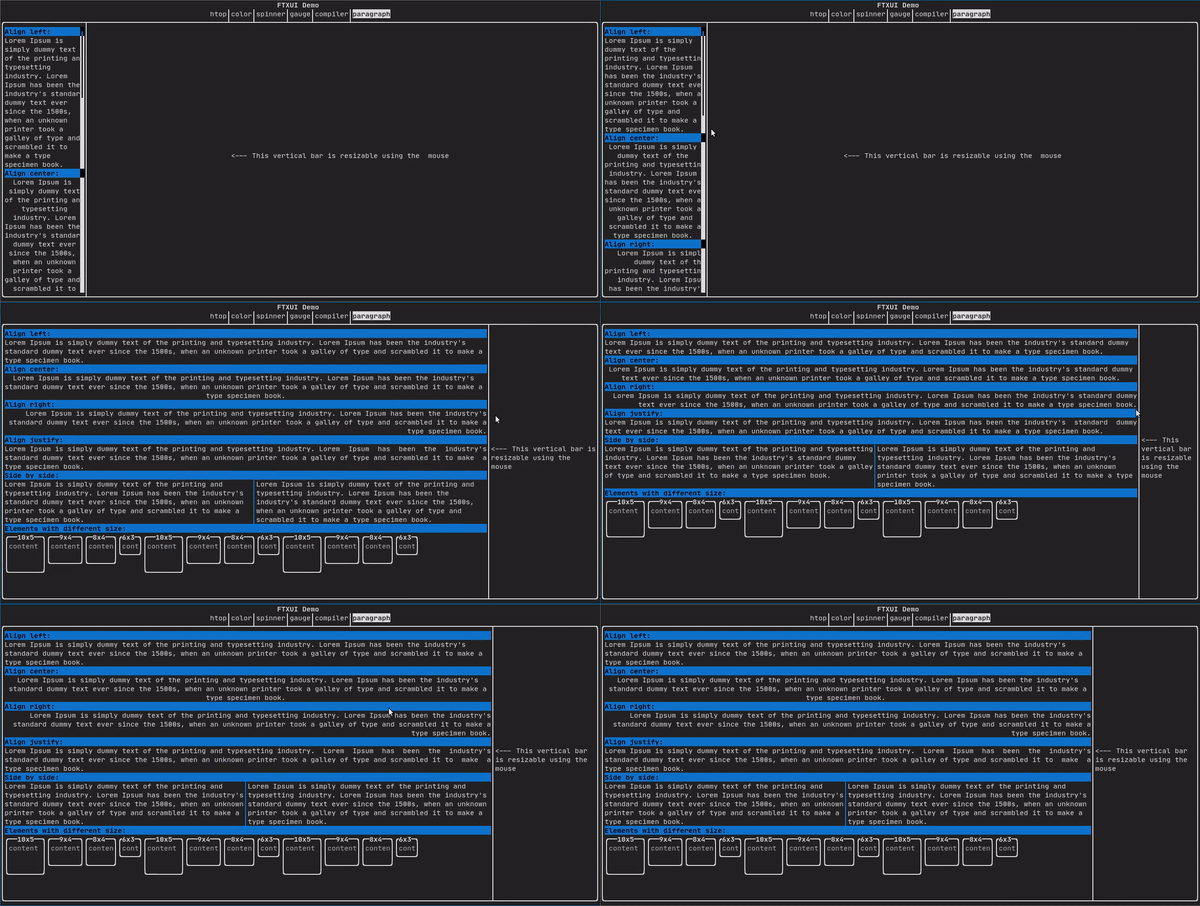
|
||||
|
||||
For a more detailed example refer to [detailed example](https://arthursonzogni.github.io/FTXUI/examples_2dom_2paragraph_8cpp-example.html). Paragraph also includes a number of other variants as shown below:
|
||||
```cpp
|
||||
Element paragraph(std::string text);
|
||||
Element paragraphAlignLeft(std::string text);
|
||||
Element paragraphAlignRight(std::string text);
|
||||
Element paragraphAlignCenter(std::string text);
|
||||
Element paragraphAlignJustify(std::string text);
|
||||
```
|
||||
|
||||
|
||||
## border {#dom-border}
|
||||
|
||||
Adds a border around an element.
|
||||
|
||||
Code:
|
||||
```cpp
|
||||
border(text("The element"))
|
||||
```
|
||||
|
||||
Terminal output:
|
||||
```bash
|
||||
┌───────────┐
|
||||
│The element│
|
||||
└───────────┘
|
||||
```
|
||||
|
||||
You can achieve the same behavior by using the pipe operator.
|
||||
|
||||
Code:
|
||||
```cpp
|
||||
text("The element") | border
|
||||
```
|
||||
|
||||
Border also comes in a variety of styles as shown below:
|
||||
```cpp
|
||||
Element border(Element);
|
||||
Element borderLight(Element);
|
||||
Element borderHeavy(Element);
|
||||
Element borderDouble(Element);
|
||||
Element borderRounded(Element);
|
||||
Element borderEmpty(Element);
|
||||
Decorator borderStyled(BorderStyle);
|
||||
Decorator borderWith(Pixel);
|
||||
```
|
||||
|
||||
|
||||
## window ## {#dom-window}
|
||||
|
||||
A `ftxui::window` is a `ftxui::border`, but with an additional header. To add a
|
||||
window around an element, wrap it and specify a string as the header.
|
||||
Code:
|
||||
```cpp
|
||||
window("The window", text("The element"))
|
||||
```
|
||||
|
||||
Terminal output:
|
||||
```bash
|
||||
┌The window─┐
|
||||
│The element│
|
||||
└───────────┘
|
||||
```
|
||||
|
||||
## separator {#dom-separator}
|
||||
|
||||
Displays a vertical/horizontal line to visually split the content of a
|
||||
container in two.
|
||||
|
||||
Code:
|
||||
```cpp
|
||||
border(
|
||||
hbox({
|
||||
text("Left"),
|
||||
separator(),
|
||||
text("Right")
|
||||
})
|
||||
)
|
||||
```
|
||||
|
||||
Terminal output:
|
||||
```bash
|
||||
┌────┬─────┐
|
||||
│left│right│
|
||||
└────┴─────┘
|
||||
```
|
||||
|
||||
|
||||
Separators come in a variety of flavors as shown below:
|
||||
```cpp
|
||||
Element separator(void);
|
||||
Element separatorLight();
|
||||
Element separatorHeavy();
|
||||
Element separatorDouble();
|
||||
Element separatorEmpty();
|
||||
Element separatorStyled(BorderStyle);
|
||||
Element separator(Pixel);
|
||||
Element separatorCharacter(std::string);
|
||||
Element separatorHSelector(float left,
|
||||
float right,
|
||||
Color background,
|
||||
Color foreground);
|
||||
Element separatorVSelector(float up,
|
||||
float down,
|
||||
Color background,
|
||||
Color foreground);
|
||||
```
|
||||
|
||||
## gauge {#dom-gauge}
|
||||
|
||||
It constitutes a gauge. It can be used to represent a progress bar.
|
||||
|
||||
Code:
|
||||
```cpp
|
||||
border(gauge(0.5))
|
||||
```
|
||||
|
||||
Teminal output:
|
||||
```bash
|
||||
┌────────────────────────────────────────────────────────────────────────────┐
|
||||
│██████████████████████████████████████ │
|
||||
└────────────────────────────────────────────────────────────────────────────┘
|
||||
```
|
||||
|
||||
Gauges can be displayed in many orientations as shown below:
|
||||
```cpp
|
||||
Element gauge(float ratio);
|
||||
Element gaugeLeft(float ratio);
|
||||
Element gaugeRight(float ratio);
|
||||
Element gaugeUp(float ratio);
|
||||
Element gaugeDown(float ratio);
|
||||
Element gaugeDirection(float ratio, GaugeDirection);
|
||||
```
|
||||
|
||||
## graph {#dom-graph}
|
||||
|
||||
@htmlonly
|
||||
<script id="asciicast-223726" src="https://asciinema.org/a/223726.js" async></script>
|
||||
@endhtmlonly
|
||||
|
||||
See:
|
||||
```cpp
|
||||
Element graph(GraphFunction);
|
||||
```
|
||||
|
||||
## Colors {#dom-colors}
|
||||
|
||||
Most terminal consoles can display colored text and colored backgrounds. FTXUI
|
||||
supports every color palette:
|
||||
```cpp
|
||||
Decorator color(Color);
|
||||
Decorator bgcolor(Color);
|
||||
```
|
||||
|
||||
|
||||
Color [gallery](https://arthursonzogni.github.io/FTXUI/examples_2dom_2color_gallery_8cpp-example.html):
|
||||
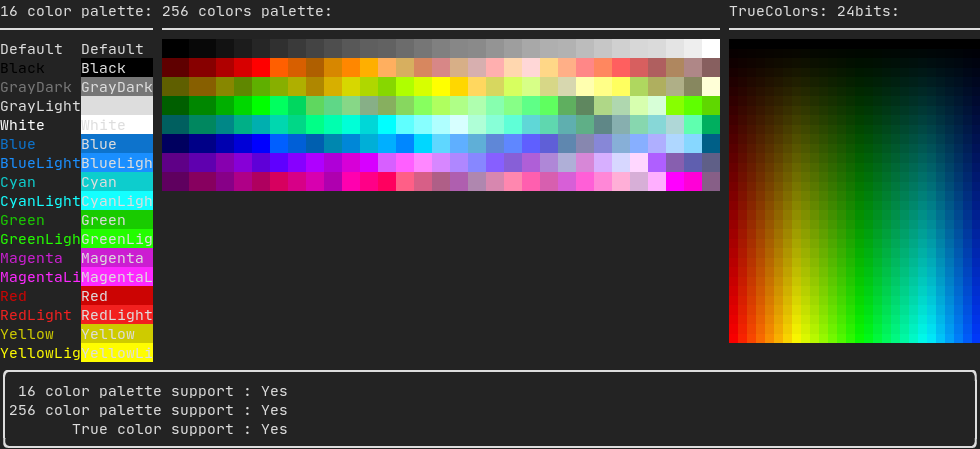
|
||||
|
||||
### Palette16 #{#dom-colors-palette-16}
|
||||
|
||||
On most terminals the following colors are supported:
|
||||
- Default
|
||||
|
||||
- Black
|
||||
- GrayDark
|
||||
- GrayLight
|
||||
|
||||
- White
|
||||
|
||||
- Blue
|
||||
- BlueLight
|
||||
|
||||
- Cyan
|
||||
- CyanLight
|
||||
|
||||
- Green
|
||||
- GreenLight
|
||||
|
||||
- Magenta
|
||||
- MagentaLight
|
||||
|
||||
- Red
|
||||
- RedLight
|
||||
|
||||
- Yellow
|
||||
- YellowLight
|
||||
|
||||
Example use of the above colors using the pipe operator:
|
||||
```cpp
|
||||
text("Blue foreground") | color(Color::Blue);
|
||||
text("Blue background") | bgcolor(Color::Blue);
|
||||
text("Black on white") | color(Color::Black) | bgcolor(Color::White);
|
||||
```
|
||||
|
||||
### Palette256 #{#dom-colors-palette-256}
|
||||
|
||||
On terminal supporting 256 colors.
|
||||
@htmlonly
|
||||
<script id="asciicast-OAUc3n6QrkmrLt7XEEb8AzbLt" src="https://asciinema.org/a/OAUc3n6QrkmrLt7XEEb8AzbLt.js" async></script>
|
||||
@endhtmlonly
|
||||
|
||||
```cpp
|
||||
text("HotPink") | color(Color::HotPink);
|
||||
```
|
||||
|
||||
### TrueColor #{#dom-colors-true-color}
|
||||
|
||||
On terminal supporting trueColor, you can directly use the 24bit RGB color
|
||||
space:
|
||||
|
||||
Use the constructors below to specify the **RGB** or **HSV** values for your
|
||||
color:
|
||||
|
||||
There are two constructors:
|
||||
```cpp
|
||||
ftxui::Color::RGB(uint8_t red, uint8_t green, uint8_t blue);
|
||||
ftxui::Color::HSV(uint8_t hue, uint8_t saturation, uint8_t value);
|
||||
```
|
||||
|
||||
@htmlonly
|
||||
<script id="asciicast-dk5r8IcCH0aFIIgWG0keSEHMG" src="https://asciinema.org/a/dk5r8IcCH0aFIIgWG0keSEHMG.js" async></script>
|
||||
<script id="asciicast-xwzzghmqcqzIuyLwCpQFEqbEu" src="https://asciinema.org/a/xwzzghmqcqzIuyLwCpQFEqbEu.js" async></script>
|
||||
@endhtmlonly
|
||||
|
||||
## LinearGradient #{#dom-linear-gradient}
|
||||
|
||||
FTXUI supports linear gradient. Either on the foreground or the background.
|
||||
|
||||
```cpp
|
||||
Decorator color(const LinearGradient&);
|
||||
Decorator bgcolor(const LinearGradient&);
|
||||
```
|
||||
|
||||
A `ftxui::LinearGradient` is defined by an angle in degree, and a list of color
|
||||
stops.
|
||||
```cpp
|
||||
auto gradient = LinearGradient()
|
||||
.Angle(45)
|
||||
.AddStop(0.0, Color::Red)
|
||||
.AddStop(0.5, Color::Green)
|
||||
.AddStop(1.0, Color::Blue);
|
||||
```
|
||||
|
||||
You can also use simplified constructors:
|
||||
```cpp
|
||||
LinearGradient(Color::Red, Color::Blue);
|
||||
```
|
||||
```cpp
|
||||
LinearGradient(45, Color::Red, Color::Blue);
|
||||
```
|
||||
|
||||
See [demo](https://arthursonzogni.github.io/FTXUI/examples/?file=component/linear_gradient_gallery).
|
||||
|
||||
|
||||
## Style {#dom-style}
|
||||
In addition to colored text and colored backgrounds. Many terminals support text
|
||||
effects such as: `bold`, `dim`, `underlined`, `inverted`, `blink`.
|
||||
|
||||
```cpp
|
||||
Element bold(Element);
|
||||
Element dim(Element);
|
||||
Element inverted(Element);
|
||||
Element underlined(Element);
|
||||
Element underlinedDouble(Element);
|
||||
Element strikethrough(Element);
|
||||
Element blink(Element);
|
||||
Decorator color(Color);
|
||||
Decorator bgcolor(Color);
|
||||
Decorator colorgrad(LinearGradient);
|
||||
Decorator bgcolorgrad(LinearGradient);
|
||||
```
|
||||
|
||||
[Example](https://arthursonzogni.github.io/FTXUI/examples_2dom_2style_gallery_8cpp-example.html)
|
||||
|
||||

|
||||
|
||||
To use these effects, simply wrap your elements with your desired effect:
|
||||
```cpp
|
||||
underlined(bold(text("This text is bold and underlined")))
|
||||
```
|
||||
|
||||
Alternatively, use the pipe operator to chain it on your element:
|
||||
```cpp
|
||||
text("This text is bold") | bold | underlined
|
||||
```
|
||||
|
||||
## Layout {#dom-layout}
|
||||
|
||||
Enables elements to be arranged in the following ways:
|
||||
- **Horizontally** with `ftxui::hbox`
|
||||
- **Vertically** with `ftxui::vbox`
|
||||
- **Inside a grid** with `ftxui::gridbox`
|
||||
- **Wrapped along one direction** using the `ftxui::flexbox`.
|
||||
|
||||
[Example](https://arthursonzogni.github.io/FTXUI/examples_2dom_2vbox_hbox_8cpp-example.html) using `ftxui::hbox`, `ftxui::vbox` and `ftxui::filler`.
|
||||
|
||||
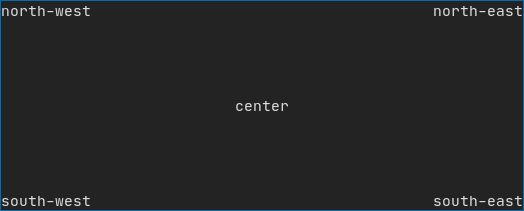
|
||||
|
||||
|
||||
[Example](https://arthursonzogni.github.io/FTXUI/examples_2dom_2gridbox_8cpp-example.htmlp)
|
||||
using `ftxui::gridbox`:
|
||||
|
||||
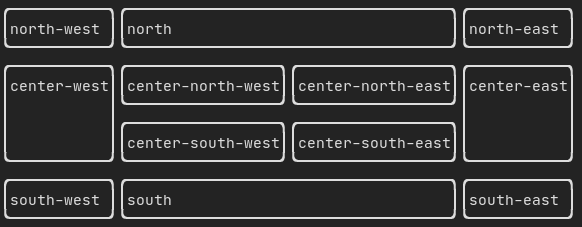
|
||||
|
||||
[Example](https://github.com/ArthurSonzogni/FTXUI/blob/master/examples/dom/hflow.cpp)
|
||||
using flexbox:
|
||||
|
||||
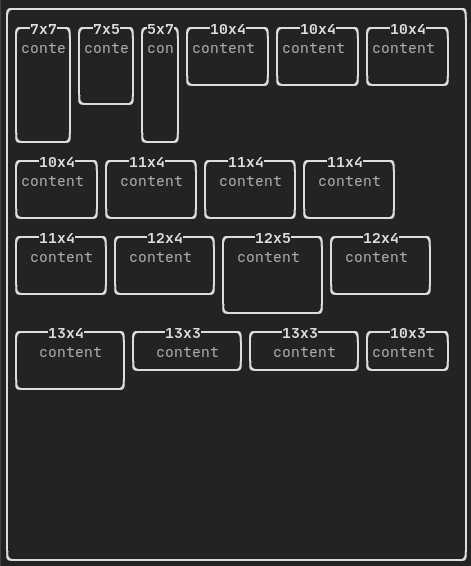
|
||||
|
||||
Checkout this
|
||||
[example](https://arthursonzogni.github.io/FTXUI/examples_2dom_2hflow_8cpp-example.html)
|
||||
and the associated
|
||||
[demo](https://arthursonzogni.github.io/FTXUI/examples/?file=component/flexbox).
|
||||
|
||||
Element can also become flexible using the the `ftxui::flex` decorator.
|
||||
|
||||
Code:
|
||||
```cpp
|
||||
hbox({
|
||||
text("left") | border ,
|
||||
text("middle") | border | flex,
|
||||
text("right") | border,
|
||||
});
|
||||
```
|
||||
Terminal output:
|
||||
```bash
|
||||
┌────┐┌─────────────────────────────────────────────────────┐┌─────┐
|
||||
│left││middle ││right│
|
||||
└────┘└─────────────────────────────────────────────────────┘└─────┘
|
||||
```
|
||||
|
||||
Code:
|
||||
```cpp
|
||||
hbox({
|
||||
text("left") | border ,
|
||||
text("middle") | border | flex,
|
||||
text("right") | border | flex,
|
||||
});
|
||||
```
|
||||
|
||||
Terminal output:
|
||||
```bash
|
||||
┌────┐┌───────────────────────────────┐┌───────────────────────────────┐
|
||||
│left││middle ││right │
|
||||
└────┘└───────────────────────────────┘└───────────────────────────────┘
|
||||
```
|
||||
|
||||
## Table {#dom-table}
|
||||
|
||||
Enables easy formatting of data into a neat table like visual form.
|
||||
|
||||
[Code example](https://arthursonzogni.github.io/FTXUI/examples_2dom_2table_8cpp-example.html):
|
||||
|
||||
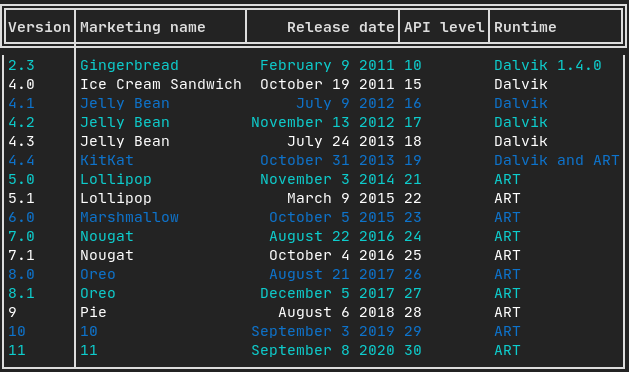
|
||||
|
||||
## Canvas {#dom-canvas}
|
||||
|
||||
See the API [<ftxui/dom/canvas.hpp>](./canvas_8hpp_source.html)
|
||||
|
||||
```cpp
|
||||
auto c = Canvas(100, 100);
|
||||
c.DrawPointLine(10, 10, 80, 10, Color::Red);
|
||||
auto element = canvas(c);
|
||||
```
|
||||
|
||||
Drawing can be performed on a `ftxui::Canvas`, using braille, block, or simple
|
||||
characters:
|
||||
|
||||
Simple [example](https://github.com/ArthurSonzogni/FTXUI/blob/master/examples/dom/canvas.cpp):
|
||||
|
||||
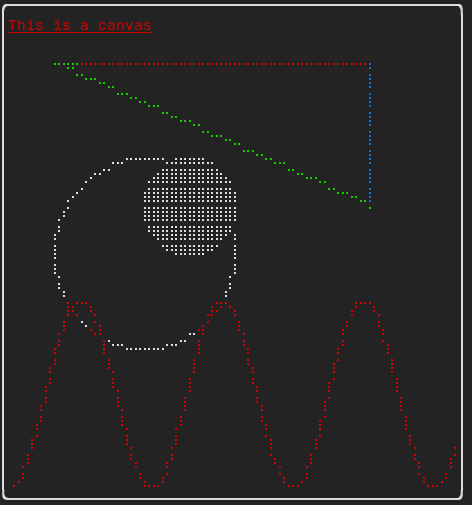
|
||||
|
||||
Complex [example](https://github.com/ArthurSonzogni/FTXUI/blob/master/examples/component/canvas_animated.cpp):
|
||||
|
||||
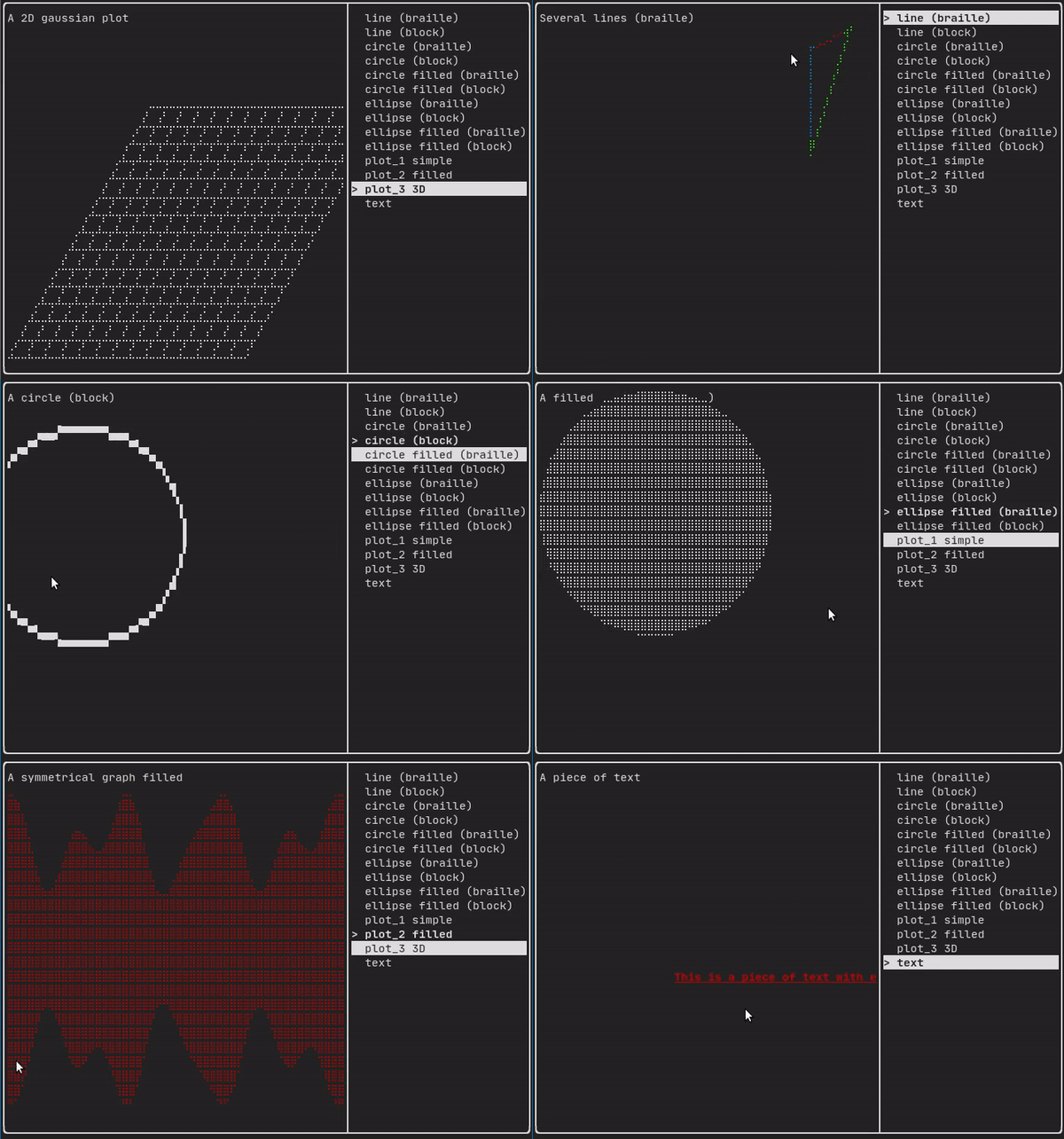
|
||||
# component {#module-component}
|
||||
|
||||
The `ftxui::component` module defines the logic that produces interactive
|
||||
components that respond to user events (keyboard, mouse, etc.).
|
||||
|
||||
A `ftxui::ScreenInteractive` defines a main loop that renders a component.
|
||||
|
||||
A `ftxui::Component` is a shared pointer to a `ftxui::ComponentBase`. The latter defines:
|
||||
- `ftxui::ComponentBase::Render()`: How to render the interface.
|
||||
- `ftxui::ComponentBase::OnEvent()`: How to react to events.
|
||||
- `ftxui::ComponentBase::Add()`: Construct a parent/child relationship
|
||||
between two components. The tree of component is used to define how to
|
||||
navigate using the keyboard.
|
||||
|
||||
`ftxui::Element` are used to render a single frame.
|
||||
|
||||
`ftxui::Component` are used to render dynamic user interface, producing multiple
|
||||
frame, and updating its state on events.
|
||||
|
||||
[Gallery](https://arthursonzogni.github.io/FTXUI/examples_2component_2gallery_8cpp-example.html) of multiple components. ([demo](https://arthursonzogni.github.io/FTXUI/examples/?file=component/gallery))
|
||||
|
||||
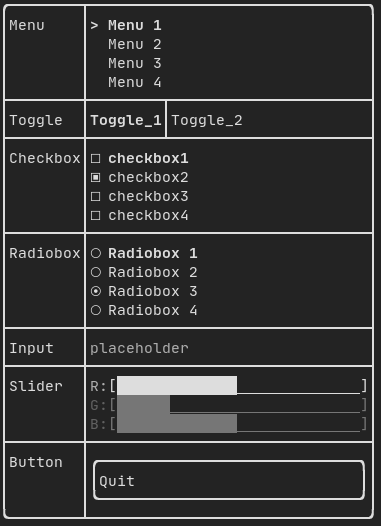
|
||||
|
||||
All predefined components are available in
|
||||
["ftxui/dom/component.hpp"](./component_8hpp.html)
|
||||
|
||||
\include ftxui/component/component.hpp
|
||||
|
||||
## Input {#component-input}
|
||||
|
||||
[Example](https://arthursonzogni.github.io/FTXUI/examples_2component_2input_8cpp-example.html):
|
||||
|
||||
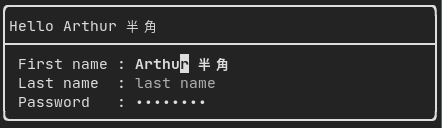
|
||||
|
||||
Produced by: `ftxui::Input()` from "ftxui/component/component.hpp"
|
||||
|
||||
@htmlonly
|
||||
<script id="asciicast-223719" src="https://asciinema.org/a/223719.js" async></script>
|
||||
@endhtmlonly
|
||||
|
||||
## Menu {#component-menu}
|
||||
|
||||
Defines a menu object. It contains a list of entries, one of them is selected.
|
||||
|
||||
[Example](https://arthursonzogni.github.io/FTXUI/examples_2component_2menu_8cpp-example.html):
|
||||
|
||||

|
||||
|
||||
|
||||
Produced by: `ftxui::Menu()` from "ftxui/component/component.hpp"
|
||||
|
||||
@htmlonly
|
||||
<script id="asciicast-223720" src="https://asciinema.org/a/223720.js" async></script>
|
||||
@endhtmlonly
|
||||
|
||||
## Toggle {#component-toggle}
|
||||
|
||||
A special kind of menu. The entries are displayed horizontally.
|
||||
|
||||
[Example](https://arthursonzogni.github.io/FTXUI/examples_2component_2toggle_8cpp-example.html):
|
||||
|
||||

|
||||
|
||||
Produced by: `ftxui::Toggle()` from "ftxui/component/component.hpp"
|
||||
|
||||
@htmlonly
|
||||
<script id="asciicast-223722" src="https://asciinema.org/a/223722.js" async></script>
|
||||
@endhtmlonly
|
||||
|
||||
## CheckBox {#component-checkbox}
|
||||
|
||||
This component defines a checkbox. It is a single entry that can be turned
|
||||
on/off.
|
||||
|
||||
[Example](https://arthursonzogni.github.io/FTXUI/examples_2component_2checkbox_8cpp-example.html):
|
||||
|
||||
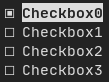
|
||||
|
||||
Produced by: `ftxui::Checkbox()` from "ftxui/component/component.hpp"
|
||||
|
||||
@htmlonly
|
||||
<script id="asciicast-223724" src="https://asciinema.org/a/223724.js" async></script>
|
||||
@endhtmlonly
|
||||
|
||||
## RadioBox {#component-radiobox}
|
||||
|
||||
A radiobutton component. This is a list of entries, where one can be turned on.
|
||||
|
||||
[Example](https://arthursonzogni.github.io/FTXUI/examples_2component_2radiobox_8cpp-example.html):
|
||||
|
||||
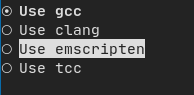
|
||||
|
||||
Produced by: `ftxui::Radiobox()` from "ftxui/component/component.hpp"
|
||||
|
||||
@htmlonly
|
||||
<script id="asciicast-223725" src="https://asciinema.org/a/223725.js" async></script>
|
||||
@endhtmlonly
|
||||
|
||||
## Dropdown {#component-dropdown}
|
||||
|
||||
A drop down menu is a component that when checked display a list of element for
|
||||
the user to select one.
|
||||
|
||||
[Example](https://arthursonzogni.github.io/FTXUI/examples_2component_2dropdown_8cpp-example.html):
|
||||
|
||||

|
||||
|
||||
Produced by: `ftxui::Dropdown()` from "ftxui/component/component.hpp"
|
||||
|
||||
## Slider {#component-slider}
|
||||
|
||||
Represents a slider object that consists of a range with binned intermediate
|
||||
intervals. It can be created by `ftxui::Slider()`.
|
||||
|
||||
[Example](https://arthursonzogni.github.io/FTXUI/examples_2component_2slider_8cpp-example.html):
|
||||
|
||||
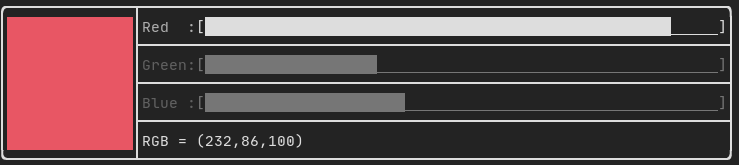
|
||||
|
||||
Produced by: `ftxui::Slider()` from "ftxui/component/component.hpp"
|
||||
|
||||
## Renderer {#component-renderer}
|
||||
|
||||
Produced by: `ftxui::Renderer()` from \ref ftxui/component/component.hpp. This
|
||||
component decorate another one by using a different function to render an
|
||||
interface.
|
||||
|
||||
Example:
|
||||
```cpp
|
||||
auto inner = [...]
|
||||
|
||||
auto renderer = Renderer(inner, [&] {
|
||||
return inner->Render() | border
|
||||
});
|
||||
```
|
||||
|
||||
`ftxui::Renderer` also supports the component decorator pattern:
|
||||
```cpp
|
||||
auto component = [...]
|
||||
component = component
|
||||
| Renderer([](Element e) { return e | border))
|
||||
| Renderer(bold)
|
||||
```
|
||||
|
||||
As a short hand, you can also compose a component with an element decorator:
|
||||
```cpp
|
||||
auto component = [...]
|
||||
component = component | border | bold;
|
||||
```
|
||||
|
||||
## CatchEvent {#component-catchevent}
|
||||
|
||||
Produced by: `ftxui::CatchEvent()` from \ref ftxui/component/component.hpp.
|
||||
This component decorate others, catching events before the underlying component.
|
||||
|
||||
Examples:
|
||||
```cpp
|
||||
auto screen = ScreenInteractive::TerminalOutput();
|
||||
auto renderer = Renderer([] {
|
||||
return text("My interface");
|
||||
});
|
||||
auto component = CatchEvent(renderer, [&](Event event) {
|
||||
if (event == Event::Character('q')) {
|
||||
screen.ExitLoopClosure()();
|
||||
return true;
|
||||
}
|
||||
return false;
|
||||
});
|
||||
screen.Loop(component);
|
||||
```
|
||||
|
||||
The `ftxui::CatchEvent` can also be used as a decorator:
|
||||
```cpp
|
||||
component = component
|
||||
| CatchEvent(handler_1)
|
||||
| CatchEvent(handler_2)
|
||||
| CatchEvent(handler_3)
|
||||
;
|
||||
```
|
||||
|
||||
## Collapsible {#component-collapsible}
|
||||
|
||||
Useful for visual elements whose visibility can be toggle on/off by the user.
|
||||
Essentially, this the combination of the `ftxui::Checkbox()` and
|
||||
`ftxui::Maybe()` components.
|
||||
|
||||
```cpp
|
||||
auto collabsible = Collapsible("Show more", inner_element);
|
||||
```
|
||||
|
||||
## Maybe {#component-maybe}
|
||||
|
||||
Produced by: `ftxui::Maybe()` from \ref ftxui/component/component.hpp.
|
||||
This component can be utilized to show/hide any other component via a boolean or
|
||||
a predicate.
|
||||
|
||||
Example with a boolean:
|
||||
```cpp
|
||||
bool show = true;
|
||||
auto component = Renderer([]{ return "Hello World!"; });
|
||||
auto maybe_component = Maybe(component, &show)
|
||||
```
|
||||
|
||||
Example with a predicate:
|
||||
```cpp
|
||||
auto component = Renderer([]{ return "Hello World!"; });
|
||||
auto maybe_component = Maybe(component, [&] { return time > 10; })
|
||||
```
|
||||
|
||||
As usual, `ftxui::Maybe` can also be used as a decorator:
|
||||
```cpp
|
||||
component = component
|
||||
| Maybe(&a_boolean)
|
||||
| Maybe([&] { return time > 10; })
|
||||
;
|
||||
```
|
||||
|
||||
## Container {#component-container}
|
||||
|
||||
### Horizontal {#component-horizontal}
|
||||
|
||||
Produced by: `ftxui::Container::Horizontal()` from
|
||||
"ftxui/component/component.hpp". It displays a list of components horizontally
|
||||
and handle keyboard/mouse navigation.
|
||||
|
||||
### Vertical {#component-vertical}
|
||||
|
||||
Produced by: `ftxui::Container::Vertical()` from
|
||||
"ftxui/component/component.hpp". It displays a list of components vertically
|
||||
and handles keyboard/mouse navigation.
|
||||
|
||||
### Tab {#component-tab}
|
||||
|
||||
Produced by: `ftxui::Container::Tab()` from
|
||||
"ftxui/component/component.hpp". It take a list of component and display only
|
||||
one of them. This is useful for implementing a tab bar.
|
||||
|
||||
[Vertical](https://arthursonzogni.github.io/FTXUI/examples_2component_2tab_vertical_8cpp-example.html):
|
||||
|
||||
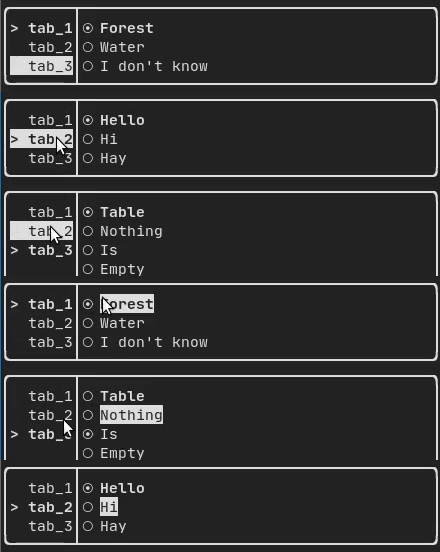
|
||||
|
||||
[Horizontal](https://arthursonzogni.github.io/FTXUI/examples_2component_2tab_horizontal_8cpp-example.html):
|
||||
|
||||
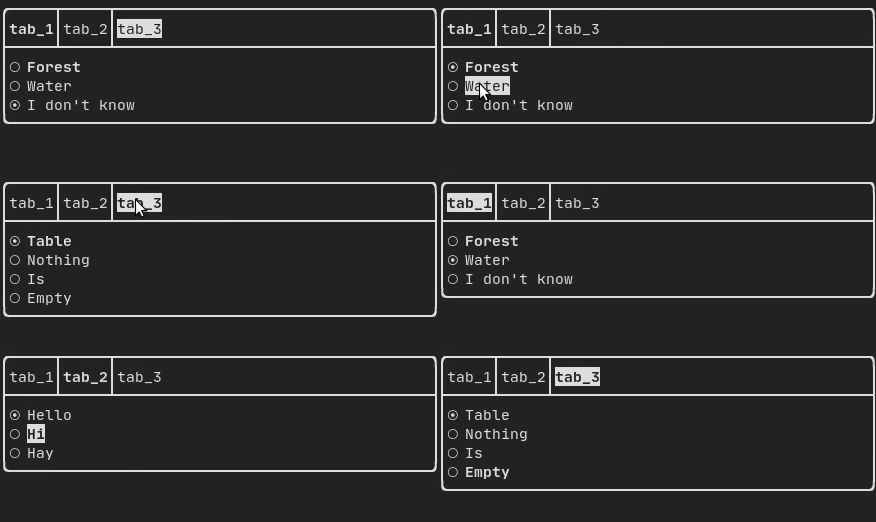
|
||||
|
||||
|
||||
## ResizableSplit {#component-resizable-split}
|
||||
|
||||
It defines a horizontal or vertical separation between two children components.
|
||||
The position of the split is variable and controllable using the mouse.
|
||||
There are four possible splits:
|
||||
- `ftxui::ResizableSplitLeft()`
|
||||
- `ftxui::ResizableSplitRight()`
|
||||
- `ftxui::ResizableSplitTop()`
|
||||
- `ftxui::ResizableSplitBottom()`
|
||||
from "ftxui/component/component.hpp"
|
||||
|
||||
[Example](https://arthursonzogni.github.io/FTXUI/examples_2component_2resizable_split_8cpp-example.html):
|
||||
|
||||
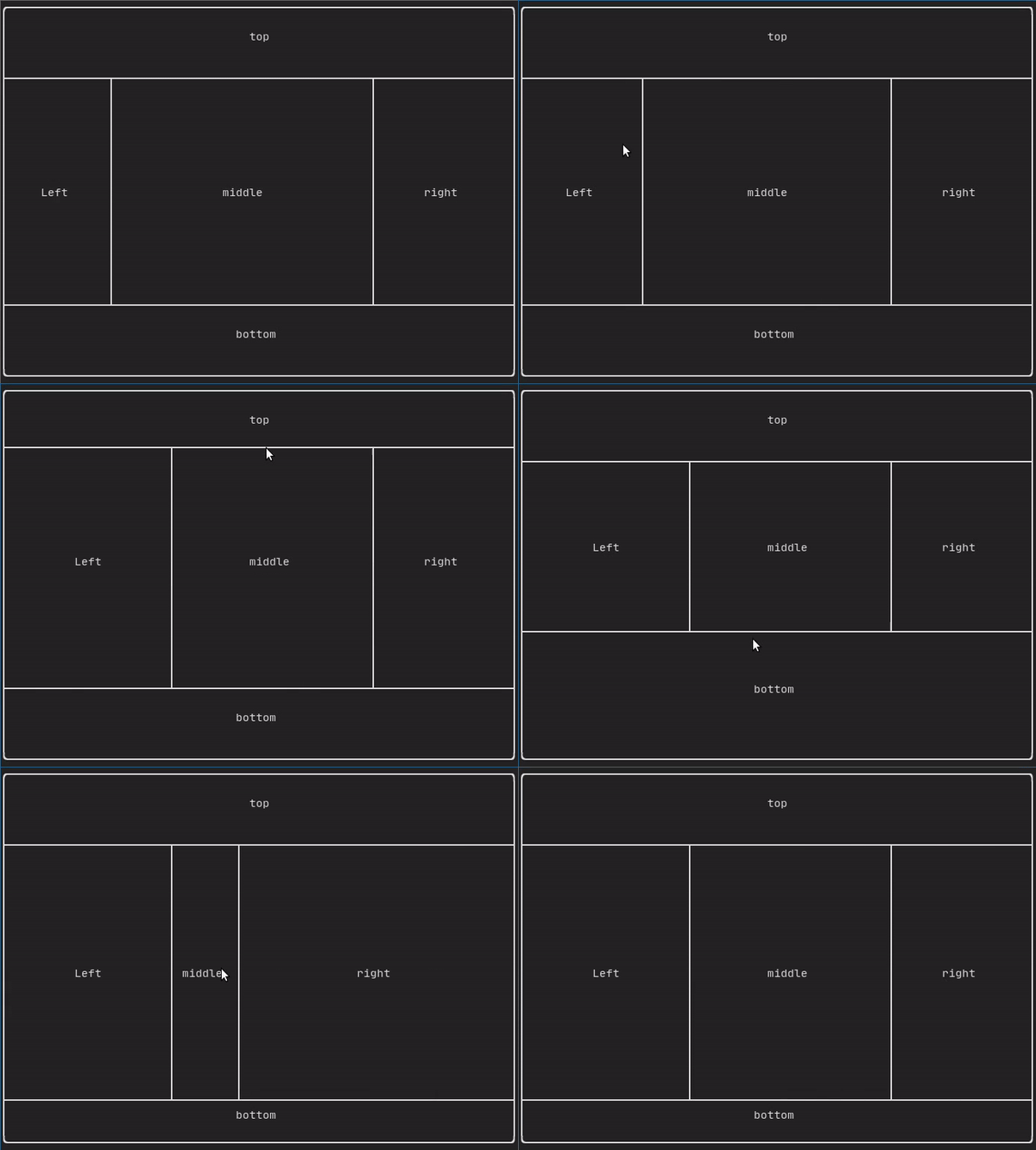
|
||||
|
||||
@htmlonly
|
||||
<script id="asciicast-tprMH2EdkUoMb7D2YxgMGgpzx" src="https://asciinema.org/a/tprMH2EdkUoMb7D2YxgMGgpzx.js" async></script>
|
||||
@endhtmlonly
|
||||
|
||||
## Force a frame redraw. {#component-force-redraw}
|
||||
|
||||
Typically, `ftxui::ScreenInteractive::Loop()` is responsible for drawing a new
|
||||
frame whenever a new group of events (e.g keyboard, mouse, window resize, etc.)
|
||||
has been processed. However, you might want to react to arbitrary events that
|
||||
are unknown to FTXUI. To accomplish this, you must post events using
|
||||
`ftxui::ScreenInteractive::PostEvent` (**this is thread safe**) via a thread.
|
||||
You will have to post the event `ftxui::Event::Custom`.
|
||||
|
||||
Example:
|
||||
```cpp
|
||||
screen->PostEvent(Event::Custom);
|
||||
```
|
||||
306
doc/module-component.md
Normal file
306
doc/module-component.md
Normal file
@@ -0,0 +1,306 @@
|
||||
@page module-component Module component
|
||||
@tableofcontents
|
||||
|
||||
The `ftxui::component` module defines the logic that produces interactive
|
||||
components that respond to user events (keyboard, mouse, etc.).
|
||||
|
||||
The @subpage module-component-examples section provides a collection of examples.
|
||||
|
||||
A `ftxui::ScreenInteractive` defines a main loop that renders a component.
|
||||
|
||||
A `ftxui::Component` is a shared pointer to a `ftxui::ComponentBase`. The latter defines:
|
||||
- `ftxui::ComponentBase::Render()`: How to render the interface.
|
||||
- `ftxui::ComponentBase::OnEvent()`: How to react to events.
|
||||
- `ftxui::ComponentBase::Add()`: Construct a parent/child relationship
|
||||
between two components. The tree of component is used to define how to
|
||||
navigate using the keyboard.
|
||||
|
||||
`ftxui::Element` are used to render a single frame.
|
||||
|
||||
`ftxui::Component` are used to render dynamic user interface, producing multiple
|
||||
frame, and updating its state on events.
|
||||
|
||||
[Gallery](https://arthursonzogni.github.io/FTXUI/examples_2component_2gallery_8cpp-example.html) of multiple components. ([demo](https://arthursonzogni.github.io/FTXUI/examples/?file=component/gallery))
|
||||
|
||||

|
||||
|
||||
All predefined components are available in
|
||||
["ftxui/dom/component.hpp"](./component_8hpp.html)
|
||||
|
||||
\include{strip ftxui/component/component.hpp
|
||||
|
||||
## Input {#component-input}
|
||||
|
||||
[Example](https://arthursonzogni.github.io/FTXUI/examples_2component_2input_8cpp-example.html):
|
||||
|
||||

|
||||
|
||||
Produced by: `ftxui::Input()` from "ftxui/component/component.hpp"
|
||||
|
||||
@htmlonly
|
||||
<script id="asciicast-223719" src="https://asciinema.org/a/223719.js" async></script>
|
||||
@endhtmlonly
|
||||
|
||||
### Filtered input
|
||||
|
||||
On can filter out the characters received by the input component, using
|
||||
`ftxui::CatchEvent`.
|
||||
|
||||
```cpp
|
||||
std::string phone_number;
|
||||
Component input = Input(&phone_number, "phone number");
|
||||
|
||||
// Filter out non-digit characters.
|
||||
input |= CatchEvent([&](Event event) {
|
||||
return event.is_character() && !std::isdigit(event.character()[0]);
|
||||
});
|
||||
|
||||
// Filter out characters past the 10th one.
|
||||
input |= CatchEvent([&](Event event) {
|
||||
return event.is_character() && phone_number.size() >= 10;
|
||||
});
|
||||
```
|
||||
|
||||
## Menu {#component-menu}
|
||||
|
||||
Defines a menu object. It contains a list of entries, one of them is selected.
|
||||
|
||||
[Example](https://arthursonzogni.github.io/FTXUI/examples_2component_2menu_8cpp-example.html):
|
||||
|
||||

|
||||
|
||||
|
||||
Produced by: `ftxui::Menu()` from "ftxui/component/component.hpp"
|
||||
|
||||
@htmlonly
|
||||
<script id="asciicast-223720" src="https://asciinema.org/a/223720.js" async></script>
|
||||
@endhtmlonly
|
||||
|
||||
## Toggle {#component-toggle}
|
||||
|
||||
A special kind of menu. The entries are displayed horizontally.
|
||||
|
||||
[Example](https://arthursonzogni.github.io/FTXUI/examples_2component_2toggle_8cpp-example.html):
|
||||
|
||||

|
||||
|
||||
Produced by: `ftxui::Toggle()` from "ftxui/component/component.hpp"
|
||||
|
||||
@htmlonly
|
||||
<script id="asciicast-223722" src="https://asciinema.org/a/223722.js" async></script>
|
||||
@endhtmlonly
|
||||
|
||||
## CheckBox {#component-checkbox}
|
||||
|
||||
This component defines a checkbox. It is a single entry that can be turned
|
||||
on/off.
|
||||
|
||||
[Example](https://arthursonzogni.github.io/FTXUI/examples_2component_2checkbox_8cpp-example.html):
|
||||
|
||||

|
||||
|
||||
Produced by: `ftxui::Checkbox()` from "ftxui/component/component.hpp"
|
||||
|
||||
@htmlonly
|
||||
<script id="asciicast-223724" src="https://asciinema.org/a/223724.js" async></script>
|
||||
@endhtmlonly
|
||||
|
||||
## RadioBox {#component-radiobox}
|
||||
|
||||
A radiobutton component. This is a list of entries, where one can be turned on.
|
||||
|
||||
[Example](https://arthursonzogni.github.io/FTXUI/examples_2component_2radiobox_8cpp-example.html):
|
||||
|
||||

|
||||
|
||||
Produced by: `ftxui::Radiobox()` from "ftxui/component/component.hpp"
|
||||
|
||||
@htmlonly
|
||||
<script id="asciicast-223725" src="https://asciinema.org/a/223725.js" async></script>
|
||||
@endhtmlonly
|
||||
|
||||
## Dropdown {#component-dropdown}
|
||||
|
||||
A drop down menu is a component that when checked display a list of element for
|
||||
the user to select one.
|
||||
|
||||
[Example](https://arthursonzogni.github.io/FTXUI/examples_2component_2dropdown_8cpp-example.html):
|
||||
|
||||

|
||||
|
||||
Produced by: `ftxui::Dropdown()` from "ftxui/component/component.hpp"
|
||||
|
||||
## Slider {#component-slider}
|
||||
|
||||
Represents a slider object that consists of a range with binned intermediate
|
||||
intervals. It can be created by `ftxui::Slider()`.
|
||||
|
||||
[Example](https://arthursonzogni.github.io/FTXUI/examples_2component_2slider_8cpp-example.html):
|
||||
|
||||

|
||||
|
||||
Produced by: `ftxui::Slider()` from "ftxui/component/component.hpp"
|
||||
|
||||
## Renderer {#component-renderer}
|
||||
|
||||
Produced by: `ftxui::Renderer()` from \ref ftxui/component/component.hpp. This
|
||||
component decorate another one by using a different function to render an
|
||||
interface.
|
||||
|
||||
Example:
|
||||
```cpp
|
||||
auto inner = [...]
|
||||
|
||||
auto renderer = Renderer(inner, [&] {
|
||||
return inner->Render() | border
|
||||
});
|
||||
```
|
||||
|
||||
`ftxui::Renderer` also supports the component decorator pattern:
|
||||
```cpp
|
||||
auto component = [...]
|
||||
component = component
|
||||
| Renderer([](Element e) { return e | border))
|
||||
| Renderer(bold)
|
||||
```
|
||||
|
||||
As a short hand, you can also compose a component with an element decorator:
|
||||
```cpp
|
||||
auto component = [...]
|
||||
component = component | border | bold;
|
||||
```
|
||||
|
||||
## CatchEvent {#component-catchevent}
|
||||
|
||||
Produced by: `ftxui::CatchEvent()` from \ref ftxui/component/component.hpp.
|
||||
This component decorate others, catching events before the underlying component.
|
||||
|
||||
Examples:
|
||||
```cpp
|
||||
auto screen = ScreenInteractive::TerminalOutput();
|
||||
auto renderer = Renderer([] {
|
||||
return text("My interface");
|
||||
});
|
||||
auto component = CatchEvent(renderer, [&](Event event) {
|
||||
if (event == Event::Character('q')) {
|
||||
screen.ExitLoopClosure()();
|
||||
return true;
|
||||
}
|
||||
return false;
|
||||
});
|
||||
screen.Loop(component);
|
||||
```
|
||||
|
||||
The `ftxui::CatchEvent` can also be used as a decorator:
|
||||
```cpp
|
||||
component = component
|
||||
| CatchEvent(handler_1)
|
||||
| CatchEvent(handler_2)
|
||||
| CatchEvent(handler_3)
|
||||
;
|
||||
```
|
||||
|
||||
## Collapsible {#component-collapsible}
|
||||
|
||||
Useful for visual elements whose visibility can be toggle on/off by the user.
|
||||
Essentially, this the combination of the `ftxui::Checkbox()` and
|
||||
`ftxui::Maybe()` components.
|
||||
|
||||
```cpp
|
||||
auto collabsible = Collapsible("Show more", inner_element);
|
||||
```
|
||||
|
||||
## Maybe {#component-maybe}
|
||||
|
||||
Produced by: `ftxui::Maybe()` from \ref ftxui/component/component.hpp.
|
||||
This component can be utilized to show/hide any other component via a boolean or
|
||||
a predicate.
|
||||
|
||||
Example with a boolean:
|
||||
```cpp
|
||||
bool show = true;
|
||||
auto component = Renderer([]{ return "Hello World!"; });
|
||||
auto maybe_component = Maybe(component, &show)
|
||||
```
|
||||
|
||||
Example with a predicate:
|
||||
```cpp
|
||||
auto component = Renderer([]{ return "Hello World!"; });
|
||||
auto maybe_component = Maybe(component, [&] { return time > 10; })
|
||||
```
|
||||
|
||||
As usual, `ftxui::Maybe` can also be used as a decorator:
|
||||
```cpp
|
||||
component = component
|
||||
| Maybe(&a_boolean)
|
||||
| Maybe([&] { return time > 10; })
|
||||
;
|
||||
```
|
||||
|
||||
## Container {#component-container}
|
||||
|
||||
### Horizontal {#component-horizontal}
|
||||
|
||||
Produced by: `ftxui::Container::Horizontal()` from
|
||||
"ftxui/component/component.hpp". It displays a list of components horizontally
|
||||
and handle keyboard/mouse navigation.
|
||||
|
||||
### Vertical {#component-vertical}
|
||||
|
||||
Produced by: `ftxui::Container::Vertical()` from
|
||||
"ftxui/component/component.hpp". It displays a list of components vertically
|
||||
and handles keyboard/mouse navigation.
|
||||
|
||||
### Tab {#component-tab}
|
||||
|
||||
Produced by: `ftxui::Container::Tab()` from
|
||||
"ftxui/component/component.hpp". It take a list of component and display only
|
||||
one of them. This is useful for implementing a tab bar.
|
||||
|
||||
[Vertical](https://arthursonzogni.github.io/FTXUI/examples_2component_2tab_vertical_8cpp-example.html):
|
||||
|
||||

|
||||
|
||||
[Horizontal](https://arthursonzogni.github.io/FTXUI/examples_2component_2tab_horizontal_8cpp-example.html):
|
||||
|
||||

|
||||
|
||||
|
||||
## ResizableSplit {#component-resizable-split}
|
||||
|
||||
It defines a horizontal or vertical separation between two children components.
|
||||
The position of the split is variable and controllable using the mouse.
|
||||
There are four possible splits:
|
||||
- `ftxui::ResizableSplitLeft()`
|
||||
- `ftxui::ResizableSplitRight()`
|
||||
- `ftxui::ResizableSplitTop()`
|
||||
- `ftxui::ResizableSplitBottom()`
|
||||
from "ftxui/component/component.hpp"
|
||||
|
||||
[Example](https://arthursonzogni.github.io/FTXUI/examples_2component_2resizable_split_8cpp-example.html):
|
||||
|
||||

|
||||
|
||||
@htmlonly
|
||||
<script id="asciicast-tprMH2EdkUoMb7D2YxgMGgpzx" src="https://asciinema.org/a/tprMH2EdkUoMb7D2YxgMGgpzx.js" async></script>
|
||||
@endhtmlonly
|
||||
|
||||
## Force a frame redraw. {#component-force-redraw}
|
||||
|
||||
Typically, `ftxui::ScreenInteractive::Loop()` is responsible for drawing a new
|
||||
frame whenever a new group of events (e.g keyboard, mouse, window resize, etc.)
|
||||
has been processed. However, you might want to react to arbitrary events that
|
||||
are unknown to FTXUI. To accomplish this, you must post events using
|
||||
`ftxui::ScreenInteractive::PostEvent` (**this is thread safe**) via a thread.
|
||||
You will have to post the event `ftxui::Event::Custom`.
|
||||
|
||||
Example:
|
||||
```cpp
|
||||
screen->PostEvent(Event::Custom);
|
||||
```
|
||||
|
||||
If you don't need to process a new Event, you can use:
|
||||
```cpp
|
||||
screen->RequestAnimationFrame();
|
||||
```
|
||||
instead.
|
||||
468
doc/module-dom.md
Normal file
468
doc/module-dom.md
Normal file
@@ -0,0 +1,468 @@
|
||||
@page module-dom Module dom
|
||||
@tableofcontents
|
||||
|
||||
This module defines a hierarchical set of `ftxui::Element`. An element manages
|
||||
the layout and can be responsive to the terminal dimension changes. Note the
|
||||
following example where this module is used to create a simple layout with a
|
||||
number of operators:
|
||||
|
||||
The @subpage module-dom-examples section provides a collection of examples.
|
||||
|
||||
**Example:**
|
||||
```cpp
|
||||
namespace ftxui {
|
||||
...
|
||||
|
||||
// Define the document
|
||||
Element document = vbox({
|
||||
text("The window") | bold | color(Color::Blue),
|
||||
gauge(0.5)
|
||||
text("The footer")
|
||||
});
|
||||
|
||||
// Add a border, by calling the `ftxui::border` decorator function.
|
||||
document = border(document);
|
||||
|
||||
// Add another border, using the pipe operator.
|
||||
document = document | border.
|
||||
|
||||
// Add another border, using the |= operator.
|
||||
document |= border
|
||||
|
||||
...
|
||||
}
|
||||
```
|
||||
|
||||
**List of elements**
|
||||
|
||||
The list of all elements are included and can be accessed by including the
|
||||
corresponding header file:
|
||||
```cpp
|
||||
#include <ftxui/dom/elements.hpp>
|
||||
```
|
||||
|
||||
\include{strip} "ftxui/dom/elements.hpp"
|
||||
|
||||
## text ## {#dom-text}
|
||||
|
||||
The most simple widget. It displays a text.
|
||||
```cpp
|
||||
text("I am a piece of text");
|
||||
```
|
||||
```bash
|
||||
I am a piece of text.
|
||||
```
|
||||
|
||||
## vtext {#dom-vtext}
|
||||
|
||||
Identical to `ftxui::text`, but displayed vertically.
|
||||
|
||||
Code:
|
||||
```cpp
|
||||
vtext("HELLO");
|
||||
```
|
||||
|
||||
Terminal output:
|
||||
```bash
|
||||
H
|
||||
E
|
||||
L
|
||||
L
|
||||
O
|
||||
```
|
||||
|
||||
## paragraph {#dom-paragraph}
|
||||
|
||||
Similar to `ftxui::text`, but the individual word are wrapped along multiple
|
||||
lines, depending on the width of its container.
|
||||
|
||||
Sample Code:
|
||||
```cpp
|
||||
paragraph("A very long text")
|
||||
```
|
||||
|
||||

|
||||
|
||||
For a more detailed example refer to [detailed example](https://arthursonzogni.github.io/FTXUI/examples_2dom_2paragraph_8cpp-example.html). Paragraph also includes a number of other variants as shown below:
|
||||
```cpp
|
||||
namespace ftxui {
|
||||
Element paragraph(std::string text);
|
||||
Element paragraphAlignLeft(std::string text);
|
||||
Element paragraphAlignRight(std::string text);
|
||||
Element paragraphAlignCenter(std::string text);
|
||||
Element paragraphAlignJustify(std::string text);
|
||||
}
|
||||
```
|
||||
|
||||
|
||||
## border {#dom-border}
|
||||
|
||||
Adds a border around an element.
|
||||
|
||||
Code:
|
||||
```cpp
|
||||
border(text("The element"))
|
||||
```
|
||||
|
||||
Terminal output:
|
||||
```bash
|
||||
┌───────────┐
|
||||
│The element│
|
||||
└───────────┘
|
||||
```
|
||||
|
||||
> [!note]
|
||||
> You can achieve the same behavior by using the pipe operator.
|
||||
>
|
||||
> Code:
|
||||
> ```cpp
|
||||
> text("The element") | border
|
||||
> ```
|
||||
|
||||
Border also comes in a variety of styles as shown below:
|
||||
```cpp
|
||||
namespace ftxui {
|
||||
Element border(Element);
|
||||
Element borderLight(Element);
|
||||
Element borderHeavy(Element);
|
||||
Element borderDouble(Element);
|
||||
Element borderRounded(Element);
|
||||
Element borderEmpty(Element);
|
||||
Decorator borderStyled(BorderStyle);
|
||||
Decorator borderWith(Pixel);
|
||||
}
|
||||
```
|
||||
|
||||
|
||||
## window ## {#dom-window}
|
||||
|
||||
A `ftxui::window` is a `ftxui::border`, but with an additional header. To add a
|
||||
window around an element, wrap it and specify a string as the header.
|
||||
Code:
|
||||
```cpp
|
||||
window("The window", text("The element"))
|
||||
```
|
||||
|
||||
Terminal output:
|
||||
```bash
|
||||
┌The window─┐
|
||||
│The element│
|
||||
└───────────┘
|
||||
```
|
||||
|
||||
## separator {#dom-separator}
|
||||
|
||||
Displays a vertical/horizontal line to visually split the content of a
|
||||
container in two.
|
||||
|
||||
Code:
|
||||
```cpp
|
||||
border(
|
||||
hbox({
|
||||
text("Left"),
|
||||
separator(),
|
||||
text("Right")
|
||||
})
|
||||
)
|
||||
```
|
||||
|
||||
Terminal output:
|
||||
```bash
|
||||
┌────┬─────┐
|
||||
│left│right│
|
||||
└────┴─────┘
|
||||
```
|
||||
|
||||
|
||||
Separators come in a variety of flavors as shown below:
|
||||
```cpp
|
||||
namespace ftxui {
|
||||
Element separator(void);
|
||||
Element separatorLight();
|
||||
Element separatorHeavy();
|
||||
Element separatorDouble();
|
||||
Element separatorEmpty();
|
||||
Element separatorStyled(BorderStyle);
|
||||
Element separator(Pixel);
|
||||
Element separatorCharacter(std::string);
|
||||
Element separatorHSelector(float left,
|
||||
float right,
|
||||
Color background,
|
||||
Color foreground);
|
||||
Element separatorVSelector(float up,
|
||||
float down,
|
||||
Color background,
|
||||
Color foreground);
|
||||
}
|
||||
```
|
||||
|
||||
## gauge {#dom-gauge}
|
||||
|
||||
This is a visual element that represents a ratio of progress.
|
||||
|
||||
Code:
|
||||
```cpp
|
||||
border(gauge(0.5))
|
||||
```
|
||||
|
||||
Teminal output:
|
||||
```bash
|
||||
┌────────────────────────────────────────────────────────────────────────────┐
|
||||
│██████████████████████████████████████ │
|
||||
└────────────────────────────────────────────────────────────────────────────┘
|
||||
```
|
||||
|
||||
Gauges can be displayed in many orientations as shown below:
|
||||
```cpp
|
||||
namespace {
|
||||
Element gauge(float ratio);
|
||||
Element gaugeLeft(float ratio);
|
||||
Element gaugeRight(float ratio);
|
||||
Element gaugeUp(float ratio);
|
||||
Element gaugeDown(float ratio);
|
||||
Element gaugeDirection(float ratio, GaugeDirection);
|
||||
}
|
||||
```
|
||||
|
||||
## graph {#dom-graph}
|
||||
|
||||
@htmlonly
|
||||
<script id="asciicast-223726" src="https://asciinema.org/a/223726.js" async></script>
|
||||
@endhtmlonly
|
||||
|
||||
See:
|
||||
```cpp
|
||||
Element graph(GraphFunction);
|
||||
```
|
||||
|
||||
## Colors {#dom-colors}
|
||||
|
||||
Most terminal consoles can display colored text and colored backgrounds. FTXUI
|
||||
supports every color palette:
|
||||
```cpp
|
||||
Decorator color(Color);
|
||||
Decorator bgcolor(Color);
|
||||
```
|
||||
|
||||
|
||||
Color [gallery](https://arthursonzogni.github.io/FTXUI/examples_2dom_2color_gallery_8cpp-example.html):
|
||||

|
||||
|
||||
### Palette16 #{#dom-colors-palette-16}
|
||||
|
||||
On most terminals the following colors are supported:
|
||||
- Default
|
||||
|
||||
- Black
|
||||
- GrayDark
|
||||
- GrayLight
|
||||
|
||||
- White
|
||||
|
||||
- Blue
|
||||
- BlueLight
|
||||
|
||||
- Cyan
|
||||
- CyanLight
|
||||
|
||||
- Green
|
||||
- GreenLight
|
||||
|
||||
- Magenta
|
||||
- MagentaLight
|
||||
|
||||
- Red
|
||||
- RedLight
|
||||
|
||||
- Yellow
|
||||
- YellowLight
|
||||
|
||||
Example use of the above colors using the pipe operator:
|
||||
```cpp
|
||||
text("Blue foreground") | color(Color::Blue);
|
||||
text("Blue background") | bgcolor(Color::Blue);
|
||||
text("Black on white") | color(Color::Black) | bgcolor(Color::White);
|
||||
```
|
||||
|
||||
### Palette256 #{#dom-colors-palette-256}
|
||||
|
||||
On terminal supporting 256 colors.
|
||||
@htmlonly
|
||||
<script id="asciicast-OAUc3n6QrkmrLt7XEEb8AzbLt" src="https://asciinema.org/a/OAUc3n6QrkmrLt7XEEb8AzbLt.js" async></script>
|
||||
@endhtmlonly
|
||||
|
||||
```cpp
|
||||
text("HotPink") | color(Color::HotPink);
|
||||
```
|
||||
|
||||
### TrueColor #{#dom-colors-true-color}
|
||||
|
||||
On terminal supporting trueColor, you can directly use the 24bit RGB color
|
||||
space:
|
||||
|
||||
Use the constructors below to specify the **RGB** or **HSV** values for your
|
||||
color:
|
||||
|
||||
There are two constructors:
|
||||
```cpp
|
||||
ftxui::Color::RGB(uint8_t red, uint8_t green, uint8_t blue);
|
||||
ftxui::Color::HSV(uint8_t hue, uint8_t saturation, uint8_t value);
|
||||
```
|
||||
|
||||
@htmlonly
|
||||
<script id="asciicast-dk5r8IcCH0aFIIgWG0keSEHMG" src="https://asciinema.org/a/dk5r8IcCH0aFIIgWG0keSEHMG.js" async></script>
|
||||
<script id="asciicast-xwzzghmqcqzIuyLwCpQFEqbEu" src="https://asciinema.org/a/xwzzghmqcqzIuyLwCpQFEqbEu.js" async></script>
|
||||
@endhtmlonly
|
||||
|
||||
## LinearGradient #{#dom-linear-gradient}
|
||||
|
||||
FTXUI supports linear gradient. Either on the foreground or the background.
|
||||
|
||||
```cpp
|
||||
Decorator color(const LinearGradient&);
|
||||
Decorator bgcolor(const LinearGradient&);
|
||||
```
|
||||
|
||||
A `ftxui::LinearGradient` is defined by an angle in degree, and a list of color
|
||||
stops.
|
||||
```cpp
|
||||
auto gradient = LinearGradient()
|
||||
.Angle(45)
|
||||
.AddStop(0.0, Color::Red)
|
||||
.AddStop(0.5, Color::Green)
|
||||
.AddStop(1.0, Color::Blue);
|
||||
```
|
||||
|
||||
You can also use simplified constructors:
|
||||
```cpp
|
||||
LinearGradient(Color::Red, Color::Blue);
|
||||
```
|
||||
```cpp
|
||||
LinearGradient(45, Color::Red, Color::Blue);
|
||||
```
|
||||
|
||||
See [demo](https://arthursonzogni.github.io/FTXUI/examples/?file=component/linear_gradient_gallery).
|
||||
|
||||
|
||||
## Style {#dom-style}
|
||||
In addition to colored text and colored backgrounds. Many terminals support text
|
||||
effects such as: `bold`, `italic`, `dim`, `underlined`, `inverted`, `blink`.
|
||||
|
||||
```cpp
|
||||
Element bold(Element);
|
||||
Element italic(Element);
|
||||
Element dim(Element);
|
||||
Element inverted(Element);
|
||||
Element underlined(Element);
|
||||
Element underlinedDouble(Element);
|
||||
Element strikethrough(Element);
|
||||
Element blink(Element);
|
||||
Decorator color(Color);
|
||||
Decorator bgcolor(Color);
|
||||
Decorator colorgrad(LinearGradient);
|
||||
Decorator bgcolorgrad(LinearGradient);
|
||||
```
|
||||
|
||||
[Example](https://arthursonzogni.github.io/FTXUI/examples_2dom_2style_gallery_8cpp-example.html)
|
||||
|
||||

|
||||
|
||||
To use these effects, simply wrap your elements with your desired effect:
|
||||
```cpp
|
||||
underlined(bold(text("This text is bold and underlined")))
|
||||
```
|
||||
|
||||
Alternatively, use the pipe operator to chain it on your element:
|
||||
```cpp
|
||||
text("This text is bold") | bold | underlined
|
||||
```
|
||||
|
||||
## Layout {#dom-layout}
|
||||
|
||||
Enables elements to be arranged in the following ways:
|
||||
- **Horizontally** with `ftxui::hbox`
|
||||
- **Vertically** with `ftxui::vbox`
|
||||
- **Inside a grid** with `ftxui::gridbox`
|
||||
- **Wrapped along one direction** using the `ftxui::flexbox`.
|
||||
|
||||
[Example](https://arthursonzogni.github.io/FTXUI/examples_2dom_2vbox_hbox_8cpp-example.html) using `ftxui::hbox`, `ftxui::vbox` and `ftxui::filler`.
|
||||
|
||||

|
||||
|
||||
|
||||
[Example](https://arthursonzogni.github.io/FTXUI/examples_2dom_2gridbox_8cpp-example.htmlp)
|
||||
using `ftxui::gridbox`:
|
||||
|
||||

|
||||
|
||||
[Example](https://github.com/ArthurSonzogni/FTXUI/blob/master/examples/dom/hflow.cpp)
|
||||
using flexbox:
|
||||
|
||||

|
||||
|
||||
Checkout this
|
||||
[example](https://arthursonzogni.github.io/FTXUI/examples_2dom_2hflow_8cpp-example.html)
|
||||
and the associated
|
||||
[demo](https://arthursonzogni.github.io/FTXUI/examples/?file=component/flexbox).
|
||||
|
||||
Element can also become flexible using the the `ftxui::flex` decorator.
|
||||
|
||||
Code:
|
||||
```cpp
|
||||
hbox({
|
||||
text("left") | border ,
|
||||
text("middle") | border | flex,
|
||||
text("right") | border,
|
||||
});
|
||||
```
|
||||
Terminal output:
|
||||
```bash
|
||||
┌────┐┌─────────────────────────────────────────────────────┐┌─────┐
|
||||
│left││middle ││right│
|
||||
└────┘└─────────────────────────────────────────────────────┘└─────┘
|
||||
```
|
||||
|
||||
Code:
|
||||
```cpp
|
||||
hbox({
|
||||
text("left") | border ,
|
||||
text("middle") | border | flex,
|
||||
text("right") | border | flex,
|
||||
});
|
||||
```
|
||||
|
||||
Terminal output:
|
||||
```bash
|
||||
┌────┐┌───────────────────────────────┐┌───────────────────────────────┐
|
||||
│left││middle ││right │
|
||||
└────┘└───────────────────────────────┘└───────────────────────────────┘
|
||||
```
|
||||
|
||||
## Table {#dom-table}
|
||||
|
||||
Enables easy formatting of data into a neat table like visual form.
|
||||
|
||||
[Code example](https://arthursonzogni.github.io/FTXUI/examples_2dom_2table_8cpp-example.html):
|
||||
|
||||

|
||||
|
||||
## Canvas {#dom-canvas}
|
||||
|
||||
See the API [<ftxui/dom/canvas.hpp>](./canvas_8hpp_source.html)
|
||||
|
||||
```cpp
|
||||
auto c = Canvas(100, 100);
|
||||
c.DrawPointLine(10, 10, 80, 10, Color::Red);
|
||||
auto element = canvas(c);
|
||||
```
|
||||
|
||||
Drawing can be performed on a `ftxui::Canvas`, using braille, block, or simple
|
||||
characters:
|
||||
|
||||
Simple [example](https://github.com/ArthurSonzogni/FTXUI/blob/master/examples/dom/canvas.cpp):
|
||||
|
||||

|
||||
|
||||
Complex [example](https://github.com/ArthurSonzogni/FTXUI/blob/master/examples/component/canvas_animated.cpp):
|
||||
|
||||

|
||||
200
doc/module-screen.md
Normal file
200
doc/module-screen.md
Normal file
@@ -0,0 +1,200 @@
|
||||
@page module-screen Module screen
|
||||
@tableofcontents
|
||||
|
||||
The `ftxui::screen` module is the low-level foundation. It can be used
|
||||
standalone, but it is primarily designed to be used together by
|
||||
[ftxui::dom](module-dom.html) and [ftxui::component](module-component.html)
|
||||
modules.
|
||||
|
||||
It provides a @ref ftxui::Screen.
|
||||
|
||||
---
|
||||
|
||||
# ftxui::Screen
|
||||
|
||||
The @ref ftxui::Screen class represents a 2D grid of styled characters that can
|
||||
be rendered to a terminal.
|
||||
It provides methods to create a screen, access pixels, and render elements.
|
||||
|
||||
You can access the individual cells (@ref ftxui::Pixel) of the screen using
|
||||
the @ref ftxui::Screen::PixelAt method, which returns a reference
|
||||
to the pixel at the specified coordinates.
|
||||
|
||||
**Example**
|
||||
```cpp
|
||||
#include <ftxui/screen/screen.hpp>
|
||||
#include <ftxui/screen/color.hpp>
|
||||
|
||||
void main() {
|
||||
auto screen = ftxui::Screen::Create(
|
||||
ftxui::Dimension::Full(), // Use full terminal width
|
||||
ftxui::Dimension::Fixed(10) // Fixed height of 10 rows
|
||||
);
|
||||
|
||||
// Access a specific pixel at (10, 5)
|
||||
auto& pixel = screen.PixelAt(10, 5);
|
||||
|
||||
// Set properties of the pixel.
|
||||
pixel.character = U'X';
|
||||
pixel.foreground_color = ftxui::Color::Red;
|
||||
pixel.background_color = ftxui::Color::RGB(0, 255, 0);
|
||||
pixel.bold = true; // Set bold style
|
||||
screen.Print(); // Print the screen to the terminal
|
||||
}
|
||||
```
|
||||
|
||||
> [!note]
|
||||
> If the coordinates are out of bounds, a dummy pixel is returned.
|
||||
|
||||
The screen can be printed to the terminal using @ref ftxui::Screen::Print() or
|
||||
converted to a std::string with @ref ftxui::Screen::ToString().
|
||||
|
||||
<div class="tabbed">
|
||||
|
||||
- <b class="tab-title">Print()</b>
|
||||
```cpp
|
||||
auto screen = ...;
|
||||
screen.Print();
|
||||
```
|
||||
- <b class="tab-title">ToString()</b>
|
||||
```cpp
|
||||
auto screen = ...;
|
||||
std::cout << screen.ToString();
|
||||
```
|
||||
|
||||
</div>
|
||||
|
||||
Note that you can reset the cursor position to the top-left corner of the
|
||||
screen after printing by calling @ref ftxui::Screen::ResetCursorPosition().
|
||||
|
||||
**Example**
|
||||
```cpp
|
||||
auto screen = ...;
|
||||
while(true) {
|
||||
// Drawing operations:
|
||||
...
|
||||
|
||||
// Print the screen to the terminal. Then reset the cursor position and the
|
||||
// screen content.
|
||||
std::cout << screen.ToString();
|
||||
std::cout << screen.ResetCursorPosition(/*clear=*/true);
|
||||
std::cout << std::flush;
|
||||
|
||||
// Sleep for a short duration to control the refresh rate.
|
||||
std::this_thread::sleep_for(std::chrono::milliseconds(100));
|
||||
}
|
||||
```
|
||||
|
||||
---
|
||||
|
||||
# ftxui::Dimension
|
||||
|
||||
The @ref ftxui::Dimension utility controls screen sizing:
|
||||
|
||||
* `Dimension::Full()` — use full terminal width or height
|
||||
* `Dimension::Fit(element)` — size to fit the rendered @ref ftxui::Element
|
||||
* `Dimension::Fixed(n)` — use exactly `n` columns or rows
|
||||
|
||||
These values are to be passed to `ftxui::Screen::Create()`.
|
||||
|
||||
@ref ftxui::Screen::Create() provides two overloads:
|
||||
|
||||
- `Screen::Create(Dimension)` sets both width and height to the same kind of dimension
|
||||
- `Screen::Create(Dimension width, Dimension height)` allows distinct control per axis
|
||||
|
||||
```cpp
|
||||
auto screen = ftxui::Screen::Create(
|
||||
ftxui::Dimension::Full(), // width
|
||||
ftxui::Dimension::Fixed(10) // height
|
||||
);
|
||||
```
|
||||
|
||||
Once created, render an element and display the result:
|
||||
|
||||
```cpp
|
||||
ftxui::Render(screen, element);
|
||||
screen.Print();
|
||||
```
|
||||
|
||||
---
|
||||
|
||||
# ftxui::Pixel
|
||||
|
||||
Each cell in the screen grid is a @ref ftxui::Pixel, which holds:
|
||||
|
||||
- Unicode codepoint.
|
||||
- `character`
|
||||
- @ref ftxui::Color:
|
||||
- `foreground_color`
|
||||
- `background_color`
|
||||
- Booleans:
|
||||
- `blink`
|
||||
- `bold`
|
||||
- `dim`
|
||||
- `italic`
|
||||
- `inverted` (swap foreground and background colors)
|
||||
- `underlined`
|
||||
- `underlined_double`
|
||||
- `strikethrough`
|
||||
|
||||
|
||||
```cpp
|
||||
auto screen = ftxui::Screen::Create(
|
||||
ftxui::Dimension::Fixed(5),
|
||||
ftxui::Dimension::Fixed(5),
|
||||
);
|
||||
|
||||
auto& pixel = screen.PixelAt(3, 3);
|
||||
pixel.character = U'X';
|
||||
pixel.bold = true;
|
||||
pixel.foreground_color = ftxui::Color::Red;
|
||||
pixel.background_color = ftxui::Color::RGB(0, 255, 0);
|
||||
|
||||
screen.Print();
|
||||
```
|
||||
|
||||
> [!note]
|
||||
> `PixelAt(x, y)` performs bounds checking and returns a reference to the pixel
|
||||
> at the specified coordinate. If out-of-bounds, a dummy pixel reference is
|
||||
> returned.
|
||||
|
||||
|
||||
Each cell in the screen is a @ref ftxui::Pixel. You can modify them using:
|
||||
|
||||
```cpp
|
||||
auto& pixel = screen.PixelAt(x, y);
|
||||
pixel.character = U'X';
|
||||
pixel.bold = true;
|
||||
pixel.foreground_color = Color::Red;
|
||||
```
|
||||
|
||||
---
|
||||
|
||||
# ftxui::Color
|
||||
|
||||
The @ref ftxui::Color class is used to define foreground and background colors for each @ref ftxui::Pixel.
|
||||
|
||||
It supports various color spaces and predefined palettes. FTXUI will
|
||||
dynamically fallback to the closest available color in the terminal if the
|
||||
requested color is not supported by the terminal.
|
||||
|
||||
**Color Spaces**
|
||||
|
||||
- **Default**: `ftxui::Color::Default` (terminal's default color)
|
||||
- **16-color palette** [Demo](https://arthursonzogni.github.io/FTXUI/examples/?file=dom/color_gallery):
|
||||
- `ftxui::Color::Black`,
|
||||
- `ftxui::Color::Red`,
|
||||
- ...
|
||||
- **256-color palette** [Demo](https://arthursonzogni.github.io/FTXUI/examples/?file=dom/color_palette256):
|
||||
- `ftxui::Color::Chartreuse1`,
|
||||
- `ftxui::Color::DarkViolet`,
|
||||
- ...
|
||||
- **True color** (24bit) [Demo](https://arthursonzogni.github.io/FTXUI/examples/?file=dom/color_truecolor_HSV:
|
||||
- `ftxui::Color::RGB(uint8_t red, uint8_t green, uint8_t blue)`
|
||||
- `ftxui::Color::HSV(uint8_t h, uint8_t s, uint8_t v)`.
|
||||
|
||||
|
||||
> [!note]
|
||||
> You can query the terminal capability using @ref ftxui::Terminal::ColorSupport();
|
||||
>
|
||||
> This can manually be set using @ref ftxui::Terminal::SetColorSupport().
|
||||
49
doc/module.md
Normal file
49
doc/module.md
Normal file
@@ -0,0 +1,49 @@
|
||||
# Modules {#modules}
|
||||
|
||||
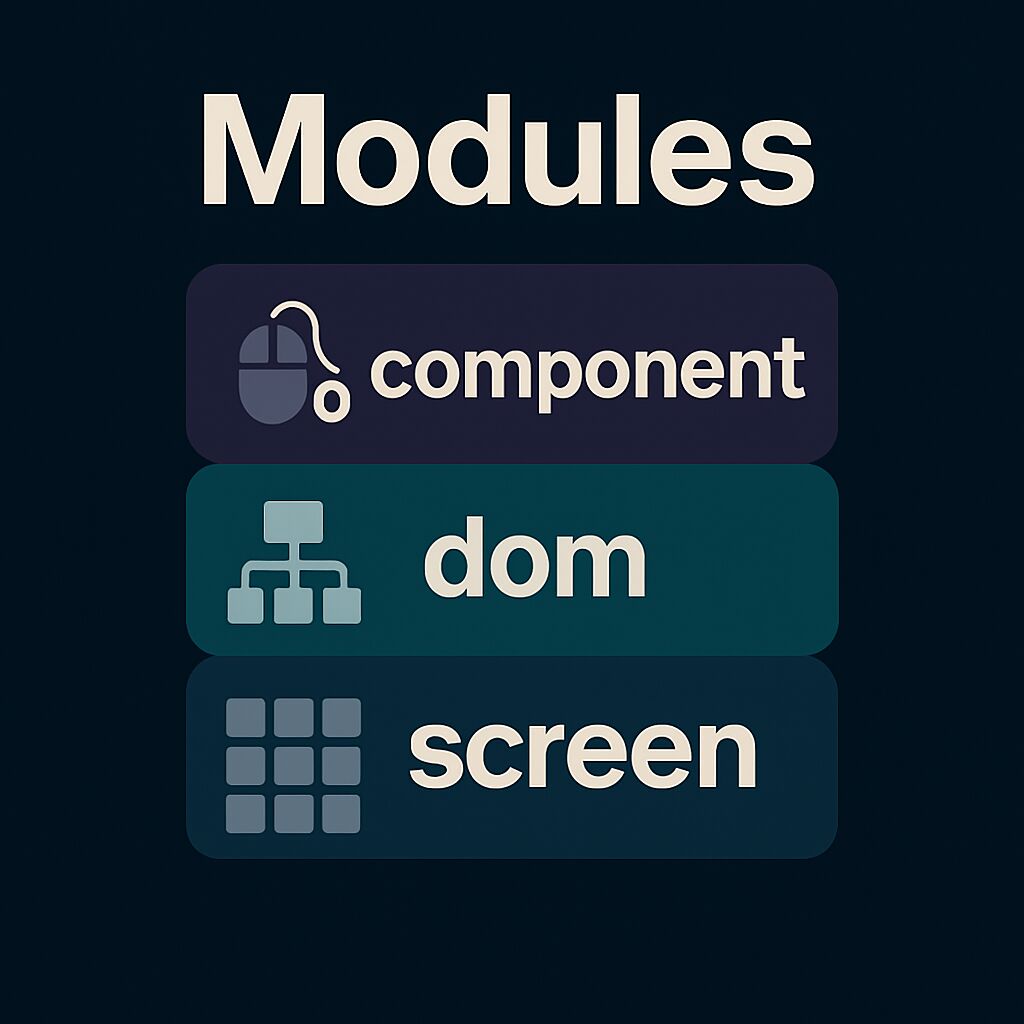
|
||||
|
||||
FTXUI is organized into three modules, each building upon the previous:
|
||||
|
||||
1. @subpage module-screen — low-level rendering
|
||||
2. @subpage module-dom — layout and composition
|
||||
3. @subpage module-component — user interaction
|
||||
|
||||
---
|
||||
|
||||
[ @subpage module-screen ]
|
||||
|
||||
Defines:
|
||||
|
||||
- **`ftxui::Screen`**: a 2D grid of styled characters.
|
||||
- **`ftxui::Pixel`**: the unit of rendering.
|
||||
- Helpers like `ftxui::Color` and `Dimension`.
|
||||
|
||||
Use for direct terminal drawing and styling.
|
||||
|
||||
---
|
||||
|
||||
[ @subpage module-dom ]
|
||||
|
||||
Provides:
|
||||
|
||||
- **`ftxui::Element`**: a tree structure for layout and UI.
|
||||
- Composable and responsive elements.
|
||||
- `Render()` to draw onto a `Screen`.
|
||||
|
||||
Ideal for structured, styled UIs.
|
||||
|
||||
---
|
||||
|
||||
[ @subpage module-component ]
|
||||
|
||||
Adds:
|
||||
|
||||
- **`ftxui::Component`**: stateful, interactive widgets.
|
||||
- Built-ins: `Checkbox`, `Input`, `Menu`, `Button`.
|
||||
- Supports keyboard/cursor input and composition.
|
||||
|
||||
Use for interactive apps.
|
||||
|
||||
---
|
||||
|
||||
Modules can be used independently, or together: `screen → dom → component`.
|
||||
118
doc/stylesheet.css
Normal file
118
doc/stylesheet.css
Normal file
@@ -0,0 +1,118 @@
|
||||
html {
|
||||
--primary-color: #9ed072; /* green (identifier, strings) */
|
||||
--primary-dark-color: #f39660; /* orange (functions, tags) */
|
||||
--primary-light-color: #7fbbb3; /* teal (types, decorators) */
|
||||
|
||||
--page-background-color: #2c2e34; /* main background */
|
||||
--page-foreground-color: #e2e2e3; /* main text */
|
||||
--page-secondary-foreground-color: #9aa5ce; /* dim text */
|
||||
--separator-color: #3b3e48;
|
||||
--side-nav-background: #1a1b26;
|
||||
|
||||
--code-background: #2a2e38;
|
||||
--code-foreground: #e2e2e3;
|
||||
|
||||
--tablehead-background: #1f1f28;
|
||||
|
||||
--blockquote-background: #3a3e44;
|
||||
--blockquote-foreground: #d4bfff;
|
||||
|
||||
--warning-color: #e0af68;
|
||||
--warning-color-dark: #ff9e64;
|
||||
--warning-color-darker: #f7768e;
|
||||
--bug-color: #f7768e;
|
||||
|
||||
--fragment-background: #2c2e34;
|
||||
--fragment-foreground: #e2e2e3;
|
||||
--fragment-keyword: #f7768e; /* pink */
|
||||
--fragment-keywordtype: #7fbbb3; /* teal */
|
||||
--fragment-keywordflow: #e0af68; /* orange-yellow */
|
||||
--fragment-token: #9ed072; /* green */
|
||||
--fragment-comment: #5c6370;
|
||||
--fragment-link: #7aa2f7; /* blue link */
|
||||
--fragment-preprocessor: #f39660; /* orange */
|
||||
--fragment-linenumber-color: #414868;
|
||||
--fragment-linenumber-background: #2c2e34;
|
||||
--fragment-linenumber-border: #1a1b26;
|
||||
}
|
||||
|
||||
/* Base style for all sections */
|
||||
.section.note,
|
||||
.section.warning,
|
||||
.section.remark,
|
||||
.section.attention,
|
||||
.section.important {
|
||||
border-left: 4px solid var(--primary-dark-color);
|
||||
border-radius: 6px;
|
||||
padding: 0.9em 1.2em;
|
||||
margin: 1.5em 0;
|
||||
background-color: #2e303e;
|
||||
color: var(--page-foreground-color);
|
||||
font-size: 0.95em;
|
||||
}
|
||||
|
||||
/* Section title */
|
||||
.section.note dt,
|
||||
.section.warning dt,
|
||||
.section.remark dt,
|
||||
.section.attention dt,
|
||||
.section.important dt {
|
||||
font-weight: bold;
|
||||
display: block;
|
||||
margin-bottom: 0.35em;
|
||||
}
|
||||
|
||||
/* Section body */
|
||||
.section.note dd,
|
||||
.section.warning dd,
|
||||
.section.remark dd,
|
||||
.section.attention dd,
|
||||
.section.important dd {
|
||||
margin: 0;
|
||||
}
|
||||
|
||||
/* Note - soft cyan */
|
||||
.section.note {
|
||||
border-left-color: #7fbbb3;
|
||||
background-color: #263640;
|
||||
}
|
||||
.section.note dt {
|
||||
color: #7fbbb3;
|
||||
}
|
||||
|
||||
/* Warning - amber */
|
||||
.section.warning {
|
||||
border-left-color: #e0af68;
|
||||
background-color: #3d2f1f;
|
||||
}
|
||||
.section.warning dt {
|
||||
color: #e0af68;
|
||||
}
|
||||
|
||||
/* Tip (Remark) - green */
|
||||
.section.remark {
|
||||
border-left-color: #9ed072;
|
||||
background-color: #2d3a2d;
|
||||
}
|
||||
.section.remark dt {
|
||||
color: #9ed072;
|
||||
}
|
||||
|
||||
/* Caution (Attention) - bold red-orange */
|
||||
.section.attention {
|
||||
border-left-color: #f7768e;
|
||||
background-color: #3d2a2e;
|
||||
}
|
||||
.section.attention dt {
|
||||
color: #f7768e;
|
||||
}
|
||||
|
||||
/* Important - purple */
|
||||
.section.important {
|
||||
border-left-color: #ab9df2;
|
||||
background-color: #2f2a3a;
|
||||
}
|
||||
.section.important dt {
|
||||
color: #ab9df2;
|
||||
}
|
||||
|
||||
@@ -21,6 +21,8 @@ if (EMSCRIPTEN)
|
||||
get_property(EXAMPLES GLOBAL PROPERTY FTXUI::EXAMPLES)
|
||||
foreach(file
|
||||
"index.html"
|
||||
"index.mjs"
|
||||
"index.css"
|
||||
"sw.js"
|
||||
"run_webassembly.py")
|
||||
configure_file(${file} ${file})
|
||||
|
||||
@@ -18,6 +18,7 @@ example(focus_cursor)
|
||||
example(gallery)
|
||||
example(homescreen)
|
||||
example(input)
|
||||
example(input_in_frame)
|
||||
example(input_style)
|
||||
example(linear_gradient_gallery)
|
||||
example(maybe)
|
||||
@@ -38,6 +39,8 @@ example(radiobox)
|
||||
example(radiobox_in_frame)
|
||||
example(renderer)
|
||||
example(resizable_split)
|
||||
example(scrollbar)
|
||||
example(selection)
|
||||
example(slider)
|
||||
example(slider_direction)
|
||||
example(slider_rgb)
|
||||
|
||||
@@ -1,66 +1,9 @@
|
||||
// Copyright 2020 Arthur Sonzogni. All rights reserved.
|
||||
// Use of this source code is governed by the MIT license that can be found in
|
||||
// the LICENSE file.
|
||||
#include <memory> // for shared_ptr, __shared_ptr_access
|
||||
#include <string> // for operator+, to_string
|
||||
#include "ftxui/component/component.hpp"
|
||||
#include "ftxui/component/screen_interactive.hpp"
|
||||
|
||||
#include "ftxui/component/captured_mouse.hpp" // for ftxui
|
||||
#include "ftxui/component/component.hpp" // for Button, Horizontal, Renderer
|
||||
#include "ftxui/component/component_base.hpp" // for ComponentBase
|
||||
#include "ftxui/component/screen_interactive.hpp" // for ScreenInteractive
|
||||
#include "ftxui/dom/elements.hpp" // for separator, gauge, text, Element, operator|, vbox, border
|
||||
|
||||
using namespace ftxui;
|
||||
|
||||
// This is a helper function to create a button with a custom style.
|
||||
// The style is defined by a lambda function that takes an EntryState and
|
||||
// returns an Element.
|
||||
// We are using `center` to center the text inside the button, then `border` to
|
||||
// add a border around the button, and finally `flex` to make the button fill
|
||||
// the available space.
|
||||
ButtonOption Style() {
|
||||
auto option = ButtonOption::Animated();
|
||||
option.transform = [](const EntryState& s) {
|
||||
auto element = text(s.label);
|
||||
if (s.focused) {
|
||||
element |= bold;
|
||||
}
|
||||
return element | center | borderEmpty | flex;
|
||||
};
|
||||
return option;
|
||||
}
|
||||
|
||||
int main() {
|
||||
int value = 50;
|
||||
|
||||
// clang-format off
|
||||
auto btn_dec_01 = Button("-1", [&] { value += 1; }, Style());
|
||||
auto btn_inc_01 = Button("+1", [&] { value -= 1; }, Style());
|
||||
auto btn_dec_10 = Button("-10", [&] { value -= 10; }, Style());
|
||||
auto btn_inc_10 = Button("+10", [&] { value += 10; }, Style());
|
||||
// clang-format on
|
||||
|
||||
// The tree of components. This defines how to navigate using the keyboard.
|
||||
// The selected `row` is shared to get a grid layout.
|
||||
int row = 0;
|
||||
auto buttons = Container::Vertical({
|
||||
Container::Horizontal({btn_dec_01, btn_inc_01}, &row) | flex,
|
||||
Container::Horizontal({btn_dec_10, btn_inc_10}, &row) | flex,
|
||||
});
|
||||
|
||||
// Modify the way to render them on screen:
|
||||
auto component = Renderer(buttons, [&] {
|
||||
return vbox({
|
||||
text("value = " + std::to_string(value)),
|
||||
separator(),
|
||||
gauge(value * 0.01f),
|
||||
separator(),
|
||||
buttons->Render(),
|
||||
}) |
|
||||
border;
|
||||
});
|
||||
|
||||
auto screen = ScreenInteractive::FitComponent();
|
||||
screen.Loop(component);
|
||||
return 0;
|
||||
int main(){
|
||||
auto screen = ftxui::ScreenInteractive::Fullscreen();
|
||||
auto testComponent = ftxui::Renderer([](){return ftxui::text("test Component");});
|
||||
screen.Loop(testComponent);
|
||||
return 0;
|
||||
}
|
||||
|
||||
@@ -1,30 +1,38 @@
|
||||
// Copyright 2021 Arthur Sonzogni. All rights reserved.
|
||||
// Use of this source code is governed by the MIT license that can be found in
|
||||
// the LICENSE file.
|
||||
#include <memory> // for allocator, __shared_ptr_access
|
||||
#include <string> // for string, basic_string, operator+, to_string
|
||||
#include <vector> // for vector
|
||||
#include <array> // for array
|
||||
#include <iostream>
|
||||
#include <memory> // for shared_ptr, __shared_ptr_access
|
||||
#include <string> // for operator+, to_string
|
||||
|
||||
#include "ftxui/component/captured_mouse.hpp" // for ftxui
|
||||
#include "ftxui/component/component.hpp" // for Input, Renderer, Vertical
|
||||
#include "ftxui/component/component_base.hpp" // for ComponentBase
|
||||
#include "ftxui/component/screen_interactive.hpp" // for Component, ScreenInteractive
|
||||
#include "ftxui/component/component.hpp" // for Checkbox, Renderer, Vertical
|
||||
#include "ftxui/component/component_base.hpp" // for ComponentBase
|
||||
#include "ftxui/component/screen_interactive.hpp" // for ScreenInteractive
|
||||
#include "ftxui/dom/elements.hpp" // for operator|, Element, size, border, frame, vscroll_indicator, HEIGHT, LESS_THAN
|
||||
|
||||
using namespace ftxui;
|
||||
|
||||
int main() {
|
||||
using namespace ftxui;
|
||||
bool download = false;
|
||||
bool upload = false;
|
||||
bool ping = false;
|
||||
|
||||
Component input_list = Container::Vertical({});
|
||||
std::vector<std::string> items(100, "");
|
||||
for (size_t i = 0; i < items.size(); ++i) {
|
||||
input_list->Add(Input(&(items[i]), "placeholder " + std::to_string(i)));
|
||||
}
|
||||
|
||||
auto renderer = Renderer(input_list, [&] {
|
||||
return input_list->Render() | vscroll_indicator | frame | border |
|
||||
size(HEIGHT, LESS_THAN, 10);
|
||||
auto container = Container::Vertical({
|
||||
Checkbox("Download", &download),
|
||||
Checkbox("Upload", &upload),
|
||||
Checkbox("Ping", &ping),
|
||||
});
|
||||
|
||||
auto screen = ScreenInteractive::TerminalOutput();
|
||||
screen.Loop(renderer);
|
||||
auto screen = ScreenInteractive::FitComponent();
|
||||
screen.Loop(container);
|
||||
|
||||
std::cout << "---" << std::endl;
|
||||
std::cout << "Download: " << download << std::endl;
|
||||
std::cout << "Upload: " << upload << std::endl;
|
||||
std::cout << "Ping: " << ping << std::endl;
|
||||
std::cout << "---" << std::endl;
|
||||
|
||||
return 0;
|
||||
}
|
||||
|
||||
@@ -97,7 +97,25 @@ int main() {
|
||||
});
|
||||
sliders = Wrap("Slider", sliders);
|
||||
|
||||
// -- Layout -----------------------------------------------------------------
|
||||
// A large text:
|
||||
auto lorel_ipsum = Renderer([] {
|
||||
return vbox({
|
||||
text("Lorem ipsum dolor sit amet, consectetur adipiscing elit. "),
|
||||
text("Sed do eiusmod tempor incididunt ut labore et dolore magna "
|
||||
"aliqua. "),
|
||||
text("Ut enim ad minim veniam, quis nostrud exercitation ullamco "
|
||||
"laboris nisi ut aliquip ex ea commodo consequat. "),
|
||||
text("Duis aute irure dolor in reprehenderit in voluptate velit esse "
|
||||
"cillum dolore eu fugiat nulla pariatur. "),
|
||||
text("Excepteur sint occaecat cupidatat non proident, sunt in culpa "
|
||||
"qui officia deserunt mollit anim id est laborum. "),
|
||||
|
||||
});
|
||||
});
|
||||
lorel_ipsum = Wrap("Lorel Ipsum", lorel_ipsum);
|
||||
|
||||
// -- Layout
|
||||
// -----------------------------------------------------------------
|
||||
auto layout = Container::Vertical({
|
||||
menu,
|
||||
toggle,
|
||||
@@ -106,6 +124,7 @@ int main() {
|
||||
input,
|
||||
sliders,
|
||||
button,
|
||||
lorel_ipsum,
|
||||
});
|
||||
|
||||
auto component = Renderer(layout, [&] {
|
||||
@@ -123,6 +142,8 @@ int main() {
|
||||
sliders->Render(),
|
||||
separator(),
|
||||
button->Render(),
|
||||
separator(),
|
||||
lorel_ipsum->Render(),
|
||||
}) |
|
||||
xflex | size(WIDTH, GREATER_THAN, 40) | border;
|
||||
});
|
||||
|
||||
@@ -424,7 +424,7 @@ int main() {
|
||||
auto paragraph_renderer_left = Renderer([&] {
|
||||
std::string str =
|
||||
"Lorem Ipsum is simply dummy text of the printing and typesetting "
|
||||
"industry. Lorem Ipsum has been the industry's standard dummy text "
|
||||
"industry.\nLorem Ipsum has been the industry's standard dummy text "
|
||||
"ever since the 1500s, when an unknown printer took a galley of type "
|
||||
"and scrambled it to make a type specimen book.";
|
||||
return vbox({
|
||||
@@ -504,7 +504,10 @@ int main() {
|
||||
auto main_renderer = Renderer(main_container, [&] {
|
||||
return vbox({
|
||||
text("FTXUI Demo") | bold | hcenter,
|
||||
tab_selection->Render(),
|
||||
hbox({
|
||||
tab_selection->Render() | flex,
|
||||
exit_button->Render(),
|
||||
}),
|
||||
tab_content->Render() | flex,
|
||||
});
|
||||
});
|
||||
|
||||
@@ -15,30 +15,50 @@
|
||||
int main() {
|
||||
using namespace ftxui;
|
||||
|
||||
// The data:
|
||||
std::string first_name;
|
||||
std::string last_name;
|
||||
std::string password;
|
||||
std::string phoneNumber;
|
||||
|
||||
// The basic input components:
|
||||
Component input_first_name = Input(&first_name, "first name");
|
||||
Component input_last_name = Input(&last_name, "last name");
|
||||
|
||||
// The password input component:
|
||||
InputOption password_option;
|
||||
password_option.password = true;
|
||||
Component input_password = Input(&password, "password", password_option);
|
||||
|
||||
// The phone number input component:
|
||||
// We are using `CatchEvent` to filter out non-digit characters.
|
||||
Component input_phone_number = Input(&phoneNumber, "phone number");
|
||||
input_phone_number |= CatchEvent([&](Event event) {
|
||||
return event.is_character() && !std::isdigit(event.character()[0]);
|
||||
});
|
||||
input_phone_number |= CatchEvent([&](Event event) {
|
||||
return event.is_character() && phoneNumber.size() > 10;
|
||||
});
|
||||
|
||||
// The component tree:
|
||||
auto component = Container::Vertical({
|
||||
input_first_name,
|
||||
input_last_name,
|
||||
input_password,
|
||||
input_phone_number,
|
||||
});
|
||||
|
||||
// Tweak how the component tree is rendered:
|
||||
auto renderer = Renderer(component, [&] {
|
||||
return vbox({
|
||||
text("Hello " + first_name + " " + last_name),
|
||||
separator(),
|
||||
hbox(text(" First name : "), input_first_name->Render()),
|
||||
hbox(text(" Last name : "), input_last_name->Render()),
|
||||
hbox(text(" Password : "), input_password->Render()),
|
||||
hbox(text(" Phone num : "), input_phone_number->Render()),
|
||||
separator(),
|
||||
text("Hello " + first_name + " " + last_name),
|
||||
text("Your password is " + password),
|
||||
text("Your phone number is " + phoneNumber),
|
||||
}) |
|
||||
border;
|
||||
});
|
||||
|
||||
30
examples/component/input_in_frame.cpp
Normal file
30
examples/component/input_in_frame.cpp
Normal file
@@ -0,0 +1,30 @@
|
||||
// Copyright 2021 Arthur Sonzogni. All rights reserved.
|
||||
// Use of this source code is governed by the MIT license that can be found in
|
||||
// the LICENSE file.
|
||||
#include <memory> // for allocator, __shared_ptr_access
|
||||
#include <string> // for string, basic_string, operator+, to_string
|
||||
#include <vector> // for vector
|
||||
|
||||
#include "ftxui/component/captured_mouse.hpp" // for ftxui
|
||||
#include "ftxui/component/component.hpp" // for Input, Renderer, Vertical
|
||||
#include "ftxui/component/component_base.hpp" // for ComponentBase
|
||||
#include "ftxui/component/screen_interactive.hpp" // for Component, ScreenInteractive
|
||||
#include "ftxui/dom/elements.hpp" // for operator|, Element, size, border, frame, vscroll_indicator, HEIGHT, LESS_THAN
|
||||
|
||||
int main() {
|
||||
using namespace ftxui;
|
||||
|
||||
Component input_list = Container::Vertical({});
|
||||
std::vector<std::string> items(100, "");
|
||||
for (size_t i = 0; i < items.size(); ++i) {
|
||||
input_list->Add(Input(&(items[i]), "placeholder " + std::to_string(i)));
|
||||
}
|
||||
|
||||
auto renderer = Renderer(input_list, [&] {
|
||||
return input_list->Render() | vscroll_indicator | frame | border |
|
||||
size(HEIGHT, LESS_THAN, 10);
|
||||
});
|
||||
|
||||
auto screen = ScreenInteractive::TerminalOutput();
|
||||
screen.Loop(renderer);
|
||||
}
|
||||
112
examples/component/scrollbar.cpp
Normal file
112
examples/component/scrollbar.cpp
Normal file
@@ -0,0 +1,112 @@
|
||||
// Copyright 2023 Arthur Sonzogni. All rights reserved.
|
||||
// Use of this source code is governed by the MIT license that can be found in
|
||||
// the LICENSE file.
|
||||
#include <ftxui/component/component.hpp>
|
||||
#include <ftxui/component/screen_interactive.hpp>
|
||||
|
||||
using namespace ftxui;
|
||||
|
||||
Component DummyWindowContent() {
|
||||
class Impl : public ComponentBase {
|
||||
private:
|
||||
float scroll_x = 0.1;
|
||||
float scroll_y = 0.1;
|
||||
|
||||
public:
|
||||
Impl() {
|
||||
auto content = Renderer([=] {
|
||||
const std::string lorem =
|
||||
"Lorem ipsum dolor sit amet, consectetur adipiscing elit, sed "
|
||||
"do eiusmod tempor incididunt ut labore et dolore magna "
|
||||
"aliqua. Ut enim ad minim veniam, quis nostrud exercitation "
|
||||
"ullamco laboris nisi ut aliquip ex ea commodo consequat. Duis "
|
||||
"aute irure dolor in reprehenderit in voluptate velit esse "
|
||||
"cillum dolore eu fugiat nulla pariatur. Excepteur sint "
|
||||
"occaecat cupidatat non proident, sunt in culpa qui officia "
|
||||
"deserunt mollit anim id est laborum.";
|
||||
return vbox({
|
||||
text(lorem.substr(0, -1)), text(lorem.substr(5, -1)), text(""),
|
||||
text(lorem.substr(10, -1)), text(lorem.substr(15, -1)), text(""),
|
||||
text(lorem.substr(20, -1)), text(lorem.substr(25, -1)), text(""),
|
||||
text(lorem.substr(30, -1)), text(lorem.substr(35, -1)), text(""),
|
||||
text(lorem.substr(40, -1)), text(lorem.substr(45, -1)), text(""),
|
||||
text(lorem.substr(50, -1)), text(lorem.substr(55, -1)), text(""),
|
||||
text(lorem.substr(60, -1)), text(lorem.substr(65, -1)), text(""),
|
||||
text(lorem.substr(70, -1)), text(lorem.substr(75, -1)), text(""),
|
||||
text(lorem.substr(80, -1)), text(lorem.substr(85, -1)), text(""),
|
||||
text(lorem.substr(90, -1)), text(lorem.substr(95, -1)), text(""),
|
||||
text(lorem.substr(100, -1)), text(lorem.substr(105, -1)), text(""),
|
||||
text(lorem.substr(110, -1)), text(lorem.substr(115, -1)), text(""),
|
||||
text(lorem.substr(120, -1)), text(lorem.substr(125, -1)), text(""),
|
||||
text(lorem.substr(130, -1)), text(lorem.substr(135, -1)), text(""),
|
||||
text(lorem.substr(140, -1)),
|
||||
});
|
||||
});
|
||||
|
||||
auto scrollable_content = Renderer(content, [&, content] {
|
||||
return content->Render() | focusPositionRelative(scroll_x, scroll_y) |
|
||||
frame | flex;
|
||||
});
|
||||
|
||||
SliderOption<float> option_x;
|
||||
option_x.value = &scroll_x;
|
||||
option_x.min = 0.f;
|
||||
option_x.max = 1.f;
|
||||
option_x.increment = 0.1f;
|
||||
option_x.direction = Direction::Right;
|
||||
option_x.color_active = Color::Blue;
|
||||
option_x.color_inactive = Color::BlueLight;
|
||||
auto scrollbar_x = Slider(option_x);
|
||||
|
||||
SliderOption<float> option_y;
|
||||
option_y.value = &scroll_y;
|
||||
option_y.min = 0.f;
|
||||
option_y.max = 1.f;
|
||||
option_y.increment = 0.1f;
|
||||
option_y.direction = Direction::Down;
|
||||
option_y.color_active = Color::Yellow;
|
||||
option_y.color_inactive = Color::YellowLight;
|
||||
auto scrollbar_y = Slider(option_y);
|
||||
|
||||
Add(Container::Vertical({
|
||||
Container::Horizontal({
|
||||
scrollable_content,
|
||||
scrollbar_y,
|
||||
}) | flex,
|
||||
Container::Horizontal({
|
||||
scrollbar_x,
|
||||
Renderer([] { return text(L"x"); }),
|
||||
}),
|
||||
}));
|
||||
}
|
||||
};
|
||||
return Make<Impl>();
|
||||
}
|
||||
|
||||
int main() {
|
||||
auto window_1 = Window({
|
||||
.inner = DummyWindowContent(),
|
||||
.title = "First window",
|
||||
.width = 80,
|
||||
.height = 30,
|
||||
});
|
||||
|
||||
auto window_2 = Window({
|
||||
.inner = DummyWindowContent(),
|
||||
.title = "My window",
|
||||
.left = 40,
|
||||
.top = 20,
|
||||
.width = 80,
|
||||
.height = 30,
|
||||
});
|
||||
|
||||
auto window_container = Container::Stacked({
|
||||
window_1,
|
||||
window_2,
|
||||
});
|
||||
|
||||
auto screen = ScreenInteractive::Fullscreen();
|
||||
screen.Loop(window_container);
|
||||
|
||||
return EXIT_SUCCESS;
|
||||
}
|
||||
87
examples/component/selection.cpp
Normal file
87
examples/component/selection.cpp
Normal file
@@ -0,0 +1,87 @@
|
||||
// Copyright 2020 Arthur Sonzogni. All rights reserved.
|
||||
// Use of this source code is governed by the MIT license that can be found in
|
||||
// the LICENSE file.
|
||||
#include <string> // for char_traits, operator+, string, basic_string
|
||||
|
||||
#include "ftxui/component/component.hpp" // for Input, Renderer, Vertical
|
||||
#include "ftxui/component/component_base.hpp" // for ComponentBase
|
||||
#include "ftxui/component/component_options.hpp" // for InputOption
|
||||
#include "ftxui/component/screen_interactive.hpp" // for Component, ScreenInteractive
|
||||
#include "ftxui/dom/elements.hpp" // for text, hbox, separator, Element, operator|, vbox, border
|
||||
#include "ftxui/util/ref.hpp" // for Ref
|
||||
|
||||
using namespace ftxui;
|
||||
|
||||
Element LoremIpsum() {
|
||||
return vbox({
|
||||
text("FTXUI: A powerful library for building user interfaces."),
|
||||
text("Enjoy a rich set of components and a declarative style."),
|
||||
text("Create beautiful and responsive UIs with minimal effort."),
|
||||
text("Join the community and experience the power of FTXUI."),
|
||||
});
|
||||
}
|
||||
|
||||
int main() {
|
||||
auto screen = ScreenInteractive::TerminalOutput();
|
||||
|
||||
auto quit =
|
||||
Button("Quit", screen.ExitLoopClosure(), ButtonOption::Animated());
|
||||
|
||||
int selection_change_counter = 0;
|
||||
std::string selection_content = "";
|
||||
screen.SelectionChange([&] {
|
||||
selection_change_counter++;
|
||||
selection_content = screen.GetSelection();
|
||||
});
|
||||
|
||||
// The components:
|
||||
auto renderer = Renderer(quit, [&] {
|
||||
return vbox({
|
||||
text("Select changed: " + std::to_string(selection_change_counter) +
|
||||
" times"),
|
||||
text("Currently selected: "),
|
||||
paragraph(selection_content) | vscroll_indicator | frame | border |
|
||||
size(HEIGHT, EQUAL, 10),
|
||||
window(text("Horizontal split"), hbox({
|
||||
LoremIpsum(),
|
||||
separator(),
|
||||
LoremIpsum(),
|
||||
separator(),
|
||||
LoremIpsum(),
|
||||
})),
|
||||
window(text("Vertical split"), vbox({
|
||||
LoremIpsum(),
|
||||
separator(),
|
||||
LoremIpsum(),
|
||||
separator(),
|
||||
LoremIpsum(),
|
||||
})),
|
||||
window(text("Grid split with different style"),
|
||||
vbox({
|
||||
hbox({
|
||||
LoremIpsum(),
|
||||
separator(),
|
||||
LoremIpsum() //
|
||||
| selectionBackgroundColor(Color::Yellow) //
|
||||
| selectionColor(Color::Black) //
|
||||
| selectionStyleReset,
|
||||
separator(),
|
||||
LoremIpsum() | selectionColor(Color::Blue),
|
||||
}),
|
||||
separator(),
|
||||
hbox({
|
||||
LoremIpsum() | selectionColor(Color::Red),
|
||||
separator(),
|
||||
LoremIpsum() | selectionStyle([](Pixel& pixel) {
|
||||
pixel.underlined_double = true;
|
||||
}),
|
||||
separator(),
|
||||
LoremIpsum(),
|
||||
}),
|
||||
})),
|
||||
quit->Render(),
|
||||
});
|
||||
});
|
||||
|
||||
screen.Loop(renderer);
|
||||
}
|
||||
@@ -19,7 +19,7 @@ using namespace ftxui;
|
||||
int main() {
|
||||
auto screen = ScreenInteractive::TerminalOutput();
|
||||
std::array<int, 30> values;
|
||||
for (int i = 0; i < values.size(); ++i) {
|
||||
for (size_t i = 0; i < values.size(); ++i) {
|
||||
values[i] = 50 + 20 * std::sin(i * 0.3);
|
||||
}
|
||||
|
||||
|
||||
@@ -29,6 +29,7 @@ example(style_dim)
|
||||
example(style_gallery)
|
||||
example(style_hyperlink)
|
||||
example(style_inverted)
|
||||
example(style_italic)
|
||||
example(style_strikethrough)
|
||||
example(style_underlined)
|
||||
example(style_underlined_double)
|
||||
|
||||
@@ -12,7 +12,6 @@
|
||||
int main() {
|
||||
using namespace ftxui;
|
||||
|
||||
int saturation = 255;
|
||||
Elements red_line;
|
||||
Elements green_line;
|
||||
Elements blue_line;
|
||||
|
||||
@@ -10,6 +10,7 @@
|
||||
#include <memory> // for shared_ptr
|
||||
#include <string> // for operator<<, string
|
||||
#include <thread> // for sleep_for
|
||||
#include <utility> // for ignore
|
||||
#include <vector> // for vector
|
||||
|
||||
#include "ftxui/dom/node.hpp" // for Render
|
||||
@@ -49,6 +50,7 @@ int main() {
|
||||
|
||||
std::string reset_position;
|
||||
for (int i = 0;; ++i) {
|
||||
std::ignore = i;
|
||||
auto document = hbox({
|
||||
vbox({
|
||||
graph(std::ref(my_graph)),
|
||||
|
||||
@@ -15,6 +15,7 @@ int main() {
|
||||
hbox({
|
||||
text("normal") , text(" ") ,
|
||||
text("bold") | bold , text(" ") ,
|
||||
text("italic") | italic , text(" ") ,
|
||||
text("dim") | dim , text(" ") ,
|
||||
text("inverted") | inverted , text(" ") ,
|
||||
text("underlined") | underlined , text(" ") ,
|
||||
|
||||
23
examples/dom/style_italic.cpp
Normal file
23
examples/dom/style_italic.cpp
Normal file
@@ -0,0 +1,23 @@
|
||||
// Copyright 2025 Arthur Sonzogni. All rights reserved.
|
||||
// Use of this source code is governed by the MIT license that can be found in
|
||||
// the LICENSE file.
|
||||
#include <ftxui/dom/elements.hpp> // for text, operator|, inverted, Fit, hbox, Element
|
||||
#include <ftxui/screen/screen.hpp> // for Full, Screen
|
||||
#include <memory> // for allocator
|
||||
|
||||
#include "ftxui/dom/node.hpp" // for Render
|
||||
#include "ftxui/screen/color.hpp" // for ftxui
|
||||
|
||||
int main() {
|
||||
using namespace ftxui;
|
||||
auto document = hbox({
|
||||
text("This text is "),
|
||||
text("italic") | italic,
|
||||
text(". Do you like it?"),
|
||||
});
|
||||
auto screen = Screen::Create(Dimension::Full(), Dimension::Fit(document));
|
||||
Render(screen, document);
|
||||
screen.Print();
|
||||
|
||||
return 0;
|
||||
}
|
||||
107
examples/index.css
Normal file
107
examples/index.css
Normal file
@@ -0,0 +1,107 @@
|
||||
@import url(https://fonts.googleapis.com/css?family=Khula:700);
|
||||
|
||||
body {
|
||||
background-color:#EEE;
|
||||
padding:0px;
|
||||
margin:0px;
|
||||
font-family: Khula, Helvetica, sans-serif;
|
||||
font-size: 130%;
|
||||
}
|
||||
|
||||
.page {
|
||||
max-width:1300px;
|
||||
margin: auto;
|
||||
padding: 10px;
|
||||
}
|
||||
|
||||
a {
|
||||
box-shadow: inset 0 0 0 0 #54b3d6;
|
||||
color: #0087b9;
|
||||
margin: 0 -.25rem;
|
||||
padding: 0 .25rem;
|
||||
transition: color .3s ease-in-out,
|
||||
box-shadow .3s ease-in-out;
|
||||
}
|
||||
|
||||
a:hover {
|
||||
box-shadow: inset 120px 0 0 0 #54b3d6;
|
||||
color: white;
|
||||
}
|
||||
|
||||
h1 {
|
||||
text-decoration: underline;
|
||||
width:100%;
|
||||
background-color: rgba(100,100,255,0.5);
|
||||
padding: 10px;
|
||||
margin: 0;
|
||||
}
|
||||
|
||||
|
||||
#selectExample {
|
||||
flex:1;
|
||||
}
|
||||
|
||||
#selectExample, #selectExample option {
|
||||
font-size: 16px;
|
||||
font-family: sans-serif;
|
||||
font-weight: 700;
|
||||
line-height: 1.3;
|
||||
border:0px;
|
||||
background-color: #bbb;
|
||||
color:black;
|
||||
}
|
||||
|
||||
#selectExample:focus {
|
||||
outline:none;
|
||||
}
|
||||
|
||||
#terminal {
|
||||
width:100%;
|
||||
height 500px;
|
||||
height: calc(clamp(200px, 100vh - 300px, 900px));
|
||||
overflow: hidden;
|
||||
border:none;
|
||||
background-color:black;
|
||||
}
|
||||
|
||||
#terminalContainer {
|
||||
overflow: hidden;
|
||||
border-radius: 10px;
|
||||
box-shadow: 0px 2px 10px 0px rgba(0,0,0,0.75),
|
||||
0px 2px 80px 0px rgba(0,0,0,0.50);
|
||||
}
|
||||
|
||||
.fakeButtons {
|
||||
height: 10px;
|
||||
width: 10px;
|
||||
border-radius: 50%;
|
||||
border: 1px solid #000;
|
||||
margin:6px;
|
||||
background-color: #ff3b47;
|
||||
border-color: #9d252b;
|
||||
display: inline-block;
|
||||
}
|
||||
|
||||
.fakeMinimize {
|
||||
left: 11px;
|
||||
background-color: #ffc100;
|
||||
border-color: #9d802c;
|
||||
}
|
||||
|
||||
.fakeZoom {
|
||||
left: 16px;
|
||||
background-color: #00d742;
|
||||
border-color: #049931;
|
||||
}
|
||||
|
||||
.fakeMenu {
|
||||
display:flex;
|
||||
flex-direction: row;
|
||||
width:100%;
|
||||
box-sizing: border-box;
|
||||
height: 25px;
|
||||
background-color: #bbb;
|
||||
color:black;
|
||||
margin: 0 auto;
|
||||
overflow: hidden;
|
||||
}
|
||||
@@ -1,174 +1,32 @@
|
||||
<!DOCTYPE html> <html lang="en">
|
||||
<!DOCTYPE html>
|
||||
<html lang="en">
|
||||
<head>
|
||||
<meta charset="utf-8">
|
||||
<title>FTXUI examples WebAssembly</title>
|
||||
<script src="https://cdn.jsdelivr.net/npm/xterm@4.18.0/lib/xterm.min.js"></script>
|
||||
<script src="https://cdn.jsdelivr.net/npm/xterm-addon-webgl@0.11.4/lib/xterm-addon-webgl.min.js"></script>
|
||||
<script src="https://cdn.jsdelivr.net/npm/xterm-addon-fit@0.5.0/lib/xterm-addon-fit.min.js"></script>
|
||||
<link rel="icon" href="data:image/svg+xml,<svg xmlns=%22http://www.w3.org/2000/svg%22 viewBox=%220 0 100 100%22><text y=%22.9em%22 font-size=%2290%22>➡️</text></svg>">
|
||||
<link rel="stylesheet" href="index.css">
|
||||
<link rel="stylesheet" href="https://cdn.jsdelivr.net/npm/xterm@4.11.0/css/xterm.css"></link>
|
||||
<!--Add COOP/COEP via a ServiceWorker to use SharedArrayBuffer-->
|
||||
<script>
|
||||
if ("serviceWorker" in navigator && !window.crossOriginIsolated) {
|
||||
navigator.serviceWorker.register(new URL("./sw.js", location.href)).then(
|
||||
registration => {
|
||||
if (registration.active && !navigator.serviceWorker.controller) {
|
||||
window.location.reload();
|
||||
}
|
||||
},
|
||||
);
|
||||
}
|
||||
</script>
|
||||
<script type="module" src="index.mjs"></script>
|
||||
</head>
|
||||
<body>
|
||||
<script id="example_script"></script>
|
||||
|
||||
<div class="page">
|
||||
<h1>FTXUI WebAssembly Example </h1>
|
||||
<p>
|
||||
<a href="https://github.com/ArthurSonzogni/FTXUI">FTXUI</a> is a simple
|
||||
functional C++ library for terminal user interface. <br/>
|
||||
This showcases the: <a href="https://github.com/ArthurSonzogni/FTXUI/tree/master/examples">./example/</a> folder. <br/>
|
||||
</p>
|
||||
<p>
|
||||
On this page, you can try all the examples contained in: <a
|
||||
href="https://github.com/ArthurSonzogni/FTXUI/tree/master/examples">./example/</a>
|
||||
Those are compiled using WebAssembly.
|
||||
</p>
|
||||
<select id="selectExample"></select>
|
||||
<div id="terminal"></div>
|
||||
|
||||
<div id="terminalContainer">
|
||||
<div class="fakeMenu">
|
||||
<div class="fakeButtons fakeClose"></div>
|
||||
<div class="fakeButtons fakeMinimize"></div>
|
||||
<div class="fakeButtons fakeZoom"></div>
|
||||
<select id="selectExample"></select>
|
||||
</div>
|
||||
<div id="terminal"></div>
|
||||
</div>
|
||||
</div>
|
||||
</body>
|
||||
<script>
|
||||
const example_list = "@EXAMPLES@".split(";");
|
||||
|
||||
const url_search_params = new URLSearchParams(window.location.search);
|
||||
const example = url_search_params.get("file") || "dom/color_gallery";
|
||||
const select = document.getElementById("selectExample");
|
||||
|
||||
for(var i = 0; i < example_list.length; i++) {
|
||||
var opt = example_list[i];
|
||||
var el = document.createElement("option");
|
||||
el.textContent = opt;
|
||||
el.value = opt;
|
||||
select.appendChild(el);
|
||||
}
|
||||
select.selectedIndex = example_list.findIndex(path => path == example) || 0;
|
||||
select.addEventListener("change", () => {
|
||||
location.href = (location.href).split('?')[0] + "?file=" +
|
||||
example_list[select.selectedIndex];
|
||||
});
|
||||
|
||||
let stdin_buffer = [];
|
||||
const stdin = () => {
|
||||
return stdin_buffer.shift() || 0;
|
||||
}
|
||||
|
||||
let stdout_buffer = [];
|
||||
const stdout = code => {
|
||||
if (code == 0) {
|
||||
term.write(new Uint8Array(stdout_buffer));
|
||||
stdout_buffer = [];
|
||||
} else {
|
||||
stdout_buffer.push(code)
|
||||
}
|
||||
}
|
||||
let stderrbuffer = [];
|
||||
const stderr = code => {
|
||||
if (code == 0 || code == 10) {
|
||||
console.error(String.fromCodePoint(...stderrbuffer));
|
||||
stderrbuffer = [];
|
||||
} else {
|
||||
stderrbuffer.push(code)
|
||||
}
|
||||
}
|
||||
const term = new Terminal();
|
||||
const term_element = document.querySelector('#terminal');
|
||||
term.open(term_element);
|
||||
|
||||
const webgl_addon = new (WebglAddon.WebglAddon)();
|
||||
term.loadAddon(webgl_addon);
|
||||
|
||||
const onBinary = e => {
|
||||
for(c of e)
|
||||
stdin_buffer.push(c.charCodeAt(0));
|
||||
}
|
||||
term.onBinary(onBinary);
|
||||
term.onData(onBinary)
|
||||
term.resize(140,43);
|
||||
window.Module = {
|
||||
preRun: () => {
|
||||
FS.init(stdin, stdout, stderr);
|
||||
},
|
||||
postRun: [],
|
||||
onRuntimeInitialized: () => {
|
||||
if (window.Module._ftxui_on_resize == undefined)
|
||||
return;
|
||||
|
||||
const fit_addon = new (FitAddon.FitAddon)();
|
||||
term.loadAddon(fit_addon);
|
||||
fit_addon.fit();
|
||||
const resize_handler = () => {
|
||||
const {cols, rows} = fit_addon.proposeDimensions();
|
||||
term.resize(cols, rows);
|
||||
window.Module._ftxui_on_resize(cols, rows);
|
||||
};
|
||||
const resize_observer = new ResizeObserver(resize_handler);
|
||||
resize_observer.observe(term_element);
|
||||
resize_handler();
|
||||
|
||||
// Disable scrollbar
|
||||
term.write('\x1b[?47h')
|
||||
},
|
||||
};
|
||||
|
||||
const words = example.split('/')
|
||||
words[1] = "ftxui_example_" + words[1] + ".js"
|
||||
document.querySelector("#example_script").src = words.join('/');
|
||||
</script>
|
||||
|
||||
<style>
|
||||
|
||||
body {
|
||||
background-color:#EEE;
|
||||
padding:20px;
|
||||
font-family: Helvetica, sans-serif;
|
||||
font-size: 130%;
|
||||
}
|
||||
|
||||
.page {
|
||||
max-width:1300px;
|
||||
margin: auto;
|
||||
}
|
||||
|
||||
h1 {
|
||||
text-decoration: underline;
|
||||
}
|
||||
|
||||
select {
|
||||
display:block;
|
||||
padding: .6em 1.4em .5em .8em;
|
||||
border-radius: 20px 20px 0px 0px;
|
||||
font-size: 16px;
|
||||
font-family: sans-serif;
|
||||
font-weight: 700;
|
||||
|
||||
color: #444;
|
||||
line-height: 1.3;
|
||||
background-color:black;
|
||||
border:0px;
|
||||
color:white;
|
||||
transition: color 0.2s linear;
|
||||
transition: background-color 0.2s linear;
|
||||
}
|
||||
|
||||
#terminal {
|
||||
width:100%;
|
||||
height: 500px;
|
||||
height: calc(clamp(200px, 100vh - 300px, 900px));
|
||||
overflow: hidden;
|
||||
border:none;
|
||||
padding:auto;
|
||||
}
|
||||
|
||||
</style>
|
||||
|
||||
</html>
|
||||
|
||||
100
examples/index.mjs
Normal file
100
examples/index.mjs
Normal file
@@ -0,0 +1,100 @@
|
||||
import xterm from 'https://cdn.jsdelivr.net/npm/xterm@4.18.0/+esm'
|
||||
import xterm_addon_webgl from 'https://cdn.jsdelivr.net/npm/xterm-addon-webgl@0.11.4/+esm'
|
||||
import xterm_addon_fit from 'https://cdn.jsdelivr.net/npm/xterm-addon-fit@0.5.0/+esm'
|
||||
|
||||
// Add COOP/COEP via a ServiceWorker to use SharedArrayBuffer
|
||||
if ("serviceWorker" in navigator && !window.crossOriginIsolated) {
|
||||
const url_sw = new URL("./sw.js", location.href);
|
||||
const registration = await navigator.serviceWorker.register(url_sw);
|
||||
window.location.reload(); // Reload to ensure the COOP/COEP headers are set.
|
||||
}
|
||||
|
||||
const example_list = "@EXAMPLES@".split(";");
|
||||
const url_search_params = new URLSearchParams(window.location.search);
|
||||
|
||||
const select = document.getElementById("selectExample");
|
||||
for(const example of example_list) {
|
||||
const option = document.createElement("option");
|
||||
option.textContent = example;
|
||||
option.value = example;
|
||||
select.appendChild(option);
|
||||
}
|
||||
const example = url_search_params.get("file") || "dom/color_gallery";
|
||||
select.selectedIndex = example_list.findIndex(path => path == example) || 0;
|
||||
select.addEventListener("change", () => {
|
||||
history.pushState({}, "", "?file=" + example_list[select.selectedIndex]);
|
||||
location.reload();
|
||||
});
|
||||
|
||||
const term_element = document.querySelector('#terminal');
|
||||
const term = new xterm.Terminal();
|
||||
term.options.scrollback = 0;
|
||||
term.open(term_element);
|
||||
const fit_addon = new xterm_addon_fit.FitAddon();
|
||||
const webgl_addon = new xterm_addon_webgl.WebglAddon();
|
||||
term.loadAddon(webgl_addon);
|
||||
term.loadAddon(fit_addon);
|
||||
|
||||
const stdin_buffer = [];
|
||||
const stdout_buffer = [];
|
||||
const stderr_buffer = [];
|
||||
|
||||
const stdin = () => {
|
||||
return stdin_buffer.shift() || 0;
|
||||
}
|
||||
|
||||
const stdout = code => {
|
||||
if (code == 0) {
|
||||
term.write(new Uint8Array(stdout_buffer));
|
||||
stdout_buffer.length = 0;
|
||||
} else {
|
||||
stdout_buffer.push(code)
|
||||
}
|
||||
}
|
||||
|
||||
const stderr = code => {
|
||||
if (code == 0 || code == 10) {
|
||||
console.error(String.fromCodePoint(...stderr_buffer));
|
||||
stderr_buffer = [];
|
||||
} else {
|
||||
stderr_buffer.push(code)
|
||||
}
|
||||
}
|
||||
|
||||
const onBinary = e => {
|
||||
for(const c of e)
|
||||
stdin_buffer.push(c.charCodeAt(0));
|
||||
}
|
||||
|
||||
term.onBinary(onBinary);
|
||||
term.onData(onBinary)
|
||||
term.resize(140,43);
|
||||
|
||||
window.Module = {
|
||||
preRun: () => {
|
||||
FS.init(stdin, stdout, stderr);
|
||||
},
|
||||
postRun: [],
|
||||
onRuntimeInitialized: () => {
|
||||
if (window.Module._ftxui_on_resize == undefined)
|
||||
return;
|
||||
fit_addon.fit();
|
||||
|
||||
const resize_handler = () => {
|
||||
const {cols, rows} = fit_addon.proposeDimensions();
|
||||
term.resize(cols, rows);
|
||||
window.Module._ftxui_on_resize(cols, rows);
|
||||
fit_addon.fit();
|
||||
};
|
||||
const resize_observer = new ResizeObserver(resize_handler);
|
||||
resize_observer.observe(term_element);
|
||||
resize_handler();
|
||||
|
||||
// Disable scrollbar
|
||||
//term.write('\x1b[?47h')
|
||||
},
|
||||
};
|
||||
|
||||
const words = example.split('/')
|
||||
words[1] = "ftxui_example_" + words[1] + ".js"
|
||||
document.querySelector("#example_script").src = words.join('/');
|
||||
30
flake.lock
generated
30
flake.lock
generated
@@ -1,12 +1,15 @@
|
||||
{
|
||||
"nodes": {
|
||||
"flake-utils": {
|
||||
"inputs": {
|
||||
"systems": "systems"
|
||||
},
|
||||
"locked": {
|
||||
"lastModified": 1678901627,
|
||||
"narHash": "sha256-U02riOqrKKzwjsxc/400XnElV+UtPUQWpANPlyazjH0=",
|
||||
"lastModified": 1694529238,
|
||||
"narHash": "sha256-zsNZZGTGnMOf9YpHKJqMSsa0dXbfmxeoJ7xHlrt+xmY=",
|
||||
"owner": "numtide",
|
||||
"repo": "flake-utils",
|
||||
"rev": "93a2b84fc4b70d9e089d029deacc3583435c2ed6",
|
||||
"rev": "ff7b65b44d01cf9ba6a71320833626af21126384",
|
||||
"type": "github"
|
||||
},
|
||||
"original": {
|
||||
@@ -17,11 +20,11 @@
|
||||
},
|
||||
"nixpkgs": {
|
||||
"locked": {
|
||||
"lastModified": 1679734080,
|
||||
"narHash": "sha256-z846xfGLlon6t9lqUzlNtBOmsgQLQIZvR6Lt2dImk1M=",
|
||||
"lastModified": 1697915759,
|
||||
"narHash": "sha256-WyMj5jGcecD+KC8gEs+wFth1J1wjisZf8kVZH13f1Zo=",
|
||||
"owner": "NixOS",
|
||||
"repo": "nixpkgs",
|
||||
"rev": "dbf5322e93bcc6cfc52268367a8ad21c09d76fea",
|
||||
"rev": "51d906d2341c9e866e48c2efcaac0f2d70bfd43e",
|
||||
"type": "github"
|
||||
},
|
||||
"original": {
|
||||
@@ -36,6 +39,21 @@
|
||||
"flake-utils": "flake-utils",
|
||||
"nixpkgs": "nixpkgs"
|
||||
}
|
||||
},
|
||||
"systems": {
|
||||
"locked": {
|
||||
"lastModified": 1681028828,
|
||||
"narHash": "sha256-Vy1rq5AaRuLzOxct8nz4T6wlgyUR7zLU309k9mBC768=",
|
||||
"owner": "nix-systems",
|
||||
"repo": "default",
|
||||
"rev": "da67096a3b9bf56a91d16901293e51ba5b49a27e",
|
||||
"type": "github"
|
||||
},
|
||||
"original": {
|
||||
"owner": "nix-systems",
|
||||
"repo": "default",
|
||||
"type": "github"
|
||||
}
|
||||
}
|
||||
},
|
||||
"root": "root",
|
||||
|
||||
25
flake.nix
25
flake.nix
@@ -8,9 +8,11 @@
|
||||
|
||||
outputs = {self, nixpkgs, flake-utils}:
|
||||
flake-utils.lib.eachDefaultSystem (system:
|
||||
let pkgs = import nixpkgs { inherit system; }; in
|
||||
{
|
||||
packages.ftxui = pkgs.stdenv.mkDerivation rec {
|
||||
let pkgs = import nixpkgs { inherit system; }; in
|
||||
let llvm = pkgs.llvmPackages_latest; in
|
||||
{
|
||||
packages = rec {
|
||||
default = pkgs.stdenv.mkDerivation rec {
|
||||
pname = "ftxui";
|
||||
version = "v4.0.0";
|
||||
src = pkgs.fetchFromGitHub {
|
||||
@@ -56,6 +58,19 @@
|
||||
platforms = pkgs.lib.platforms.all;
|
||||
};
|
||||
};
|
||||
}
|
||||
);
|
||||
|
||||
ftxui = default;
|
||||
};
|
||||
|
||||
devShells = {
|
||||
default = pkgs.mkShell {
|
||||
nativeBuildInputs = [
|
||||
pkgs.cmake
|
||||
pkgs.clang-tools
|
||||
llvm.clang
|
||||
];
|
||||
};
|
||||
};
|
||||
}
|
||||
);
|
||||
}
|
||||
|
||||
@@ -44,12 +44,16 @@ class ComponentBase {
|
||||
ComponentBase* Parent() const;
|
||||
Component& ChildAt(size_t i);
|
||||
size_t ChildCount() const;
|
||||
int Index() const;
|
||||
void Add(Component children);
|
||||
void Detach();
|
||||
void DetachAllChildren();
|
||||
|
||||
// Renders the component.
|
||||
virtual Element Render();
|
||||
Element Render();
|
||||
|
||||
// Override this function modify how `Render` works.
|
||||
virtual Element OnRender();
|
||||
|
||||
// Handles an event.
|
||||
// By default, reduce on children with a lazy OR.
|
||||
@@ -93,6 +97,7 @@ class ComponentBase {
|
||||
|
||||
private:
|
||||
ComponentBase* parent_ = nullptr;
|
||||
bool in_render = false;
|
||||
};
|
||||
|
||||
} // namespace ftxui
|
||||
|
||||
@@ -17,14 +17,14 @@
|
||||
|
||||
namespace ftxui {
|
||||
|
||||
/// @brief arguments for |ButtonOption::transform|, |CheckboxOption::transform|,
|
||||
/// |Radiobox::transform|, |MenuEntryOption::transform|,
|
||||
/// |MenuOption::transform|.
|
||||
/// @brief arguments for transform from |ButtonOption|, |CheckboxOption|,
|
||||
/// |RadioboxOption|, |MenuEntryOption|, |MenuOption|.
|
||||
struct EntryState {
|
||||
std::string label; ///< The label to display.
|
||||
bool state; ///< The state of the button/checkbox/radiobox
|
||||
bool active; ///< Whether the entry is the active one.
|
||||
bool focused; ///< Whether the entry is one focused by the user.
|
||||
int index; ///< Index of the entry when applicable or -1.
|
||||
};
|
||||
|
||||
struct UnderlineOption {
|
||||
|
||||
@@ -16,6 +16,7 @@
|
||||
#include "ftxui/component/captured_mouse.hpp" // for CapturedMouse
|
||||
#include "ftxui/component/event.hpp" // for Event
|
||||
#include "ftxui/component/task.hpp" // for Task, Closure
|
||||
#include "ftxui/dom/selection.hpp" // for SelectionOption
|
||||
#include "ftxui/screen/screen.hpp" // for Screen
|
||||
|
||||
namespace ftxui {
|
||||
@@ -68,6 +69,10 @@ class ScreenInteractive : public Screen {
|
||||
void ForceHandleCtrlC(bool force);
|
||||
void ForceHandleCtrlZ(bool force);
|
||||
|
||||
// Selection API.
|
||||
std::string GetSelection();
|
||||
void SelectionChange(std::function<void()> callback);
|
||||
|
||||
private:
|
||||
void ExitNow();
|
||||
|
||||
@@ -82,6 +87,8 @@ class ScreenInteractive : public Screen {
|
||||
void RunOnceBlocking(Component component);
|
||||
|
||||
void HandleTask(Component component, Task& task);
|
||||
bool HandleSelection(bool handled, Event event);
|
||||
void RefreshSelection();
|
||||
void Draw(Component component);
|
||||
void ResetCursorPosition();
|
||||
|
||||
@@ -129,6 +136,22 @@ class ScreenInteractive : public Screen {
|
||||
// The style of the cursor to restore on exit.
|
||||
int cursor_reset_shape_ = 1;
|
||||
|
||||
// Selection API:
|
||||
CapturedMouse selection_pending_;
|
||||
struct SelectionData {
|
||||
int start_x = -1;
|
||||
int start_y = -1;
|
||||
int end_x = -2;
|
||||
int end_y = -2;
|
||||
bool empty = true;
|
||||
bool operator==(const SelectionData& other) const;
|
||||
bool operator!=(const SelectionData& other) const;
|
||||
};
|
||||
SelectionData selection_data_;
|
||||
SelectionData selection_data_previous_;
|
||||
std::unique_ptr<Selection> selection_;
|
||||
std::function<void()> selection_on_change_;
|
||||
|
||||
friend class Loop;
|
||||
|
||||
public:
|
||||
|
||||
@@ -95,6 +95,7 @@ Element canvas(std::function<void(Canvas&)>);
|
||||
// -- Decorator ---
|
||||
Element bold(Element);
|
||||
Element dim(Element);
|
||||
Element italic(Element);
|
||||
Element inverted(Element);
|
||||
Element underlined(Element);
|
||||
Element underlinedDouble(Element);
|
||||
@@ -113,6 +114,11 @@ Decorator focusPositionRelative(float x, float y);
|
||||
Element automerge(Element child);
|
||||
Decorator hyperlink(std::string link);
|
||||
Element hyperlink(std::string link, Element child);
|
||||
Element selectionStyleReset(Element);
|
||||
Decorator selectionColor(Color foreground);
|
||||
Decorator selectionBackgroundColor(Color foreground);
|
||||
Decorator selectionForegroundColor(Color foreground);
|
||||
Decorator selectionStyle(std::function<void(Pixel&)> style);
|
||||
|
||||
// --- Layout is
|
||||
// Horizontal, Vertical or stacked set of elements.
|
||||
@@ -156,7 +162,7 @@ Element frame(Element);
|
||||
Element xframe(Element);
|
||||
Element yframe(Element);
|
||||
Element focus(Element);
|
||||
Element select(Element);
|
||||
Element select(Element e); // Deprecated - Alias for focus.
|
||||
|
||||
// --- Cursor ---
|
||||
// Those are similar to `focus`, but also change the shape of the cursor.
|
||||
|
||||
@@ -8,6 +8,7 @@
|
||||
#include <vector> // for vector
|
||||
|
||||
#include "ftxui/dom/requirement.hpp" // for Requirement
|
||||
#include "ftxui/dom/selection.hpp" // for Selection
|
||||
#include "ftxui/screen/box.hpp" // for Box
|
||||
#include "ftxui/screen/screen.hpp"
|
||||
|
||||
@@ -22,7 +23,7 @@ using Elements = std::vector<Element>;
|
||||
class Node {
|
||||
public:
|
||||
Node();
|
||||
Node(Elements children);
|
||||
explicit Node(Elements children);
|
||||
Node(const Node&) = delete;
|
||||
Node(const Node&&) = delete;
|
||||
Node& operator=(const Node&) = delete;
|
||||
@@ -40,9 +41,15 @@ class Node {
|
||||
// Propagated from Parents to Children.
|
||||
virtual void SetBox(Box box);
|
||||
|
||||
// Step 3: Draw this element.
|
||||
// Step 3: (optional) Selection
|
||||
// Propagated from Parents to Children.
|
||||
virtual void Select(Selection& selection);
|
||||
|
||||
// Step 4: Draw this element.
|
||||
virtual void Render(Screen& screen);
|
||||
|
||||
virtual std::string GetSelectedContent(Selection& selection);
|
||||
|
||||
// Layout may not resolve within a single iteration for some elements. This
|
||||
// allows them to request additionnal iterations. This signal must be
|
||||
// forwarded to children at least once.
|
||||
@@ -52,6 +59,8 @@ class Node {
|
||||
};
|
||||
virtual void Check(Status* status);
|
||||
|
||||
friend void Render(Screen& screen, Node* node, Selection& selection);
|
||||
|
||||
protected:
|
||||
Elements children_;
|
||||
Requirement requirement_;
|
||||
@@ -60,6 +69,10 @@ class Node {
|
||||
|
||||
void Render(Screen& screen, const Element& element);
|
||||
void Render(Screen& screen, Node* node);
|
||||
void Render(Screen& screen, Node* node, Selection& selection);
|
||||
std::string GetNodeSelectedContent(Screen& screen,
|
||||
Node* node,
|
||||
Selection& selection);
|
||||
|
||||
} // namespace ftxui
|
||||
|
||||
|
||||
@@ -5,8 +5,10 @@
|
||||
#define FTXUI_DOM_REQUIREMENT_HPP
|
||||
|
||||
#include "ftxui/screen/box.hpp"
|
||||
#include "ftxui/screen/screen.hpp"
|
||||
|
||||
namespace ftxui {
|
||||
class Node;
|
||||
|
||||
struct Requirement {
|
||||
// The required size to fully draw the element.
|
||||
@@ -20,13 +22,28 @@ struct Requirement {
|
||||
int flex_shrink_y = 0;
|
||||
|
||||
// Focus management to support the frame/focus/select element.
|
||||
enum Selection {
|
||||
NORMAL = 0,
|
||||
SELECTED = 1,
|
||||
FOCUSED = 2,
|
||||
struct Focused {
|
||||
bool enabled = false;
|
||||
Box box;
|
||||
Node* node = nullptr;
|
||||
Screen::Cursor::Shape cursor_shape = Screen::Cursor::Shape::Hidden;
|
||||
|
||||
// Internal for interactions with components.
|
||||
bool component_active = false;
|
||||
|
||||
// Return whether this requirement should be preferred over the other.
|
||||
bool Prefer(const Focused& other) const {
|
||||
if (!other.enabled) {
|
||||
return false;
|
||||
}
|
||||
if (!enabled) {
|
||||
return true;
|
||||
}
|
||||
|
||||
return other.component_active && !component_active;
|
||||
}
|
||||
};
|
||||
Selection selection = NORMAL;
|
||||
Box selected_box;
|
||||
Focused focused;
|
||||
};
|
||||
|
||||
} // namespace ftxui
|
||||
|
||||
50
include/ftxui/dom/selection.hpp
Normal file
50
include/ftxui/dom/selection.hpp
Normal file
@@ -0,0 +1,50 @@
|
||||
// Copyright 2024 Arthur Sonzogni. All rights reserved.
|
||||
// Use of this source code is governed by the MIT license that can be found in
|
||||
// the LICENSE file.
|
||||
|
||||
#ifndef FTXUI_DOM_SELECTION_HPP
|
||||
#define FTXUI_DOM_SELECTION_HPP
|
||||
|
||||
#include <functional>
|
||||
|
||||
#include <sstream>
|
||||
#include "ftxui/screen/box.hpp" // for Box
|
||||
#include "ftxui/screen/pixel.hpp" // for Pixel
|
||||
|
||||
namespace ftxui {
|
||||
|
||||
/// @brief Represent a selection in the terminal.
|
||||
class Selection {
|
||||
public:
|
||||
Selection(); // Empty selection.
|
||||
Selection(int start_x, int start_y, int end_x, int end_y);
|
||||
|
||||
const Box& GetBox() const;
|
||||
|
||||
Selection SaturateHorizontal(Box box);
|
||||
Selection SaturateVertical(Box box);
|
||||
bool IsEmpty() const { return empty_; }
|
||||
|
||||
void AddPart(const std::string& part, int y, int left, int right);
|
||||
std::string GetParts() { return parts_.str(); }
|
||||
|
||||
private:
|
||||
Selection(int start_x, int start_y, int end_x, int end_y, Selection* parent);
|
||||
|
||||
const int start_x_ = 0;
|
||||
const int start_y_ = 0;
|
||||
const int end_x_ = 0;
|
||||
const int end_y_ = 0;
|
||||
const Box box_ = {};
|
||||
Selection* const parent_ = this;
|
||||
const bool empty_ = true;
|
||||
std::stringstream parts_;
|
||||
|
||||
// The position of the last inserted part.
|
||||
int x_ = 0;
|
||||
int y_ = 0;
|
||||
};
|
||||
|
||||
} // namespace ftxui
|
||||
|
||||
#endif /* end of include guard: FTXUI_DOM_SELECTION_HPP */
|
||||
@@ -36,8 +36,8 @@ class TableSelection;
|
||||
class Table {
|
||||
public:
|
||||
Table();
|
||||
Table(std::vector<std::vector<std::string>>);
|
||||
Table(std::vector<std::vector<Element>>);
|
||||
explicit Table(std::vector<std::vector<std::string>>);
|
||||
explicit Table(std::vector<std::vector<Element>>);
|
||||
Table(std::initializer_list<std::vector<std::string>> init);
|
||||
TableSelection SelectAll();
|
||||
TableSelection SelectCell(int column, int row);
|
||||
|
||||
@@ -14,6 +14,7 @@ struct Box {
|
||||
|
||||
static auto Intersection(Box a, Box b) -> Box;
|
||||
static auto Union(Box a, Box b) -> Box;
|
||||
void Shift(int x, int y);
|
||||
bool Contain(int x, int y) const;
|
||||
bool IsEmpty() const;
|
||||
bool operator==(const Box& other) const;
|
||||
|
||||
@@ -17,6 +17,7 @@ struct Pixel {
|
||||
: blink(false),
|
||||
bold(false),
|
||||
dim(false),
|
||||
italic(false),
|
||||
inverted(false),
|
||||
underlined(false),
|
||||
underlined_double(false),
|
||||
@@ -27,6 +28,7 @@ struct Pixel {
|
||||
bool blink : 1;
|
||||
bool bold : 1;
|
||||
bool dim : 1;
|
||||
bool italic : 1;
|
||||
bool inverted : 1;
|
||||
bool underlined : 1;
|
||||
bool underlined_double : 1;
|
||||
|
||||
@@ -4,12 +4,14 @@
|
||||
#ifndef FTXUI_SCREEN_SCREEN_HPP
|
||||
#define FTXUI_SCREEN_SCREEN_HPP
|
||||
|
||||
#include <cstdint> // for uint8_t
|
||||
#include <string> // for string, basic_string, allocator
|
||||
#include <vector> // for vector
|
||||
#include <cstdint> // for uint8_t
|
||||
#include <functional> // for function
|
||||
#include <string> // for string, basic_string, allocator
|
||||
#include <vector> // for vector
|
||||
|
||||
#include "ftxui/screen/image.hpp" // for Pixel, Image
|
||||
#include "ftxui/screen/terminal.hpp" // for Dimensions
|
||||
#include "ftxui/util/autoreset.hpp" // for AutoReset
|
||||
|
||||
namespace ftxui {
|
||||
|
||||
@@ -67,9 +69,18 @@ class Screen : public Image {
|
||||
uint8_t RegisterHyperlink(const std::string& link);
|
||||
const std::string& Hyperlink(uint8_t id) const;
|
||||
|
||||
using SelectionStyle = std::function<void(Pixel&)>;
|
||||
const SelectionStyle& GetSelectionStyle() const;
|
||||
void SetSelectionStyle(SelectionStyle decorator);
|
||||
|
||||
protected:
|
||||
Cursor cursor_;
|
||||
std::vector<std::string> hyperlinks_ = {""};
|
||||
|
||||
// The current selection style. This is overridden by various dom elements.
|
||||
SelectionStyle selection_style_ = [](Pixel& pixel) {
|
||||
pixel.inverted ^= true;
|
||||
};
|
||||
};
|
||||
|
||||
} // namespace ftxui
|
||||
|
||||
@@ -37,7 +37,7 @@ class ButtonBase : public ComponentBase, public ButtonOption {
|
||||
explicit ButtonBase(ButtonOption option) : ButtonOption(std::move(option)) {}
|
||||
|
||||
// Component implementation:
|
||||
Element Render() override {
|
||||
Element OnRender() override {
|
||||
const bool active = Active();
|
||||
const bool focused = Focused();
|
||||
const bool focused_or_hover = focused || mouse_hover_;
|
||||
@@ -47,17 +47,16 @@ class ButtonBase : public ComponentBase, public ButtonOption {
|
||||
SetAnimationTarget(target);
|
||||
}
|
||||
|
||||
auto focus_management = focused ? focus : active ? select : nothing;
|
||||
const EntryState state = {
|
||||
*label,
|
||||
false,
|
||||
active,
|
||||
focused_or_hover,
|
||||
const EntryState state{
|
||||
*label, false, active, focused_or_hover, Index(),
|
||||
};
|
||||
|
||||
auto element = (transform ? transform : DefaultTransform) //
|
||||
(state);
|
||||
return element | AnimatedColorStyle() | focus_management | reflect(box_);
|
||||
element |= AnimatedColorStyle();
|
||||
element |= focus;
|
||||
element |= reflect(box_);
|
||||
return element;
|
||||
}
|
||||
|
||||
Decorator AnimatedColorStyle() {
|
||||
|
||||
@@ -23,19 +23,17 @@ class CheckboxBase : public ComponentBase, public CheckboxOption {
|
||||
|
||||
private:
|
||||
// Component implementation.
|
||||
Element Render() override {
|
||||
Element OnRender() override {
|
||||
const bool is_focused = Focused();
|
||||
const bool is_active = Active();
|
||||
auto focus_management = is_focused ? focus : is_active ? select : nothing;
|
||||
auto entry_state = EntryState{
|
||||
*label,
|
||||
*checked,
|
||||
is_active,
|
||||
is_focused || hovered_,
|
||||
*label, *checked, is_active, is_focused || hovered_, -1,
|
||||
};
|
||||
auto element = (transform ? transform : CheckboxOption::Simple().transform)(
|
||||
entry_state);
|
||||
return element | focus_management | reflect(box_);
|
||||
element |= focus;
|
||||
element |= reflect(box_);
|
||||
return element;
|
||||
}
|
||||
|
||||
bool OnEvent(Event event) override {
|
||||
@@ -72,7 +70,6 @@ class CheckboxBase : public ComponentBase, public CheckboxOption {
|
||||
event.mouse().motion == Mouse::Pressed) {
|
||||
*checked = !*checked;
|
||||
on_change();
|
||||
TakeFocus();
|
||||
return true;
|
||||
}
|
||||
|
||||
|
||||
@@ -28,7 +28,7 @@ namespace ftxui {
|
||||
///
|
||||
/// ▼ Show details
|
||||
/// <details component>
|
||||
/// ```
|
||||
/// ```
|
||||
// NOLINTNEXTLINE
|
||||
Component Collapsible(ConstStringRef label, Component child, Ref<bool> show) {
|
||||
class Impl : public ComponentBase {
|
||||
|
||||
@@ -15,6 +15,8 @@
|
||||
#include "ftxui/component/event.hpp" // for Event
|
||||
#include "ftxui/component/screen_interactive.hpp" // for Component, ScreenInteractive
|
||||
#include "ftxui/dom/elements.hpp" // for text, Element
|
||||
#include "ftxui/dom/node.hpp" // for Node, Elements
|
||||
#include "ftxui/screen/box.hpp" // for Box
|
||||
|
||||
namespace ftxui::animation {
|
||||
class Params;
|
||||
@@ -51,6 +53,22 @@ size_t ComponentBase::ChildCount() const {
|
||||
return children_.size();
|
||||
}
|
||||
|
||||
/// @brief Return index of the component in its parent. -1 if no parent.
|
||||
/// @ingroup component
|
||||
int ComponentBase::Index() const {
|
||||
if (parent_ == nullptr) {
|
||||
return -1;
|
||||
}
|
||||
int index = 0;
|
||||
for (const Component& child : parent_->children_) {
|
||||
if (child.get() == this) {
|
||||
return index;
|
||||
}
|
||||
index++;
|
||||
}
|
||||
return -1; // Not reached.
|
||||
}
|
||||
|
||||
/// @brief Add a child.
|
||||
/// @@param child The child to be attached.
|
||||
/// @ingroup component
|
||||
@@ -87,10 +105,46 @@ void ComponentBase::DetachAllChildren() {
|
||||
}
|
||||
|
||||
/// @brief Draw the component.
|
||||
/// Build a ftxui::Element to be drawn on the ftxi::Screen representing this
|
||||
/// ftxui::ComponentBase.
|
||||
/// Build a ftxui::Element to be drawn on the ftxui::Screen representing this
|
||||
/// ftxui::ComponentBase. Please override OnRender() to modify the rendering.
|
||||
/// @ingroup component
|
||||
Element ComponentBase::Render() {
|
||||
// Some users might call `ComponentBase::Render()` from
|
||||
// `T::OnRender()`. To avoid infinite recursion, we use a flag.
|
||||
if (in_render) {
|
||||
return ComponentBase::OnRender();
|
||||
}
|
||||
|
||||
in_render = true;
|
||||
Element element = OnRender();
|
||||
in_render = false;
|
||||
|
||||
class Wrapper : public Node {
|
||||
public:
|
||||
bool active_ = false;
|
||||
|
||||
Wrapper(Element child, bool active)
|
||||
: Node({std::move(child)}), active_(active) {}
|
||||
|
||||
void SetBox(Box box) override {
|
||||
Node::SetBox(box);
|
||||
children_[0]->SetBox(box);
|
||||
}
|
||||
|
||||
void ComputeRequirement() override {
|
||||
Node::ComputeRequirement();
|
||||
requirement_.focused.component_active = active_;
|
||||
}
|
||||
};
|
||||
|
||||
return std::make_shared<Wrapper>(std::move(element), Active());
|
||||
}
|
||||
|
||||
/// @brief Draw the component.
|
||||
/// Build a ftxui::Element to be drawn on the ftxi::Screen representing this
|
||||
/// ftxui::ComponentBase. This function is means to be overridden.
|
||||
/// @ingroup component
|
||||
Element ComponentBase::OnRender() {
|
||||
if (children_.size() == 1) {
|
||||
return children_.front()->Render();
|
||||
}
|
||||
|
||||
@@ -98,7 +98,7 @@ class VerticalContainer : public ContainerBase {
|
||||
public:
|
||||
using ContainerBase::ContainerBase;
|
||||
|
||||
Element Render() override {
|
||||
Element OnRender() override {
|
||||
Elements elements;
|
||||
elements.reserve(children_.size());
|
||||
for (auto& it : children_) {
|
||||
@@ -163,6 +163,7 @@ class VerticalContainer : public ContainerBase {
|
||||
return false;
|
||||
}
|
||||
|
||||
const int old_selected = *selector_;
|
||||
if (event.mouse().button == Mouse::WheelUp) {
|
||||
MoveSelector(-1);
|
||||
}
|
||||
@@ -171,7 +172,7 @@ class VerticalContainer : public ContainerBase {
|
||||
}
|
||||
*selector_ = std::max(0, std::min(int(children_.size()) - 1, *selector_));
|
||||
|
||||
return true;
|
||||
return old_selected != *selector_;
|
||||
}
|
||||
|
||||
Box box_;
|
||||
@@ -181,7 +182,7 @@ class HorizontalContainer : public ContainerBase {
|
||||
public:
|
||||
using ContainerBase::ContainerBase;
|
||||
|
||||
Element Render() override {
|
||||
Element OnRender() override {
|
||||
Elements elements;
|
||||
elements.reserve(children_.size());
|
||||
for (auto& it : children_) {
|
||||
@@ -217,7 +218,7 @@ class TabContainer : public ContainerBase {
|
||||
public:
|
||||
using ContainerBase::ContainerBase;
|
||||
|
||||
Element Render() override {
|
||||
Element OnRender() override {
|
||||
const Component active_child = ActiveChild();
|
||||
if (active_child) {
|
||||
return active_child->Render();
|
||||
@@ -243,7 +244,7 @@ class StackedContainer : public ContainerBase {
|
||||
: ContainerBase(std::move(children), nullptr) {}
|
||||
|
||||
private:
|
||||
Element Render() final {
|
||||
Element OnRender() final {
|
||||
Elements elements;
|
||||
for (auto& child : children_) {
|
||||
elements.push_back(child->Render());
|
||||
@@ -333,7 +334,7 @@ Component Vertical(Components children) {
|
||||
/// children_2,
|
||||
/// children_3,
|
||||
/// children_4,
|
||||
/// });
|
||||
/// }, &selected_children);
|
||||
/// ```
|
||||
Component Vertical(Components children, int* selector) {
|
||||
return std::make_shared<VerticalContainer>(std::move(children), selector);
|
||||
@@ -354,7 +355,7 @@ Component Vertical(Components children, int* selector) {
|
||||
/// children_2,
|
||||
/// children_3,
|
||||
/// children_4,
|
||||
/// }, &selected_children);
|
||||
/// });
|
||||
/// ```
|
||||
Component Horizontal(Components children) {
|
||||
return Horizontal(std::move(children), nullptr);
|
||||
|
||||
@@ -44,10 +44,14 @@ Component Dropdown(DropdownOption option) {
|
||||
}));
|
||||
}
|
||||
|
||||
Element Render() override {
|
||||
radiobox.selected =
|
||||
Element OnRender() override {
|
||||
selected_ =
|
||||
util::clamp(radiobox.selected(), 0, int(radiobox.entries.size()) - 1);
|
||||
title_ = radiobox.entries[selected_()];
|
||||
selected_ = util::clamp(selected_(), 0, int(radiobox.entries.size()) - 1);
|
||||
|
||||
if (selected_() >= 0 && selected_() < int(radiobox.entries.size())) {
|
||||
title_ = radiobox.entries[selected_()];
|
||||
}
|
||||
|
||||
return transform(*open_, checkbox_->Render(), radiobox_->Render());
|
||||
}
|
||||
@@ -66,10 +70,13 @@ Component Dropdown(DropdownOption option) {
|
||||
// Auto-close the dropdown when the user selects an item, even if the item
|
||||
// it the same as the previous one.
|
||||
if (open_old && open_()) {
|
||||
const bool should_close = (selected_() != selected_old) || //
|
||||
(event == Event::Return) || //
|
||||
(event == Event::Character(' ')) || //
|
||||
(event == Event::Escape); //
|
||||
const bool should_close =
|
||||
(selected_() != selected_old) || //
|
||||
(event == Event::Return) || //
|
||||
(event == Event::Character(' ')) || //
|
||||
(event == Event::Escape) || //
|
||||
(event.is_mouse() && event.mouse().button == Mouse::Left &&
|
||||
event.mouse().motion == Mouse::Pressed);
|
||||
|
||||
if (should_close) {
|
||||
checkbox_->TakeFocus();
|
||||
|
||||
34
src/ftxui/component/dropdown_test.cpp
Normal file
34
src/ftxui/component/dropdown_test.cpp
Normal file
@@ -0,0 +1,34 @@
|
||||
// Copyright 2025 Arthur Sonzogni. All rights reserved.
|
||||
// Use of this source code is governed by the MIT license that can be found in
|
||||
// the LICENSE file.
|
||||
|
||||
#include "ftxui/component/component.hpp" // for Horizontal, Vertical, Button, Tab
|
||||
#include "ftxui/component/component_base.hpp" // for ComponentBase, Component
|
||||
#include "ftxui/component/event.hpp" // for Event, Event::Tab, Event::TabReverse, Event::ArrowDown, Event::ArrowLeft, Event::ArrowRight, Event::ArrowUp
|
||||
#include "gtest/gtest.h" // for AssertionResult, Message, TestPartResult, EXPECT_EQ, EXPECT_FALSE, Test, EXPECT_TRUE, TEST
|
||||
|
||||
namespace ftxui {
|
||||
|
||||
TEST(DropdownTest, Empty) {
|
||||
std::vector<std::string> list = {};
|
||||
int index = 0;
|
||||
auto dropdown = Dropdown(list, &index);
|
||||
|
||||
dropdown->OnEvent(Event::Return);
|
||||
|
||||
auto screen = Screen(8, 8);
|
||||
auto document = dropdown->Render();
|
||||
Render(screen, document);
|
||||
|
||||
EXPECT_EQ(screen.ToString(),
|
||||
"╭──────╮\r\n"
|
||||
"│↓ │\r\n"
|
||||
"├──────┤\r\n"
|
||||
"│ │\r\n"
|
||||
"│ │\r\n"
|
||||
"│ │\r\n"
|
||||
"│ │\r\n"
|
||||
"╰──────╯");
|
||||
}
|
||||
|
||||
} // namespace ftxui
|
||||
@@ -74,7 +74,7 @@ Event Event::CursorShape(std::string input, int shape) {
|
||||
|
||||
/// @brief An custom event whose meaning is defined by the user of the library.
|
||||
/// @param input An arbitrary sequence of character defined by the developer.
|
||||
/// @ingroup component.
|
||||
/// @ingroup component
|
||||
// static
|
||||
Event Event::Special(std::string input) {
|
||||
Event event;
|
||||
|
||||
@@ -49,8 +49,8 @@ Component Hoverable(Component component, bool* hover) {
|
||||
}
|
||||
|
||||
private:
|
||||
Element Render() override {
|
||||
return ComponentBase::Render() | reflect(box_);
|
||||
Element OnRender() override {
|
||||
return ComponentBase::OnRender() | reflect(box_);
|
||||
}
|
||||
|
||||
bool OnEvent(Event event) override {
|
||||
@@ -98,8 +98,8 @@ Component Hoverable(Component component,
|
||||
}
|
||||
|
||||
private:
|
||||
Element Render() override {
|
||||
return ComponentBase::Render() | reflect(box_);
|
||||
Element OnRender() override {
|
||||
return ComponentBase::OnRender() | reflect(box_);
|
||||
}
|
||||
|
||||
bool OnEvent(Event event) override {
|
||||
@@ -159,7 +159,7 @@ ComponentDecorator Hoverable(bool* hover) {
|
||||
/// button |= Hoverable(
|
||||
/// [&]{ on_enter_cnt++; },
|
||||
/// [&]{ on_leave_cnt++; }
|
||||
// );
|
||||
/// );
|
||||
/// ```
|
||||
// NOLINTNEXTLINE
|
||||
ComponentDecorator Hoverable(std::function<void()> on_enter,
|
||||
@@ -182,7 +182,7 @@ ComponentDecorator Hoverable(std::function<void()> on_enter,
|
||||
/// auto button = Button("exit", screen.ExitLoopClosure());
|
||||
/// bool hovered = false;
|
||||
/// auto button_hoverable = Hoverable(button,
|
||||
// [&](bool hover) { hovered = hover;});
|
||||
/// [&](bool hover) { hovered = hover;});
|
||||
/// ```
|
||||
// NOLINTNEXTLINE
|
||||
Component Hoverable(Component component, std::function<void(bool)> on_change) {
|
||||
|
||||
@@ -96,9 +96,9 @@ class InputBase : public ComponentBase, public InputOption {
|
||||
|
||||
private:
|
||||
// Component implementation:
|
||||
Element Render() override {
|
||||
Element OnRender() override {
|
||||
const bool is_focused = Focused();
|
||||
const auto focused = (!is_focused && !hovered_) ? select
|
||||
const auto focused = (!is_focused && !hovered_) ? nothing
|
||||
: insert() ? focusCursorBarBlinking
|
||||
: focusCursorBlockBlinking;
|
||||
|
||||
@@ -108,15 +108,12 @@ class InputBase : public ComponentBase, public InputOption {
|
||||
// placeholder.
|
||||
if (content->empty()) {
|
||||
auto element = text(placeholder()) | xflex | frame;
|
||||
if (is_focused) {
|
||||
element |= focus;
|
||||
}
|
||||
|
||||
return transform_func({
|
||||
std::move(element), hovered_, is_focused,
|
||||
true // placeholder
|
||||
}) |
|
||||
reflect(box_);
|
||||
focus | reflect(box_);
|
||||
}
|
||||
|
||||
Elements elements;
|
||||
@@ -176,7 +173,7 @@ class InputBase : public ComponentBase, public InputOption {
|
||||
elements.push_back(element);
|
||||
}
|
||||
|
||||
auto element = vbox(std::move(elements)) | frame;
|
||||
auto element = vbox(std::move(elements), cursor_line) | frame;
|
||||
return transform_func({
|
||||
std::move(element), hovered_, is_focused,
|
||||
false // placeholder
|
||||
@@ -606,6 +603,7 @@ Component Input(StringRef content, InputOption option) {
|
||||
|
||||
/// @brief An input box for editing text.
|
||||
/// @param content The editable content.
|
||||
/// @param placeholder The placeholder text.
|
||||
/// @param option Additional optional parameters.
|
||||
/// @ingroup component
|
||||
/// @see InputBase
|
||||
|
||||
@@ -24,8 +24,8 @@ Component Maybe(Component child, std::function<bool()> show) {
|
||||
explicit Impl(std::function<bool()> show) : show_(std::move(show)) {}
|
||||
|
||||
private:
|
||||
Element Render() override {
|
||||
return show_() ? ComponentBase::Render() : std::make_unique<Node>();
|
||||
Element OnRender() override {
|
||||
return show_() ? ComponentBase::OnRender() : std::make_unique<Node>();
|
||||
}
|
||||
bool Focusable() const override {
|
||||
return show_() && ComponentBase::Focusable();
|
||||
|
||||
@@ -105,7 +105,7 @@ class MenuBase : public ComponentBase, public MenuOption {
|
||||
}
|
||||
}
|
||||
|
||||
Element Render() override {
|
||||
Element OnRender() override {
|
||||
Clamp();
|
||||
UpdateAnimationTarget();
|
||||
|
||||
@@ -123,22 +123,18 @@ class MenuBase : public ComponentBase, public MenuOption {
|
||||
const bool is_selected = (selected() == i);
|
||||
|
||||
const EntryState state = {
|
||||
entries[i],
|
||||
false,
|
||||
is_selected,
|
||||
is_focused,
|
||||
entries[i], false, is_selected, is_focused, i,
|
||||
};
|
||||
|
||||
auto focus_management = (selected_focus_ != i) ? nothing
|
||||
: is_menu_focused ? focus
|
||||
: select;
|
||||
|
||||
const Element element =
|
||||
(entries_option.transform ? entries_option.transform
|
||||
: DefaultOptionTransform) //
|
||||
Element element = (entries_option.transform ? entries_option.transform
|
||||
: DefaultOptionTransform) //
|
||||
(state);
|
||||
elements.push_back(element | AnimatedColorStyle(i) | reflect(boxes_[i]) |
|
||||
focus_management);
|
||||
if (selected_focus_ == i) {
|
||||
element |= focus;
|
||||
}
|
||||
element |= AnimatedColorStyle(i);
|
||||
element |= reflect(boxes_[i]);
|
||||
elements.push_back(element);
|
||||
}
|
||||
if (elements_postfix) {
|
||||
elements.push_back(elements_postfix());
|
||||
@@ -148,8 +144,9 @@ class MenuBase : public ComponentBase, public MenuOption {
|
||||
std::reverse(elements.begin(), elements.end());
|
||||
}
|
||||
|
||||
const Element bar =
|
||||
IsHorizontal() ? hbox(std::move(elements)) : vbox(std::move(elements));
|
||||
const Element bar = IsHorizontal()
|
||||
? hbox(std::move(elements), selected_focus_)
|
||||
: vbox(std::move(elements), selected_focus_);
|
||||
|
||||
if (!underline.enabled) {
|
||||
return bar | reflect(box_);
|
||||
@@ -621,23 +618,22 @@ Component MenuEntry(MenuEntryOption option) {
|
||||
: MenuEntryOption(std::move(option)) {}
|
||||
|
||||
private:
|
||||
Element Render() override {
|
||||
const bool focused = Focused();
|
||||
Element OnRender() override {
|
||||
const bool is_focused = Focused();
|
||||
UpdateAnimationTarget();
|
||||
|
||||
const EntryState state = {
|
||||
label(),
|
||||
false,
|
||||
hovered_,
|
||||
focused,
|
||||
const EntryState state{
|
||||
label(), false, hovered_, is_focused, Index(),
|
||||
};
|
||||
|
||||
const Element element =
|
||||
(transform ? transform : DefaultOptionTransform) //
|
||||
Element element = (transform ? transform : DefaultOptionTransform) //
|
||||
(state);
|
||||
|
||||
auto focus_management = focused ? select : nothing;
|
||||
return element | AnimatedColorStyle() | focus_management | reflect(box_);
|
||||
if (is_focused) {
|
||||
element |= focus;
|
||||
}
|
||||
|
||||
return element | AnimatedColorStyle() | reflect(box_);
|
||||
}
|
||||
|
||||
void UpdateAnimationTarget() {
|
||||
@@ -698,7 +694,6 @@ Component MenuEntry(MenuEntryOption option) {
|
||||
animator_foreground_.OnAnimation(params);
|
||||
}
|
||||
|
||||
MenuEntryOption option_;
|
||||
Box box_;
|
||||
bool hovered_ = false;
|
||||
|
||||
|
||||
@@ -226,5 +226,50 @@ TEST(MenuTest, AnimationsVertical) {
|
||||
}
|
||||
}
|
||||
|
||||
TEST(MenuTest, EntryIndex) {
|
||||
int selected = 0;
|
||||
std::vector<std::string> entries = {"0", "1", "2"};
|
||||
|
||||
auto option = MenuOption::Vertical();
|
||||
option.entries = &entries;
|
||||
option.selected = &selected;
|
||||
option.entries_option.transform = [&](const EntryState& state) {
|
||||
int curidx = std::stoi(state.label);
|
||||
EXPECT_EQ(state.index, curidx);
|
||||
return text(state.label);
|
||||
};
|
||||
auto menu = Menu(option);
|
||||
menu->OnEvent(Event::ArrowDown);
|
||||
menu->OnEvent(Event::ArrowDown);
|
||||
menu->OnEvent(Event::Return);
|
||||
entries.resize(2);
|
||||
(void)menu->Render();
|
||||
}
|
||||
|
||||
TEST(MenuTest, MenuEntryIndex) {
|
||||
int selected = 0;
|
||||
|
||||
MenuEntryOption option;
|
||||
option.transform = [&](const EntryState& state) {
|
||||
int curidx = std::stoi(state.label);
|
||||
EXPECT_EQ(state.index, curidx);
|
||||
return text(state.label);
|
||||
};
|
||||
auto menu = Container::Vertical(
|
||||
{
|
||||
MenuEntry("0", option),
|
||||
MenuEntry("1", option),
|
||||
MenuEntry("2", option),
|
||||
},
|
||||
&selected);
|
||||
|
||||
menu->OnEvent(Event::ArrowDown);
|
||||
menu->OnEvent(Event::ArrowDown);
|
||||
menu->OnEvent(Event::Return);
|
||||
for (size_t index = 0; index < menu->ChildCount(); index++) {
|
||||
EXPECT_EQ(menu->ChildAt(index)->Index(), index);
|
||||
}
|
||||
}
|
||||
|
||||
} // namespace ftxui
|
||||
// NOLINTEND
|
||||
|
||||
@@ -26,7 +26,7 @@ Component Modal(Component main, Component modal, const bool* show_modal) {
|
||||
}
|
||||
|
||||
private:
|
||||
Element Render() override {
|
||||
Element OnRender() override {
|
||||
selector_ = *show_modal_;
|
||||
auto document = main_->Render();
|
||||
if (*show_modal_) {
|
||||
|
||||
@@ -28,7 +28,7 @@ class RadioboxBase : public ComponentBase, public RadioboxOption {
|
||||
: RadioboxOption(option) {}
|
||||
|
||||
private:
|
||||
Element Render() override {
|
||||
Element OnRender() override {
|
||||
Clamp();
|
||||
Elements elements;
|
||||
const bool is_menu_focused = Focused();
|
||||
@@ -36,21 +36,17 @@ class RadioboxBase : public ComponentBase, public RadioboxOption {
|
||||
for (int i = 0; i < size(); ++i) {
|
||||
const bool is_focused = (focused_entry() == i) && is_menu_focused;
|
||||
const bool is_selected = (hovered_ == i);
|
||||
auto focus_management = !is_selected ? nothing
|
||||
: is_menu_focused ? focus
|
||||
: select;
|
||||
auto state = EntryState{
|
||||
entries[i],
|
||||
selected() == i,
|
||||
is_selected,
|
||||
is_focused,
|
||||
entries[i], selected() == i, is_selected, is_focused, i,
|
||||
};
|
||||
auto element =
|
||||
(transform ? transform : RadioboxOption::Simple().transform)(state);
|
||||
|
||||
elements.push_back(element | focus_management | reflect(boxes_[i]));
|
||||
if (is_selected) {
|
||||
element |= focus;
|
||||
}
|
||||
elements.push_back(element | reflect(boxes_[i]));
|
||||
}
|
||||
return vbox(std::move(elements)) | reflect(box_);
|
||||
return vbox(std::move(elements), hovered_) | reflect(box_);
|
||||
}
|
||||
|
||||
// NOLINTNEXTLINE(readability-function-cognitive-complexity)
|
||||
|
||||
@@ -31,7 +31,7 @@ Component Renderer(std::function<Element()> render) {
|
||||
public:
|
||||
explicit Impl(std::function<Element()> render)
|
||||
: render_(std::move(render)) {}
|
||||
Element Render() override { return render_(); }
|
||||
Element OnRender() override { return render_(); }
|
||||
std::function<Element()> render_;
|
||||
};
|
||||
|
||||
@@ -88,7 +88,7 @@ Component Renderer(std::function<Element(bool)> render) {
|
||||
: render_(std::move(render)) {}
|
||||
|
||||
private:
|
||||
Element Render() override { return render_(Focused()) | reflect(box_); }
|
||||
Element OnRender() override { return render_(Focused()) | reflect(box_); }
|
||||
bool Focusable() const override { return true; }
|
||||
bool OnEvent(Event event) override {
|
||||
if (event.is_mouse() && box_.Contain(event.mouse().x, event.mouse().y)) {
|
||||
|
||||
@@ -77,16 +77,16 @@ class ResizableSplitBase : public ComponentBase {
|
||||
|
||||
switch (options_->direction()) {
|
||||
case Direction::Left:
|
||||
options_->main_size() = event.mouse().x - box_.x_min;
|
||||
options_->main_size() = std::max(0, event.mouse().x - box_.x_min);
|
||||
return true;
|
||||
case Direction::Right:
|
||||
options_->main_size() = box_.x_max - event.mouse().x;
|
||||
options_->main_size() = std::max(0, box_.x_max - event.mouse().x);
|
||||
return true;
|
||||
case Direction::Up:
|
||||
options_->main_size() = event.mouse().y - box_.y_min;
|
||||
options_->main_size() = std::max(0, event.mouse().y - box_.y_min);
|
||||
return true;
|
||||
case Direction::Down:
|
||||
options_->main_size() = box_.y_max - event.mouse().y;
|
||||
options_->main_size() = std::max(0, box_.y_max - event.mouse().y);
|
||||
return true;
|
||||
}
|
||||
|
||||
@@ -94,7 +94,7 @@ class ResizableSplitBase : public ComponentBase {
|
||||
return false;
|
||||
}
|
||||
|
||||
Element Render() final {
|
||||
Element OnRender() final {
|
||||
switch (options_->direction()) {
|
||||
case Direction::Left:
|
||||
return RenderLeft();
|
||||
|
||||
@@ -34,6 +34,7 @@
|
||||
#include "ftxui/dom/requirement.hpp" // for Requirement
|
||||
#include "ftxui/screen/pixel.hpp" // for Pixel
|
||||
#include "ftxui/screen/terminal.hpp" // for Dimensions, Size
|
||||
#include "ftxui/screen/util.hpp" // for util::clamp
|
||||
|
||||
#if defined(_WIN32)
|
||||
#define DEFINE_CONSOLEV2_PROPERTIES
|
||||
@@ -576,6 +577,18 @@ void ScreenInteractive::ForceHandleCtrlZ(bool force) {
|
||||
force_handle_ctrl_z_ = force;
|
||||
}
|
||||
|
||||
/// @brief Returns the content of the current selection
|
||||
std::string ScreenInteractive::GetSelection() {
|
||||
if (!selection_) {
|
||||
return "";
|
||||
}
|
||||
return selection_->GetParts();
|
||||
}
|
||||
|
||||
void ScreenInteractive::SelectionChange(std::function<void()> callback) {
|
||||
selection_on_change_ = std::move(callback);
|
||||
}
|
||||
|
||||
/// @brief Return the currently active screen, or null if none.
|
||||
// static
|
||||
ScreenInteractive* ScreenInteractive::Active() {
|
||||
@@ -751,6 +764,14 @@ void ScreenInteractive::RunOnce(Component component) {
|
||||
ExecuteSignalHandlers();
|
||||
}
|
||||
Draw(std::move(component));
|
||||
|
||||
if (selection_data_previous_ != selection_data_) {
|
||||
selection_data_previous_ = selection_data_;
|
||||
if (selection_on_change_) {
|
||||
selection_on_change_();
|
||||
Post(Event::Custom);
|
||||
}
|
||||
}
|
||||
}
|
||||
|
||||
// private
|
||||
@@ -781,7 +802,9 @@ void ScreenInteractive::HandleTask(Component component, Task& task) {
|
||||
|
||||
arg.screen_ = this;
|
||||
|
||||
const bool handled = component->OnEvent(arg);
|
||||
bool handled = component->OnEvent(arg);
|
||||
|
||||
handled = HandleSelection(handled, arg);
|
||||
|
||||
if (arg == Event::CtrlC && (!handled || force_handle_ctrl_c_)) {
|
||||
RecordSignal(SIGABRT);
|
||||
@@ -824,6 +847,59 @@ void ScreenInteractive::HandleTask(Component component, Task& task) {
|
||||
// clang-format on
|
||||
}
|
||||
|
||||
// private
|
||||
bool ScreenInteractive::HandleSelection(bool handled, Event event) {
|
||||
if (handled) {
|
||||
selection_pending_ = nullptr;
|
||||
selection_data_.empty = true;
|
||||
selection_ = nullptr;
|
||||
return true;
|
||||
}
|
||||
|
||||
if (!event.is_mouse()) {
|
||||
return false;
|
||||
}
|
||||
|
||||
auto& mouse = event.mouse();
|
||||
if (mouse.button != Mouse::Left) {
|
||||
return false;
|
||||
}
|
||||
|
||||
if (mouse.motion == Mouse::Pressed) {
|
||||
selection_pending_ = CaptureMouse();
|
||||
selection_data_.start_x = mouse.x;
|
||||
selection_data_.start_y = mouse.y;
|
||||
selection_data_.end_x = mouse.x;
|
||||
selection_data_.end_y = mouse.y;
|
||||
return false;
|
||||
}
|
||||
|
||||
if (!selection_pending_) {
|
||||
return false;
|
||||
}
|
||||
|
||||
if (mouse.motion == Mouse::Moved) {
|
||||
if ((mouse.x != selection_data_.end_x) ||
|
||||
(mouse.y != selection_data_.end_y)) {
|
||||
selection_data_.end_x = mouse.x;
|
||||
selection_data_.end_y = mouse.y;
|
||||
selection_data_.empty = false;
|
||||
}
|
||||
|
||||
return true;
|
||||
}
|
||||
|
||||
if (mouse.motion == Mouse::Released) {
|
||||
selection_pending_ = nullptr;
|
||||
selection_data_.end_x = mouse.x;
|
||||
selection_data_.end_y = mouse.y;
|
||||
selection_data_.empty = false;
|
||||
return true;
|
||||
}
|
||||
|
||||
return false;
|
||||
}
|
||||
|
||||
// private
|
||||
// NOLINTNEXTLINE
|
||||
void ScreenInteractive::Draw(Component component) {
|
||||
@@ -842,15 +918,15 @@ void ScreenInteractive::Draw(Component component) {
|
||||
break;
|
||||
case Dimension::TerminalOutput:
|
||||
dimx = terminal.dimx;
|
||||
dimy = document->requirement().min_y;
|
||||
dimy = util::clamp(document->requirement().min_y, 0, terminal.dimy);
|
||||
break;
|
||||
case Dimension::Fullscreen:
|
||||
dimx = terminal.dimx;
|
||||
dimy = terminal.dimy;
|
||||
break;
|
||||
case Dimension::FitComponent:
|
||||
dimx = std::min(document->requirement().min_x, terminal.dimx);
|
||||
dimy = std::min(document->requirement().min_y, terminal.dimy);
|
||||
dimx = util::clamp(document->requirement().min_x, 0, terminal.dimx);
|
||||
dimy = util::clamp(document->requirement().min_y, 0, terminal.dimy);
|
||||
break;
|
||||
}
|
||||
|
||||
@@ -899,7 +975,12 @@ void ScreenInteractive::Draw(Component component) {
|
||||
#endif
|
||||
previous_frame_resized_ = resized;
|
||||
|
||||
Render(*this, document);
|
||||
selection_ = selection_data_.empty
|
||||
? std::make_unique<Selection>()
|
||||
: std::make_unique<Selection>(
|
||||
selection_data_.start_x, selection_data_.start_y, //
|
||||
selection_data_.end_x, selection_data_.end_y);
|
||||
Render(*this, document.get(), *selection_);
|
||||
|
||||
// Set cursor position for user using tools to insert CJK characters.
|
||||
{
|
||||
@@ -988,4 +1069,21 @@ void ScreenInteractive::Signal(int signal) {
|
||||
#endif
|
||||
}
|
||||
|
||||
bool ScreenInteractive::SelectionData::operator==(
|
||||
const ScreenInteractive::SelectionData& other) const {
|
||||
if (empty && other.empty) {
|
||||
return true;
|
||||
}
|
||||
if (empty || other.empty) {
|
||||
return false;
|
||||
}
|
||||
return start_x == other.start_x && start_y == other.start_y &&
|
||||
end_x == other.end_x && end_y == other.end_y;
|
||||
}
|
||||
|
||||
bool ScreenInteractive::SelectionData::operator!=(
|
||||
const ScreenInteractive::SelectionData& other) const {
|
||||
return !(*this == other);
|
||||
}
|
||||
|
||||
} // namespace ftxui.
|
||||
|
||||
@@ -16,7 +16,6 @@
|
||||
#include "ftxui/dom/elements.hpp" // for operator|, text, Element, xflex, hbox, color, underlined, reflect, Decorator, dim, vcenter, focus, nothing, select, yflex, gaugeDirection
|
||||
#include "ftxui/screen/box.hpp" // for Box
|
||||
#include "ftxui/screen/color.hpp" // for Color, Color::GrayDark, Color::White
|
||||
#include "ftxui/screen/util.hpp" // for clamp
|
||||
#include "ftxui/util/ref.hpp" // for ConstRef, Ref, ConstStringRef
|
||||
|
||||
namespace ftxui {
|
||||
@@ -39,7 +38,7 @@ class SliderBase : public SliderOption<T>, public ComponentBase {
|
||||
public:
|
||||
explicit SliderBase(SliderOption<T> options) : SliderOption<T>(options) {}
|
||||
|
||||
Element Render() override {
|
||||
Element OnRender() override {
|
||||
auto gauge_color =
|
||||
Focused() ? color(this->color_active) : color(this->color_inactive);
|
||||
const float percent =
|
||||
@@ -134,53 +133,52 @@ class SliderBase : public SliderOption<T>, public ComponentBase {
|
||||
return ComponentBase::OnEvent(event);
|
||||
}
|
||||
|
||||
bool OnCapturedMouseEvent(Event event) {
|
||||
if (event.mouse().motion == Mouse::Released) {
|
||||
captured_mouse_ = nullptr;
|
||||
return true;
|
||||
}
|
||||
|
||||
T old_value = this->value();
|
||||
switch (this->direction) {
|
||||
case Direction::Right: {
|
||||
this->value() = this->min() + (event.mouse().x - gauge_box_.x_min) *
|
||||
(this->max() - this->min()) /
|
||||
(gauge_box_.x_max - gauge_box_.x_min);
|
||||
|
||||
break;
|
||||
}
|
||||
case Direction::Left: {
|
||||
this->value() = this->max() - (event.mouse().x - gauge_box_.x_min) *
|
||||
(this->max() - this->min()) /
|
||||
(gauge_box_.x_max - gauge_box_.x_min);
|
||||
break;
|
||||
}
|
||||
case Direction::Down: {
|
||||
this->value() = this->min() + (event.mouse().y - gauge_box_.y_min) *
|
||||
(this->max() - this->min()) /
|
||||
(gauge_box_.y_max - gauge_box_.y_min);
|
||||
break;
|
||||
}
|
||||
case Direction::Up: {
|
||||
this->value() = this->max() - (event.mouse().y - gauge_box_.y_min) *
|
||||
(this->max() - this->min()) /
|
||||
(gauge_box_.y_max - gauge_box_.y_min);
|
||||
break;
|
||||
}
|
||||
}
|
||||
|
||||
this->value() = std::max(this->min(), std::min(this->max(), this->value()));
|
||||
|
||||
if (old_value != this->value() && this->on_change) {
|
||||
this->on_change();
|
||||
}
|
||||
return true;
|
||||
}
|
||||
|
||||
bool OnMouseEvent(Event event) {
|
||||
if (captured_mouse_) {
|
||||
if (event.mouse().motion == Mouse::Released) {
|
||||
captured_mouse_ = nullptr;
|
||||
return true;
|
||||
}
|
||||
|
||||
T old_value = this->value();
|
||||
switch (this->direction) {
|
||||
case Direction::Right: {
|
||||
this->value() =
|
||||
this->min() + (event.mouse().x - gauge_box_.x_min) *
|
||||
(this->max() - this->min()) /
|
||||
(gauge_box_.x_max - gauge_box_.x_min);
|
||||
|
||||
break;
|
||||
}
|
||||
case Direction::Left: {
|
||||
this->value() =
|
||||
this->max() - (event.mouse().x - gauge_box_.x_min) *
|
||||
(this->max() - this->min()) /
|
||||
(gauge_box_.x_max - gauge_box_.x_min);
|
||||
break;
|
||||
}
|
||||
case Direction::Down: {
|
||||
this->value() =
|
||||
this->min() + (event.mouse().y - gauge_box_.y_min) *
|
||||
(this->max() - this->min()) /
|
||||
(gauge_box_.y_max - gauge_box_.y_min);
|
||||
break;
|
||||
}
|
||||
case Direction::Up: {
|
||||
this->value() =
|
||||
this->max() - (event.mouse().y - gauge_box_.y_min) *
|
||||
(this->max() - this->min()) /
|
||||
(gauge_box_.y_max - gauge_box_.y_min);
|
||||
break;
|
||||
}
|
||||
}
|
||||
|
||||
this->value() =
|
||||
std::max(this->min(), std::min(this->max(), this->value()));
|
||||
|
||||
if (old_value != this->value() && this->on_change) {
|
||||
this->on_change();
|
||||
}
|
||||
return true;
|
||||
return OnCapturedMouseEvent(event);
|
||||
}
|
||||
|
||||
if (event.mouse().button != Mouse::Left) {
|
||||
@@ -198,7 +196,7 @@ class SliderBase : public SliderOption<T>, public ComponentBase {
|
||||
|
||||
if (captured_mouse_) {
|
||||
TakeFocus();
|
||||
return true;
|
||||
return OnCapturedMouseEvent(event);
|
||||
}
|
||||
|
||||
return false;
|
||||
@@ -242,19 +240,21 @@ class SliderWithLabel : public ComponentBase {
|
||||
return true;
|
||||
}
|
||||
|
||||
Element Render() override {
|
||||
auto focus_management = Focused() ? focus : Active() ? select : nothing;
|
||||
Element OnRender() override {
|
||||
auto gauge_color = (Focused() || mouse_hover_) ? color(Color::White)
|
||||
: color(Color::GrayDark);
|
||||
return hbox({
|
||||
text(label_()) | dim | vcenter,
|
||||
hbox({
|
||||
text("["),
|
||||
ComponentBase::Render() | underlined,
|
||||
text("]"),
|
||||
}) | xflex,
|
||||
}) |
|
||||
gauge_color | xflex | reflect(box_) | focus_management;
|
||||
auto element = hbox({
|
||||
text(label_()) | dim | vcenter,
|
||||
hbox({
|
||||
text("["),
|
||||
ComponentBase::Render() | underlined,
|
||||
text("]"),
|
||||
}) | xflex,
|
||||
}) |
|
||||
gauge_color | xflex | reflect(box_);
|
||||
|
||||
element |= focus;
|
||||
return element;
|
||||
}
|
||||
|
||||
ConstStringRef label_;
|
||||
|
||||
@@ -60,17 +60,17 @@ TEST(SliderTest, Right) {
|
||||
EXPECT_EQ(value, 50);
|
||||
EXPECT_EQ(updated, 0);
|
||||
EXPECT_TRUE(slider->OnEvent(MousePressed(3, 0)));
|
||||
EXPECT_EQ(value, 50);
|
||||
EXPECT_EQ(updated, 0);
|
||||
EXPECT_EQ(value, 30);
|
||||
EXPECT_EQ(updated, 1);
|
||||
EXPECT_TRUE(slider->OnEvent(MousePressed(9, 0)));
|
||||
EXPECT_EQ(value, 90);
|
||||
EXPECT_EQ(updated, 1);
|
||||
EXPECT_EQ(updated, 2);
|
||||
EXPECT_TRUE(slider->OnEvent(MousePressed(9, 2)));
|
||||
EXPECT_EQ(value, 90);
|
||||
EXPECT_EQ(updated, 1);
|
||||
EXPECT_EQ(updated, 2);
|
||||
EXPECT_TRUE(slider->OnEvent(MousePressed(5, 2)));
|
||||
EXPECT_EQ(value, 50);
|
||||
EXPECT_EQ(updated, 2);
|
||||
EXPECT_EQ(updated, 3);
|
||||
EXPECT_TRUE(slider->OnEvent(MouseReleased(5, 2)));
|
||||
EXPECT_FALSE(slider->OnEvent(MousePressed(5, 2)));
|
||||
EXPECT_EQ(value, 50);
|
||||
@@ -92,17 +92,17 @@ TEST(SliderTest, Left) {
|
||||
EXPECT_EQ(value, 50);
|
||||
EXPECT_EQ(updated, 0);
|
||||
EXPECT_TRUE(slider->OnEvent(MousePressed(3, 0)));
|
||||
EXPECT_EQ(value, 50);
|
||||
EXPECT_EQ(updated, 0);
|
||||
EXPECT_EQ(value, 70);
|
||||
EXPECT_EQ(updated, 1);
|
||||
EXPECT_TRUE(slider->OnEvent(MousePressed(9, 0)));
|
||||
EXPECT_EQ(value, 10);
|
||||
EXPECT_EQ(updated, 1);
|
||||
EXPECT_EQ(updated, 2);
|
||||
EXPECT_TRUE(slider->OnEvent(MousePressed(9, 2)));
|
||||
EXPECT_EQ(value, 10);
|
||||
EXPECT_EQ(updated, 1);
|
||||
EXPECT_EQ(updated, 2);
|
||||
EXPECT_TRUE(slider->OnEvent(MousePressed(5, 2)));
|
||||
EXPECT_EQ(value, 50);
|
||||
EXPECT_EQ(updated, 2);
|
||||
EXPECT_EQ(updated, 3);
|
||||
EXPECT_TRUE(slider->OnEvent(MouseReleased(5, 2)));
|
||||
EXPECT_FALSE(slider->OnEvent(MousePressed(5, 2)));
|
||||
EXPECT_EQ(value, 50);
|
||||
@@ -124,21 +124,21 @@ TEST(SliderTest, Down) {
|
||||
EXPECT_EQ(value, 50);
|
||||
EXPECT_EQ(updated, 0);
|
||||
EXPECT_TRUE(slider->OnEvent(MousePressed(0, 3)));
|
||||
EXPECT_EQ(value, 50);
|
||||
EXPECT_EQ(updated, 0);
|
||||
EXPECT_EQ(value, 30);
|
||||
EXPECT_EQ(updated, 1);
|
||||
EXPECT_TRUE(slider->OnEvent(MousePressed(0, 9)));
|
||||
EXPECT_EQ(value, 90);
|
||||
EXPECT_EQ(updated, 1);
|
||||
EXPECT_EQ(updated, 2);
|
||||
EXPECT_TRUE(slider->OnEvent(MousePressed(2, 9)));
|
||||
EXPECT_EQ(value, 90);
|
||||
EXPECT_EQ(updated, 1);
|
||||
EXPECT_EQ(updated, 2);
|
||||
EXPECT_TRUE(slider->OnEvent(MousePressed(2, 5)));
|
||||
EXPECT_EQ(value, 50);
|
||||
EXPECT_EQ(updated, 2);
|
||||
EXPECT_EQ(updated, 3);
|
||||
EXPECT_TRUE(slider->OnEvent(MouseReleased(2, 5)));
|
||||
EXPECT_FALSE(slider->OnEvent(MousePressed(2, 5)));
|
||||
EXPECT_EQ(value, 50);
|
||||
EXPECT_EQ(updated, 2);
|
||||
EXPECT_EQ(updated, 3);
|
||||
}
|
||||
|
||||
TEST(SliderTest, Up) {
|
||||
@@ -157,17 +157,17 @@ TEST(SliderTest, Up) {
|
||||
EXPECT_EQ(value, 50);
|
||||
EXPECT_EQ(updated, 0);
|
||||
EXPECT_TRUE(slider->OnEvent(MousePressed(0, 3)));
|
||||
EXPECT_EQ(value, 50);
|
||||
EXPECT_EQ(updated, 0);
|
||||
EXPECT_EQ(value, 70);
|
||||
EXPECT_EQ(updated, 1);
|
||||
EXPECT_TRUE(slider->OnEvent(MousePressed(0, 9)));
|
||||
EXPECT_EQ(value, 10);
|
||||
EXPECT_EQ(updated, 1);
|
||||
EXPECT_EQ(updated, 2);
|
||||
EXPECT_TRUE(slider->OnEvent(MousePressed(2, 9)));
|
||||
EXPECT_EQ(value, 10);
|
||||
EXPECT_EQ(updated, 1);
|
||||
EXPECT_EQ(updated, 2);
|
||||
EXPECT_TRUE(slider->OnEvent(MousePressed(2, 5)));
|
||||
EXPECT_EQ(value, 50);
|
||||
EXPECT_EQ(updated, 2);
|
||||
EXPECT_EQ(updated, 3);
|
||||
EXPECT_TRUE(slider->OnEvent(MouseReleased(2, 5)));
|
||||
EXPECT_FALSE(slider->OnEvent(MousePressed(2, 5)));
|
||||
EXPECT_EQ(value, 50);
|
||||
|
||||
@@ -93,7 +93,7 @@ class ResizeDecorator : public NodeDecorator {
|
||||
|
||||
Element DefaultRenderState(const WindowRenderState& state) {
|
||||
Element element = state.inner;
|
||||
if (state.active) {
|
||||
if (!state.active) {
|
||||
element |= dim;
|
||||
}
|
||||
|
||||
@@ -124,7 +124,7 @@ class WindowImpl : public ComponentBase, public WindowOptions {
|
||||
}
|
||||
|
||||
private:
|
||||
Element Render() final {
|
||||
Element OnRender() final {
|
||||
auto element = ComponentBase::Render();
|
||||
|
||||
const bool captureable =
|
||||
|
||||
@@ -54,10 +54,10 @@ class Border : public Node {
|
||||
requirement_.min_x =
|
||||
std::max(requirement_.min_x, children_[1]->requirement().min_x + 2);
|
||||
}
|
||||
requirement_.selected_box.x_min++;
|
||||
requirement_.selected_box.x_max++;
|
||||
requirement_.selected_box.y_min++;
|
||||
requirement_.selected_box.y_max++;
|
||||
requirement_.focused.box.x_min++;
|
||||
requirement_.focused.box.x_max++;
|
||||
requirement_.focused.box.y_min++;
|
||||
requirement_.focused.box.y_max++;
|
||||
}
|
||||
|
||||
void SetBox(Box box) override {
|
||||
@@ -65,7 +65,8 @@ class Border : public Node {
|
||||
if (children_.size() == 2) {
|
||||
Box title_box;
|
||||
title_box.x_min = box.x_min + 1;
|
||||
title_box.x_max = std::min(box.x_max - 1, box.x_min + children_[1]->requirement().min_x);
|
||||
title_box.x_max = std::min(box.x_max - 1,
|
||||
box.x_min + children_[1]->requirement().min_x);
|
||||
title_box.y_min = box.y_min;
|
||||
title_box.y_max = box.y_min;
|
||||
children_[1]->SetBox(title_box);
|
||||
@@ -145,10 +146,8 @@ class BorderPixel : public Node {
|
||||
requirement_.min_x =
|
||||
std::max(requirement_.min_x, children_[1]->requirement().min_x + 2);
|
||||
}
|
||||
requirement_.selected_box.x_min++;
|
||||
requirement_.selected_box.x_max++;
|
||||
requirement_.selected_box.y_min++;
|
||||
requirement_.selected_box.y_max++;
|
||||
|
||||
requirement_.focused.box.Shift(1, 1);
|
||||
}
|
||||
|
||||
void SetBox(Box box) override {
|
||||
|
||||
@@ -5,6 +5,7 @@
|
||||
#define FTXUI_DOM_BOX_HELPER_HPP
|
||||
|
||||
#include <vector>
|
||||
#include "ftxui/dom/requirement.hpp"
|
||||
|
||||
namespace ftxui::box_helper {
|
||||
|
||||
@@ -19,7 +20,6 @@ struct Element {
|
||||
};
|
||||
|
||||
void Compute(std::vector<Element>* elements, int target_size);
|
||||
|
||||
} // namespace ftxui::box_helper
|
||||
|
||||
#endif /* end of include guard: FTXUI_DOM_BOX_HELPER_HPP */
|
||||
|
||||
@@ -21,24 +21,20 @@ class DBox : public Node {
|
||||
explicit DBox(Elements children) : Node(std::move(children)) {}
|
||||
|
||||
void ComputeRequirement() override {
|
||||
requirement_.min_x = 0;
|
||||
requirement_.min_y = 0;
|
||||
requirement_.flex_grow_x = 0;
|
||||
requirement_.flex_grow_y = 0;
|
||||
requirement_.flex_shrink_x = 0;
|
||||
requirement_.flex_shrink_y = 0;
|
||||
requirement_.selection = Requirement::NORMAL;
|
||||
requirement_ = Requirement{};
|
||||
for (auto& child : children_) {
|
||||
child->ComputeRequirement();
|
||||
|
||||
// Propagate the focused requirement.
|
||||
if (requirement_.focused.Prefer(child->requirement().focused)) {
|
||||
requirement_.focused = child->requirement().focused;
|
||||
}
|
||||
|
||||
// Extend the min_x and min_y to contain all the children
|
||||
requirement_.min_x =
|
||||
std::max(requirement_.min_x, child->requirement().min_x);
|
||||
requirement_.min_y =
|
||||
std::max(requirement_.min_y, child->requirement().min_y);
|
||||
|
||||
if (requirement_.selection < child->requirement().selection) {
|
||||
requirement_.selection = child->requirement().selection;
|
||||
requirement_.selected_box = child->requirement().selected_box;
|
||||
}
|
||||
}
|
||||
}
|
||||
|
||||
@@ -49,58 +45,6 @@ class DBox : public Node {
|
||||
child->SetBox(box);
|
||||
}
|
||||
}
|
||||
|
||||
void Render(Screen& screen) override {
|
||||
if (children_.size() <= 1) {
|
||||
Node::Render(screen);
|
||||
return;
|
||||
}
|
||||
|
||||
const int width = box_.x_max - box_.x_min + 1;
|
||||
const int height = box_.y_max - box_.y_min + 1;
|
||||
std::vector<Pixel> pixels(std::size_t(width * height));
|
||||
|
||||
for (auto& child : children_) {
|
||||
child->Render(screen);
|
||||
|
||||
// Accumulate the pixels
|
||||
Pixel* acc = pixels.data();
|
||||
for (int x = 0; x < width; ++x) {
|
||||
for (int y = 0; y < height; ++y) {
|
||||
auto& pixel = screen.PixelAt(x + box_.x_min, y + box_.y_min);
|
||||
acc->background_color =
|
||||
Color::Blend(acc->background_color, pixel.background_color);
|
||||
acc->automerge = pixel.automerge || acc->automerge;
|
||||
if (pixel.character.empty()) {
|
||||
acc->foreground_color =
|
||||
Color::Blend(acc->foreground_color, pixel.background_color);
|
||||
} else {
|
||||
acc->blink = pixel.blink;
|
||||
acc->bold = pixel.bold;
|
||||
acc->dim = pixel.dim;
|
||||
acc->inverted = pixel.inverted;
|
||||
acc->underlined = pixel.underlined;
|
||||
acc->underlined_double = pixel.underlined_double;
|
||||
acc->strikethrough = pixel.strikethrough;
|
||||
acc->hyperlink = pixel.hyperlink;
|
||||
acc->character = pixel.character;
|
||||
acc->foreground_color = pixel.foreground_color;
|
||||
}
|
||||
++acc; // NOLINT
|
||||
|
||||
pixel = Pixel();
|
||||
}
|
||||
}
|
||||
}
|
||||
|
||||
// Render the accumulated pixels:
|
||||
Pixel* acc = pixels.data();
|
||||
for (int x = 0; x < width; ++x) {
|
||||
for (int y = 0; y < height; ++y) {
|
||||
screen.PixelAt(x + box_.x_min, y + box_.y_min) = *acc++; // NOLINT
|
||||
}
|
||||
}
|
||||
}
|
||||
};
|
||||
} // namespace
|
||||
|
||||
|
||||
@@ -80,6 +80,7 @@ class Flex : public Node {
|
||||
}
|
||||
|
||||
void SetBox(Box box) override {
|
||||
Node::SetBox(box);
|
||||
if (children_.empty()) {
|
||||
return;
|
||||
}
|
||||
|
||||
@@ -4,6 +4,7 @@
|
||||
#include <algorithm> // for min, max
|
||||
#include <cstddef> // for size_t
|
||||
#include <memory> // for __shared_ptr_access, shared_ptr, allocator_traits<>::value_type, make_shared
|
||||
#include <tuple> // for ignore
|
||||
#include <utility> // for move, swap
|
||||
#include <vector> // for vector
|
||||
|
||||
@@ -12,6 +13,7 @@
|
||||
#include "ftxui/dom/flexbox_helper.hpp" // for Block, Global, Compute
|
||||
#include "ftxui/dom/node.hpp" // for Node, Elements, Node::Status
|
||||
#include "ftxui/dom/requirement.hpp" // for Requirement
|
||||
#include "ftxui/dom/selection.hpp" // for Selection
|
||||
#include "ftxui/screen/box.hpp" // for Box
|
||||
|
||||
namespace ftxui {
|
||||
@@ -89,37 +91,32 @@ class Flexbox : public Node {
|
||||
}
|
||||
|
||||
void ComputeRequirement() override {
|
||||
requirement_ = Requirement{};
|
||||
for (auto& child : children_) {
|
||||
child->ComputeRequirement();
|
||||
}
|
||||
flexbox_helper::Global global;
|
||||
global.config = config_normalized_;
|
||||
global_ = flexbox_helper::Global();
|
||||
global_.config = config_normalized_;
|
||||
if (IsColumnOriented()) {
|
||||
global.size_x = 100000; // NOLINT
|
||||
global.size_y = asked_;
|
||||
global_.size_x = 100000; // NOLINT
|
||||
global_.size_y = asked_;
|
||||
} else {
|
||||
global.size_x = asked_;
|
||||
global.size_y = 100000; // NOLINT
|
||||
global_.size_x = asked_;
|
||||
global_.size_y = 100000; // NOLINT
|
||||
}
|
||||
Layout(global, true);
|
||||
Layout(global_, true);
|
||||
|
||||
// Reset:
|
||||
requirement_.selection = Requirement::Selection::NORMAL;
|
||||
requirement_.selected_box = Box();
|
||||
requirement_.min_x = 0;
|
||||
requirement_.min_y = 0;
|
||||
|
||||
if (global.blocks.empty()) {
|
||||
if (global_.blocks.empty()) {
|
||||
return;
|
||||
}
|
||||
|
||||
// Compute the union of all the blocks:
|
||||
Box box;
|
||||
box.x_min = global.blocks[0].x;
|
||||
box.y_min = global.blocks[0].y;
|
||||
box.x_max = global.blocks[0].x + global.blocks[0].dim_x;
|
||||
box.y_max = global.blocks[0].y + global.blocks[0].dim_y;
|
||||
for (auto& b : global.blocks) {
|
||||
box.x_min = global_.blocks[0].x;
|
||||
box.y_min = global_.blocks[0].y;
|
||||
box.x_max = global_.blocks[0].x + global_.blocks[0].dim_x;
|
||||
box.y_max = global_.blocks[0].y + global_.blocks[0].dim_y;
|
||||
for (auto& b : global_.blocks) {
|
||||
box.x_min = std::min(box.x_min, b.x);
|
||||
box.y_min = std::min(box.y_min, b.y);
|
||||
box.x_max = std::max(box.x_max, b.x + b.dim_x);
|
||||
@@ -130,19 +127,14 @@ class Flexbox : public Node {
|
||||
|
||||
// Find the selection:
|
||||
for (size_t i = 0; i < children_.size(); ++i) {
|
||||
if (requirement_.selection >= children_[i]->requirement().selection) {
|
||||
continue;
|
||||
if (requirement_.focused.Prefer(children_[i]->requirement().focused)) {
|
||||
requirement_.focused = children_[i]->requirement().focused;
|
||||
// Shift |focused.box| according to its position inside this component:
|
||||
auto& b = global_.blocks[i];
|
||||
requirement_.focused.box.Shift(b.x, b.y);
|
||||
requirement_.focused.box =
|
||||
Box::Intersection(requirement_.focused.box, box);
|
||||
}
|
||||
requirement_.selection = children_[i]->requirement().selection;
|
||||
Box selected_box = children_[i]->requirement().selected_box;
|
||||
|
||||
// Shift |selected_box| according to its position inside this component:
|
||||
auto& b = global.blocks[i];
|
||||
selected_box.x_min += b.x;
|
||||
selected_box.y_min += b.y;
|
||||
selected_box.x_max += b.x;
|
||||
selected_box.y_max += b.y;
|
||||
requirement_.selected_box = Box::Intersection(selected_box, box);
|
||||
}
|
||||
}
|
||||
|
||||
@@ -177,6 +169,43 @@ class Flexbox : public Node {
|
||||
}
|
||||
}
|
||||
|
||||
void Select(Selection& selection) override {
|
||||
// If this Node box_ doesn't intersect with the selection, then no
|
||||
// selection.
|
||||
if (Box::Intersection(selection.GetBox(), box_).IsEmpty()) {
|
||||
return;
|
||||
}
|
||||
|
||||
Selection selection_lines = IsColumnOriented()
|
||||
? selection.SaturateVertical(box_)
|
||||
: selection.SaturateHorizontal(box_);
|
||||
|
||||
size_t i = 0;
|
||||
for (auto& line : global_.lines) {
|
||||
Box box;
|
||||
box.x_min = box_.x_min + line.x;
|
||||
box.x_max = box_.x_min + line.x + line.dim_x - 1;
|
||||
box.y_min = box_.y_min + line.y;
|
||||
box.y_max = box_.y_min + line.y + line.dim_y - 1;
|
||||
|
||||
// If the line box doesn't intersect with the selection, then no
|
||||
// selection.
|
||||
if (Box::Intersection(selection.GetBox(), box).IsEmpty()) {
|
||||
continue;
|
||||
}
|
||||
|
||||
Selection selection_line = IsColumnOriented()
|
||||
? selection_lines.SaturateHorizontal(box)
|
||||
: selection_lines.SaturateVertical(box);
|
||||
|
||||
for (auto& block : line.blocks) {
|
||||
std::ignore = block;
|
||||
children_[i]->Select(selection_line);
|
||||
i++;
|
||||
}
|
||||
}
|
||||
}
|
||||
|
||||
void Check(Status* status) override {
|
||||
for (auto& child : children_) {
|
||||
child->Check(status);
|
||||
@@ -194,6 +223,7 @@ class Flexbox : public Node {
|
||||
bool need_iteration_ = true;
|
||||
const FlexboxConfig config_;
|
||||
const FlexboxConfig config_normalized_;
|
||||
flexbox_helper::Global global_;
|
||||
};
|
||||
|
||||
} // namespace
|
||||
@@ -212,11 +242,11 @@ class Flexbox : public Node {
|
||||
/// text("element 2"),
|
||||
/// text("element 3"),
|
||||
/// }, FlexboxConfig()
|
||||
// .Set(FlexboxConfig::Direction::Column)
|
||||
// .Set(FlexboxConfig::Wrap::WrapInversed)
|
||||
// .SetGapMainAxis(1)
|
||||
// .SetGapCrossAxis(1)
|
||||
// )
|
||||
/// .Set(FlexboxConfig::Direction::Column)
|
||||
/// .Set(FlexboxConfig::Wrap::WrapInversed)
|
||||
/// .SetGapMainAxis(1)
|
||||
/// .SetGapCrossAxis(1)
|
||||
/// )
|
||||
/// ```
|
||||
Element flexbox(Elements children, FlexboxConfig config) {
|
||||
return std::make_shared<Flexbox>(std::move(children), config);
|
||||
|
||||
@@ -68,6 +68,10 @@ void SymmetryXY(Global& g) {
|
||||
std::swap(b.x, b.y);
|
||||
std::swap(b.dim_x, b.dim_y);
|
||||
}
|
||||
for (auto& l : g.lines) {
|
||||
std::swap(l.x, l.y);
|
||||
std::swap(l.dim_x, l.dim_y);
|
||||
}
|
||||
}
|
||||
|
||||
void SymmetryX(Global& g) {
|
||||
@@ -75,6 +79,9 @@ void SymmetryX(Global& g) {
|
||||
for (auto& b : g.blocks) {
|
||||
b.x = g.size_x - b.x - b.dim_x;
|
||||
}
|
||||
for (auto& l : g.lines) {
|
||||
l.x = g.size_x - l.x - l.dim_x;
|
||||
}
|
||||
}
|
||||
|
||||
void SymmetryY(Global& g) {
|
||||
@@ -82,14 +89,13 @@ void SymmetryY(Global& g) {
|
||||
for (auto& b : g.blocks) {
|
||||
b.y = g.size_y - b.y - b.dim_y;
|
||||
}
|
||||
for (auto& l : g.lines) {
|
||||
l.y = g.size_y - l.y - l.dim_y;
|
||||
}
|
||||
}
|
||||
|
||||
struct Line {
|
||||
std::vector<Block*> blocks;
|
||||
};
|
||||
|
||||
void SetX(Global& global, std::vector<Line> lines) {
|
||||
for (auto& line : lines) {
|
||||
void SetX(Global& global) {
|
||||
for (auto& line : global.lines) {
|
||||
std::vector<box_helper::Element> elements;
|
||||
elements.reserve(line.blocks.size());
|
||||
for (auto* block : line.blocks) {
|
||||
@@ -110,19 +116,24 @@ void SetX(Global& global, std::vector<Line> lines) {
|
||||
|
||||
int x = 0;
|
||||
for (size_t i = 0; i < line.blocks.size(); ++i) {
|
||||
line.blocks[i]->dim_x = elements[i].size;
|
||||
line.blocks[i]->x = x;
|
||||
line.blocks[i]->dim_x = elements[i].size;
|
||||
x += elements[i].size;
|
||||
x += global.config.gap_x;
|
||||
}
|
||||
}
|
||||
|
||||
for (auto& line : global.lines) {
|
||||
line.x = 0;
|
||||
line.dim_x = global.size_x;
|
||||
}
|
||||
}
|
||||
|
||||
// NOLINTNEXTLINE(readability-function-cognitive-complexity)
|
||||
void SetY(Global& g, std::vector<Line> lines) {
|
||||
void SetY(Global& g) {
|
||||
std::vector<box_helper::Element> elements;
|
||||
elements.reserve(lines.size());
|
||||
for (auto& line : lines) {
|
||||
elements.reserve(g.lines.size());
|
||||
for (auto& line : g.lines) {
|
||||
box_helper::Element element;
|
||||
element.flex_shrink = line.blocks.front()->flex_shrink_y;
|
||||
element.flex_grow = line.blocks.front()->flex_grow_y;
|
||||
@@ -202,9 +213,9 @@ void SetY(Global& g, std::vector<Line> lines) {
|
||||
}
|
||||
|
||||
// [Align items]
|
||||
for (size_t i = 0; i < lines.size(); ++i) {
|
||||
for (size_t i = 0; i < g.lines.size(); ++i) {
|
||||
auto& element = elements[i];
|
||||
for (auto* block : lines[i].blocks) {
|
||||
for (auto* block : g.lines[i].blocks) {
|
||||
const bool stretch =
|
||||
block->flex_grow_y != 0 ||
|
||||
g.config.align_content == FlexboxConfig::AlignContent::Stretch;
|
||||
@@ -237,10 +248,16 @@ void SetY(Global& g, std::vector<Line> lines) {
|
||||
}
|
||||
}
|
||||
}
|
||||
|
||||
ys.push_back(g.size_y);
|
||||
for (size_t i = 0; i < g.lines.size(); ++i) {
|
||||
g.lines[i].y = ys[i];
|
||||
g.lines[i].dim_y = ys[i + 1] - ys[i];
|
||||
}
|
||||
}
|
||||
|
||||
void JustifyContent(Global& g, std::vector<Line> lines) {
|
||||
for (auto& line : lines) {
|
||||
void JustifyContent(Global& g) {
|
||||
for (auto& line : g.lines) {
|
||||
Block* last = line.blocks.back();
|
||||
int remaining_space = g.size_x - last->x - last->dim_x;
|
||||
switch (g.config.justify_content) {
|
||||
@@ -315,38 +332,36 @@ void Compute2(Global& global) {
|
||||
|
||||
void Compute3(Global& global) {
|
||||
// Step 1: Lay out every elements into rows:
|
||||
std::vector<Line> lines;
|
||||
{
|
||||
Line line;
|
||||
int x = 0;
|
||||
line.blocks.reserve(global.blocks.size());
|
||||
for (auto& block : global.blocks) {
|
||||
// Does it fit the end of the row?
|
||||
// No? Then we need to start a new one:
|
||||
if (x + block.min_size_x > global.size_x) {
|
||||
x = 0;
|
||||
if (!line.blocks.empty()) {
|
||||
lines.push_back(std::move(line));
|
||||
global.lines.push_back(std::move(line));
|
||||
}
|
||||
line = Line();
|
||||
}
|
||||
|
||||
block.line = static_cast<int>(lines.size());
|
||||
block.line = static_cast<int>(global.lines.size());
|
||||
block.line_position = static_cast<int>(line.blocks.size());
|
||||
line.blocks.push_back(&block);
|
||||
x += block.min_size_x + global.config.gap_x;
|
||||
}
|
||||
if (!line.blocks.empty()) {
|
||||
lines.push_back(std::move(line));
|
||||
global.lines.push_back(std::move(line));
|
||||
}
|
||||
}
|
||||
|
||||
// Step 2: Set positions on the X axis.
|
||||
SetX(global, lines);
|
||||
JustifyContent(global, lines); // Distribute remaining space.
|
||||
SetX(global);
|
||||
JustifyContent(global); // Distribute remaining space.
|
||||
|
||||
// Step 3: Set positions on the Y axis.
|
||||
SetY(global, lines);
|
||||
SetY(global);
|
||||
}
|
||||
|
||||
} // namespace
|
||||
|
||||
Some files were not shown because too many files have changed in this diff Show More
Reference in New Issue
Block a user