20 KiB
Executable File
Mesh Design, why does it matter?
Mesh Design, why does it matter?
The mesh design is chosen with consideration of the physics to be modeled, mesh size restrictions (number of degrees of freedom)
versus mesh resolution needed for model features, and the mesh and model information needed by the model application.
For modeling applications with complex stratigraphy, depending on the mesh, you can get a stable but inaccurate solution
to the physics (Zyvoloski and Vesselinov, 2006). Choose a mesh design and meshing method that gives the best performance from
the modeling application possible, with respect to the difficulty in generating the mesh.
LaGriT is used to generate meshes with control volume discretization such that the underlying control volumes are Voronoi
tessellations. Developed by Los Alamos National Laboratory as open source software, LaGriT provides a variety of meshing
tools with capabilities specific to geologic applications and Voronoi control volume solvers. Examples of methods used
for geologic applications include unstructured and structured, both with adaptive refinement to geological features.
The unstructured approach allows the creation of meshes that exactly conform to the geometric model, but
requires some expertise in building the mesh such that it will also meet the Delaunay criteria. The easier
method is to use a structured mesh with fine resolution, or a coarser mesh that uses octree refinement to increase
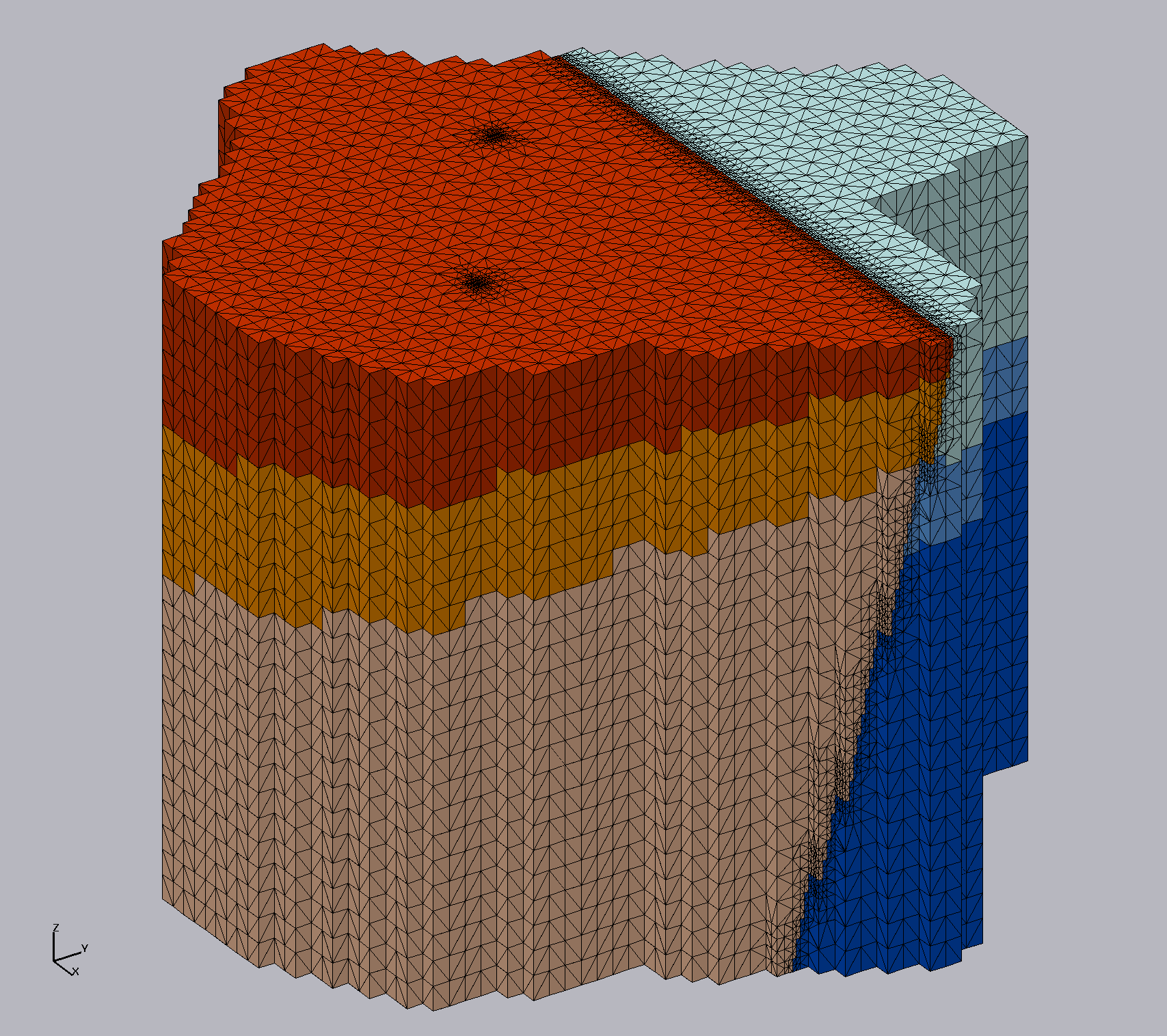
resolution in user specified regions of interest. These result in stair-stepped geometries instead of smooth, but can
be acceptable for where the geometry spacing is small relative to the full model domain. (Sentis and Gable, 2017).
Tutorials

Examples
The following are grouped according to the level of complexity. For specific command examples, see the command index. Select All, or by one of the categories:
- Commands are command examples showing a few lines for syntax and usage.
- Utility is a set of commands for a particular task.
- Demo is a set of commands from start to finish demonstrating a particular method.
- Tutorial is a full set of files and commands involving many steps to achieve a final mesh.